
Understand it
Ask why a member is failing and what to change, or trace the logic behind a calculation. CalcsAI reads your calculator's real logic and answers from your actual numbers.
CalcsAI is a natural-language layer on the calculators your team already trusts. It never does the math itself. Every number runs through your verified, deterministic calculators, and it shows the logic behind the answer.
Free during the beta on any paid Calcs.com plan.

Why current approaches fail
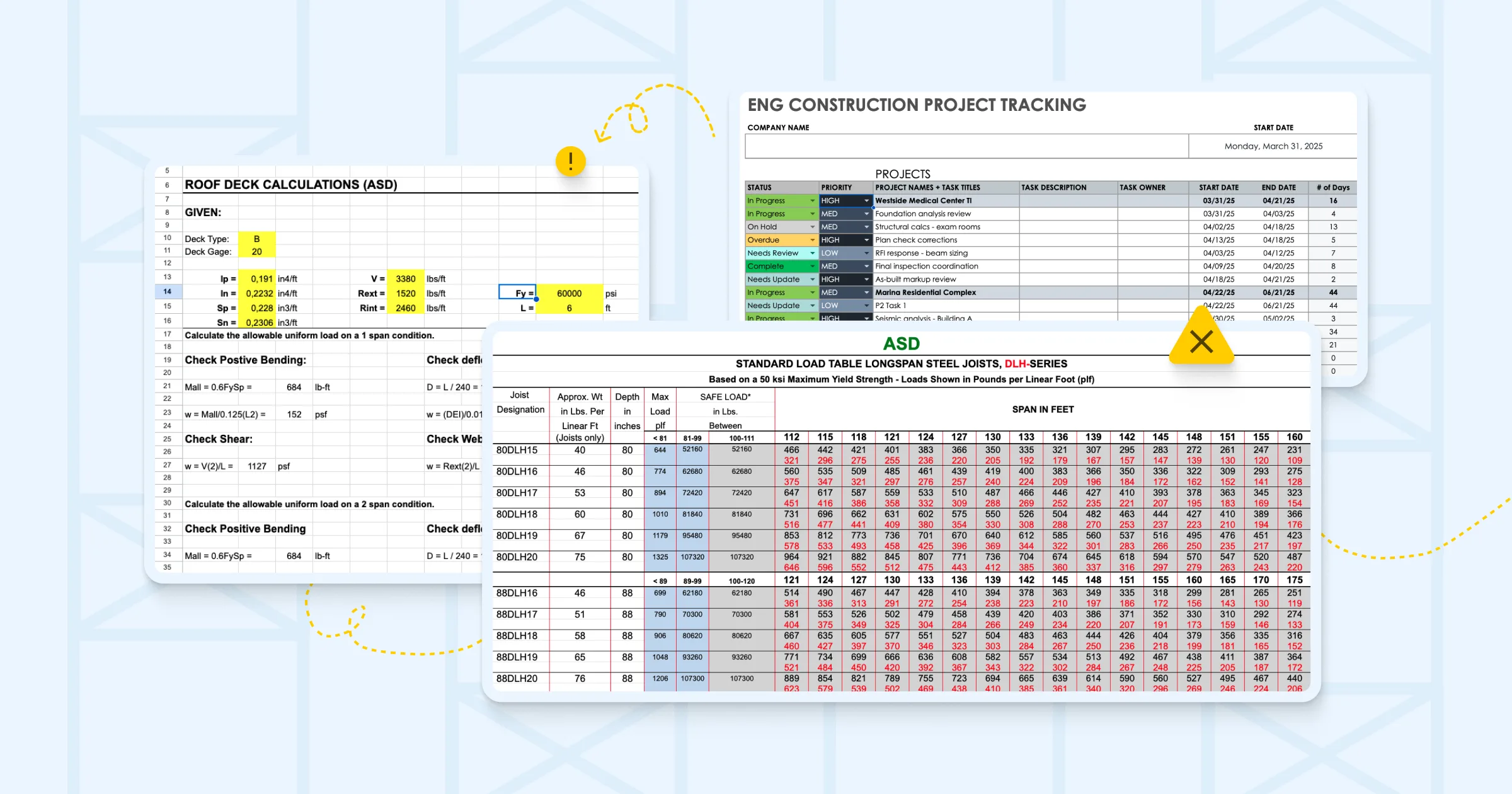
A junior hands over a sheet nobody can quickly verify. The reviewer reopens it and rebuilds the logic before they can sign off. Multiply that across every project you no longer personally check, and quality starts depending on someone reconstructing the work, again and again. The repeatable parts, setting up calcs, sizing members, swapping materials, quietly eat the hours you would rather spend on judgment.
Describe what you want, the way you would tell a junior. "Why is this beam failing?" "Convert these to HSS." "Size these members."
CalcsAI interprets the request and runs your verified, deterministic calculator. It doesn't compute the answer. It drives the calculator that does.
You get the result, the check behind it, and a reasoning view you can open to follow every step.
Describe what you want in plain English. CalcsAI does what you can already do in Calcs.com, without clicking through the interface by hand.
Ask why a member is failing and what to change, or trace the logic behind a calculation. CalcsAI reads your calculator's real logic and answers from your actual numbers.
Convert a design, such as a wood beam to its steel equivalent, and see the weight saved. Or size several members in one pass.
Describe a project and get a starting point you can refine. It is a starting point, not a checked design, so verify the defaults it picks.
[ 01 ]
Looking up a clause is table stakes; plenty of tools do it. CalcsAI reads and writes the calculators your team already uses, so it can explain a failure from the real logic behind the sheet and tell you exactly what to change. That grounding is the part general AI cannot reach. General AI guesses, then sounds confident. CalcsAI runs a real calculation, shows what it checked, and says "I don't have that" instead of making something up.

[ 02 ]
CalcsAI handles the repeatable parts of the work. The calculation, the check, and the stamp stay with the engineer. Every answer links back to the specific calculator it ran, so a reviewer can open the trace instead of rebuilding the logic, and it is there when QA or your insurer asks.

Two ways to get your engineers working with Calcs.com, run by the people who build it.
One platform for structural calculations, connected data, and built-in AI.

The core of Calcs.com: a standards-aligned calculator library and project organization, with every step visible.

The internal engine our structural engineers use to build, verify, and maintain every Calcs.com calculator.

Our API and MCP: run code-checked calculations, site design data, and signed-off reports from your own product or AI chat.

A natural-language layer on Calcs.com that never does the math itself: every number runs through your verified calculators.
See how CalcsAI runs your verified calculators and shows the logic behind every answer.
Free during the beta on any paid Calcs.com plan.
We use analytics cookies to understand how you use this site and improve our content. See our privacy policy and cookie policy for details.