

This release is currently only available to organizations enrolled in Early Access. If your organization is not enrolled in Early Access, your screens look the same for now.This release also mentions CalcsAI which is in beta testing separately.
The menu down the left
The main menu is cleaner and better organized. On a phone or tablet it now tucks behind a button instead of squashing the page.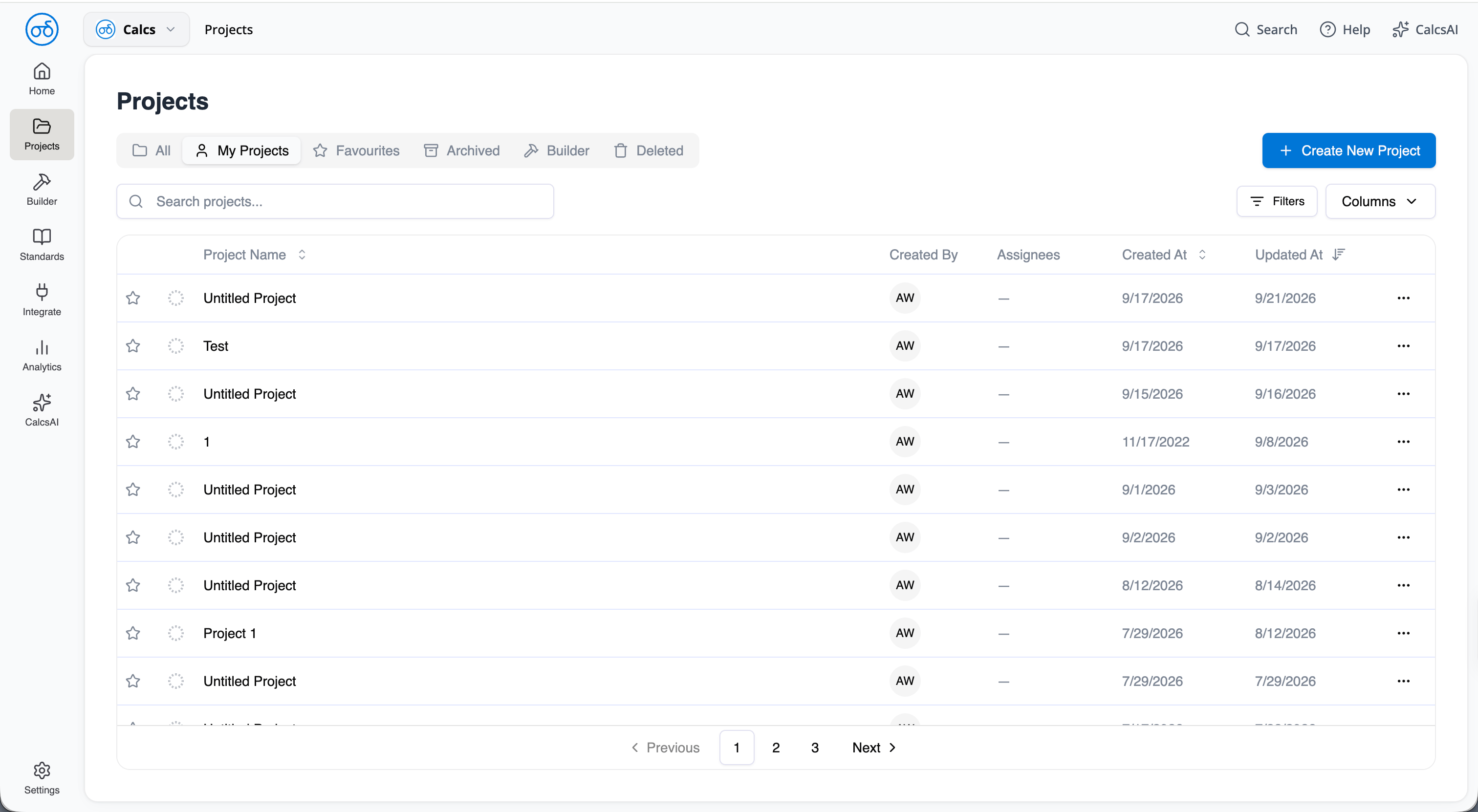
The main menu on a desktop screen
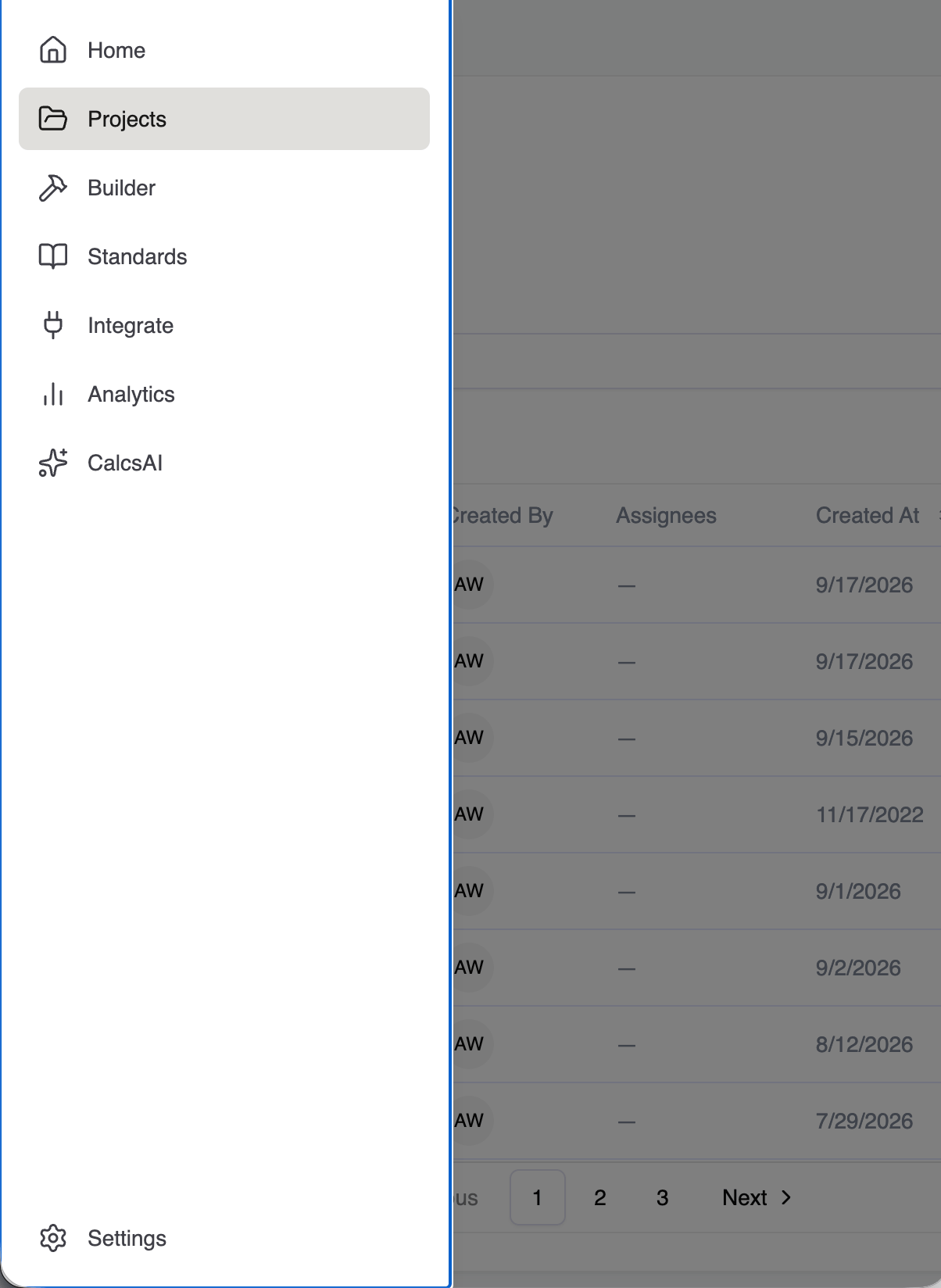
On a narrow screen the menu tucks behind a button
The project sidebar
You can collapse the project sidebar when you want more room to work, and drag it wider or narrower to suit you. Calcs.com remembers how you left it.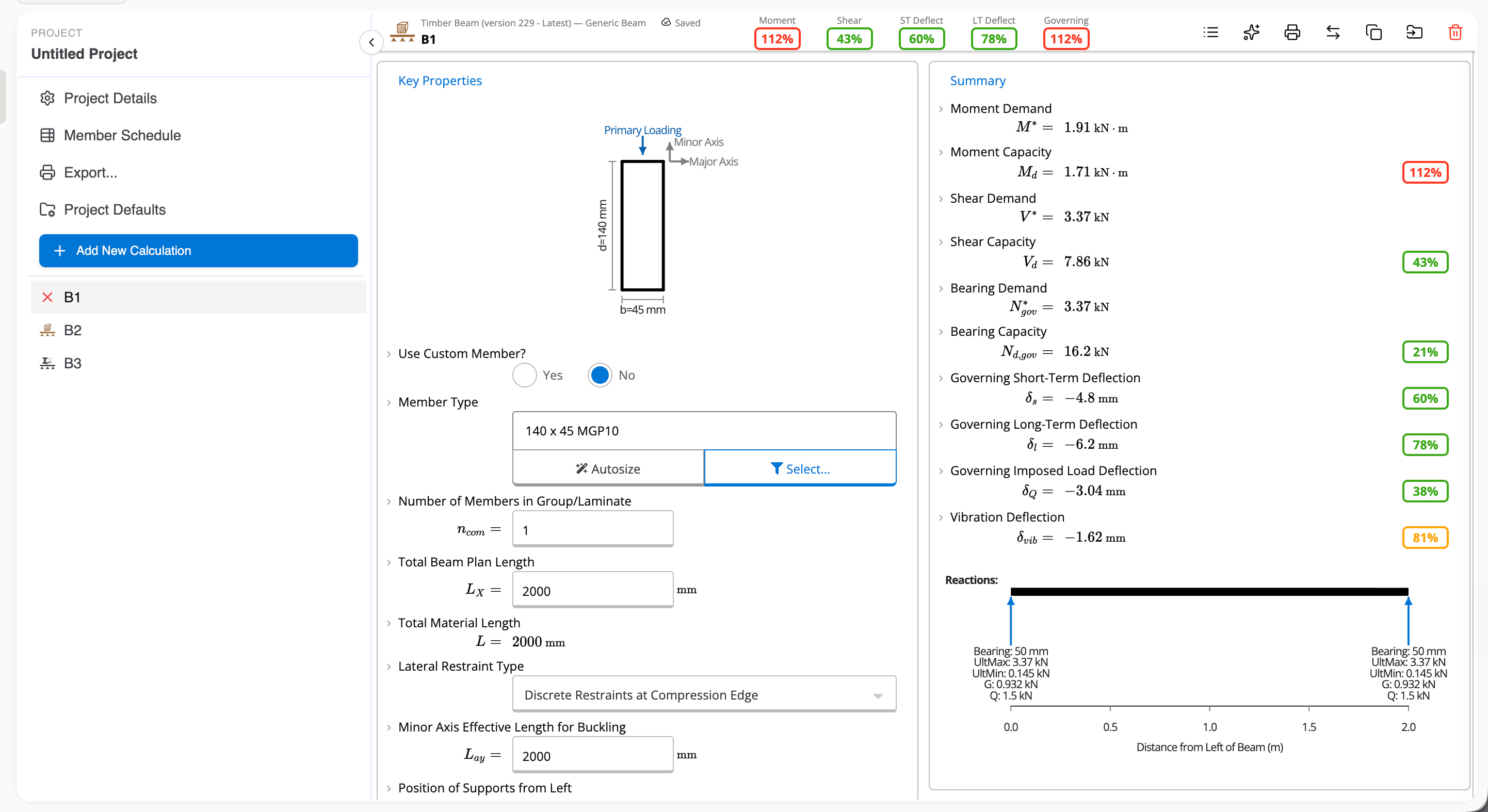
Collapsing the project sidebar out of the way
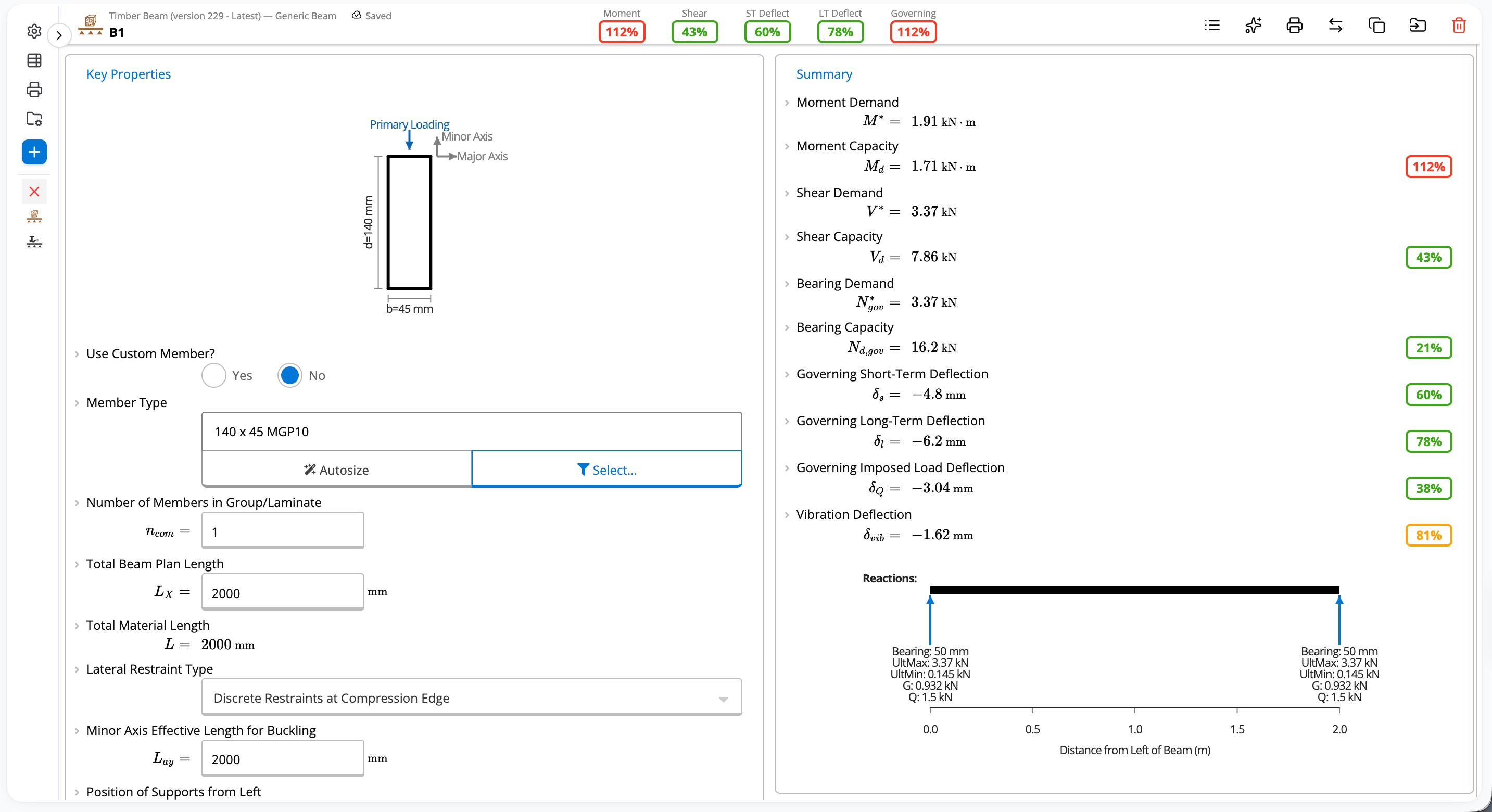
Dragging the sidebar wider or narrower
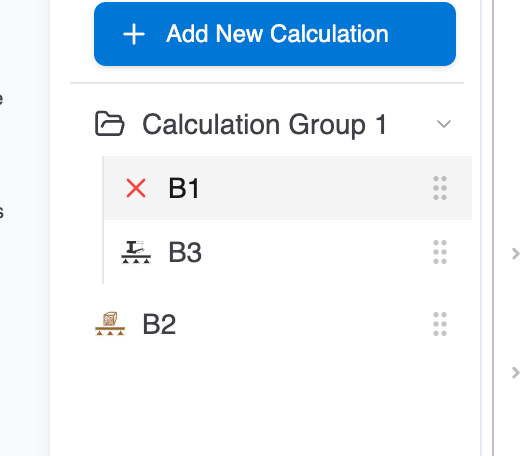
Moving a project into a group
The bar across the top
If you are an organization admin, you can manage your organization from the top bar. Invite members, manage existing members, and change settings without leaving the page you are on.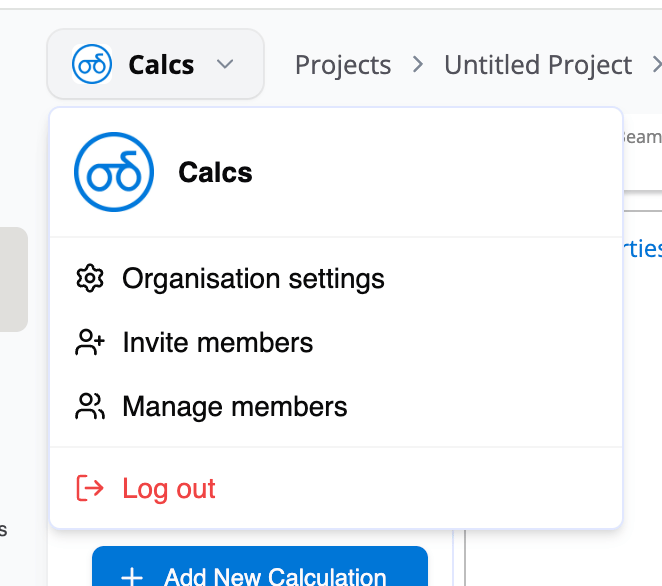
Organization controls in the top bar

The trail across the top shows where you are
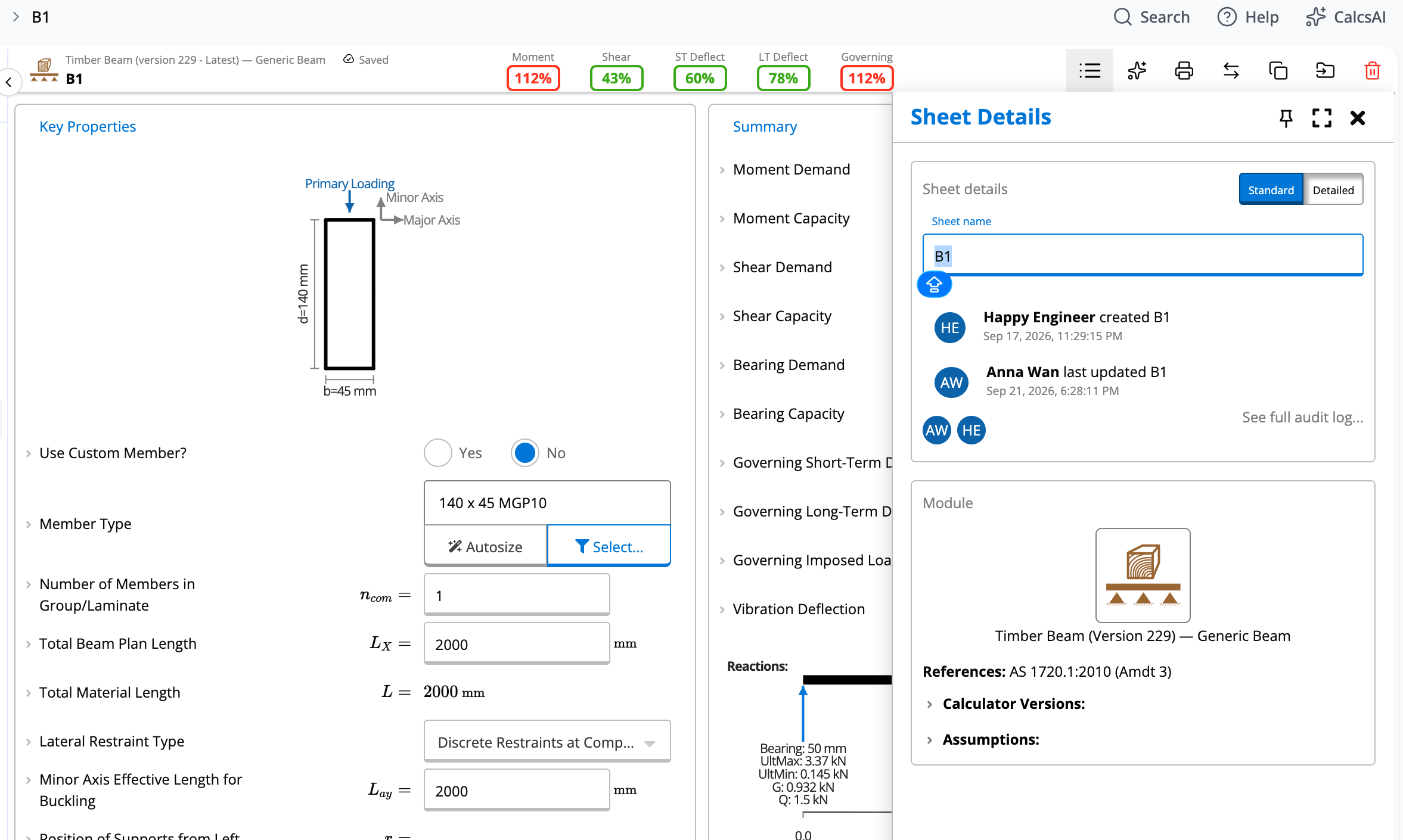
Calculation details
The panel on the right
Help and Calcs AI (in beta) now sit together in one panel on the right.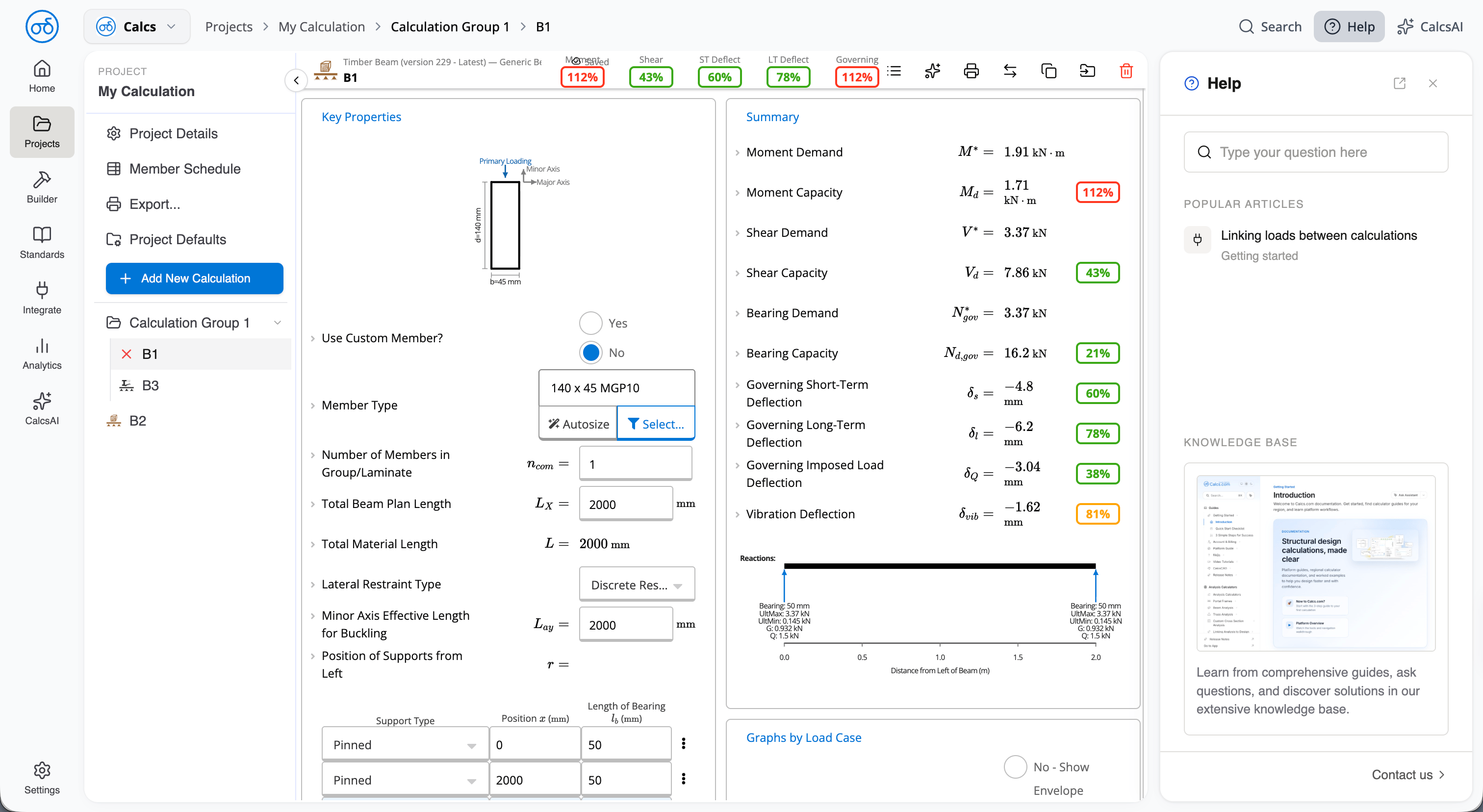
The right panel holds help and Calcs AI
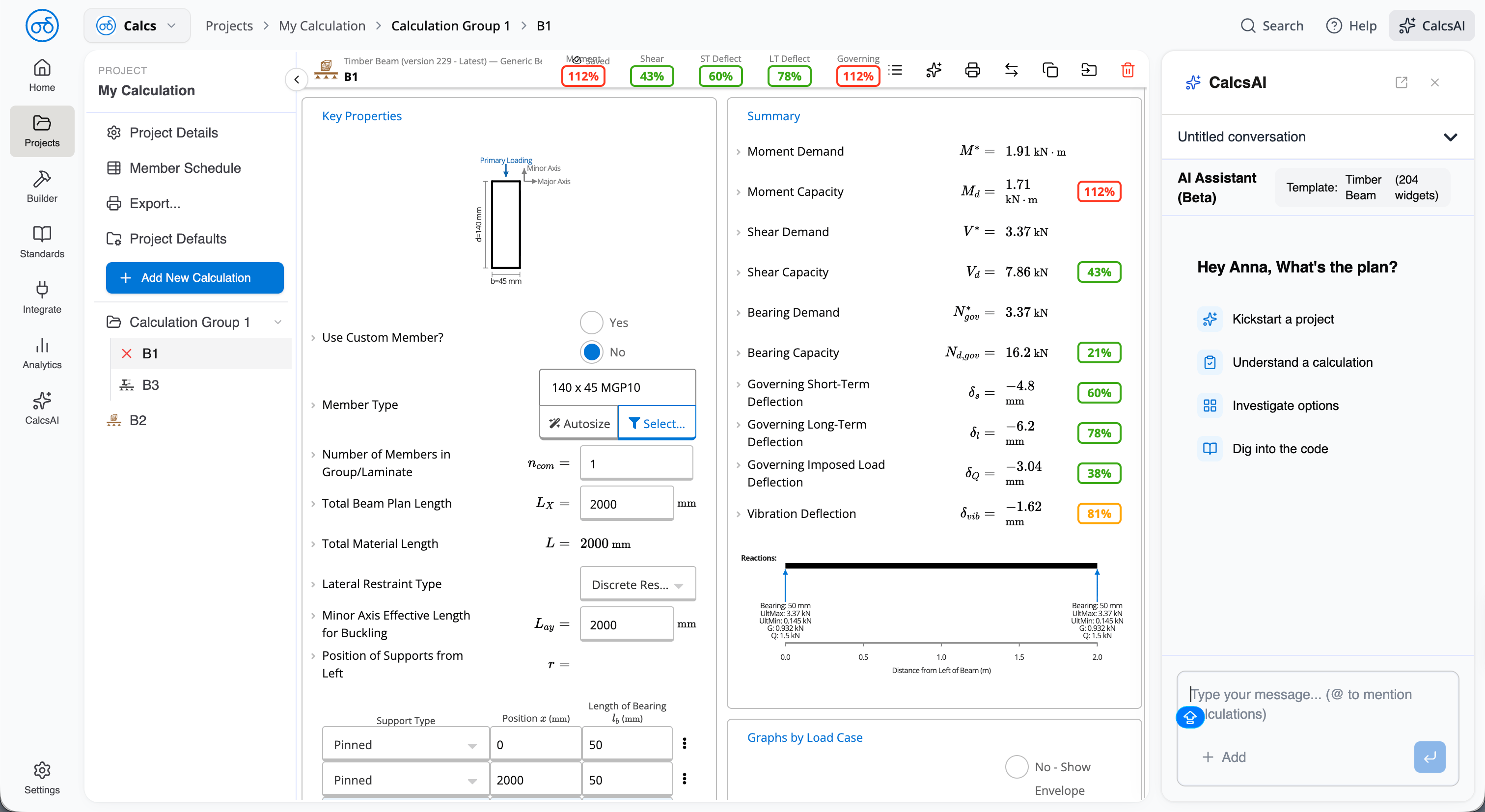
Calcs AI picks up the calculator you have open