> ## Documentation Index
> Fetch the complete documentation index at: https://calcs.com/docs/llms.txt
> Use this file to discover all available pages before exploring further.

# Introduction

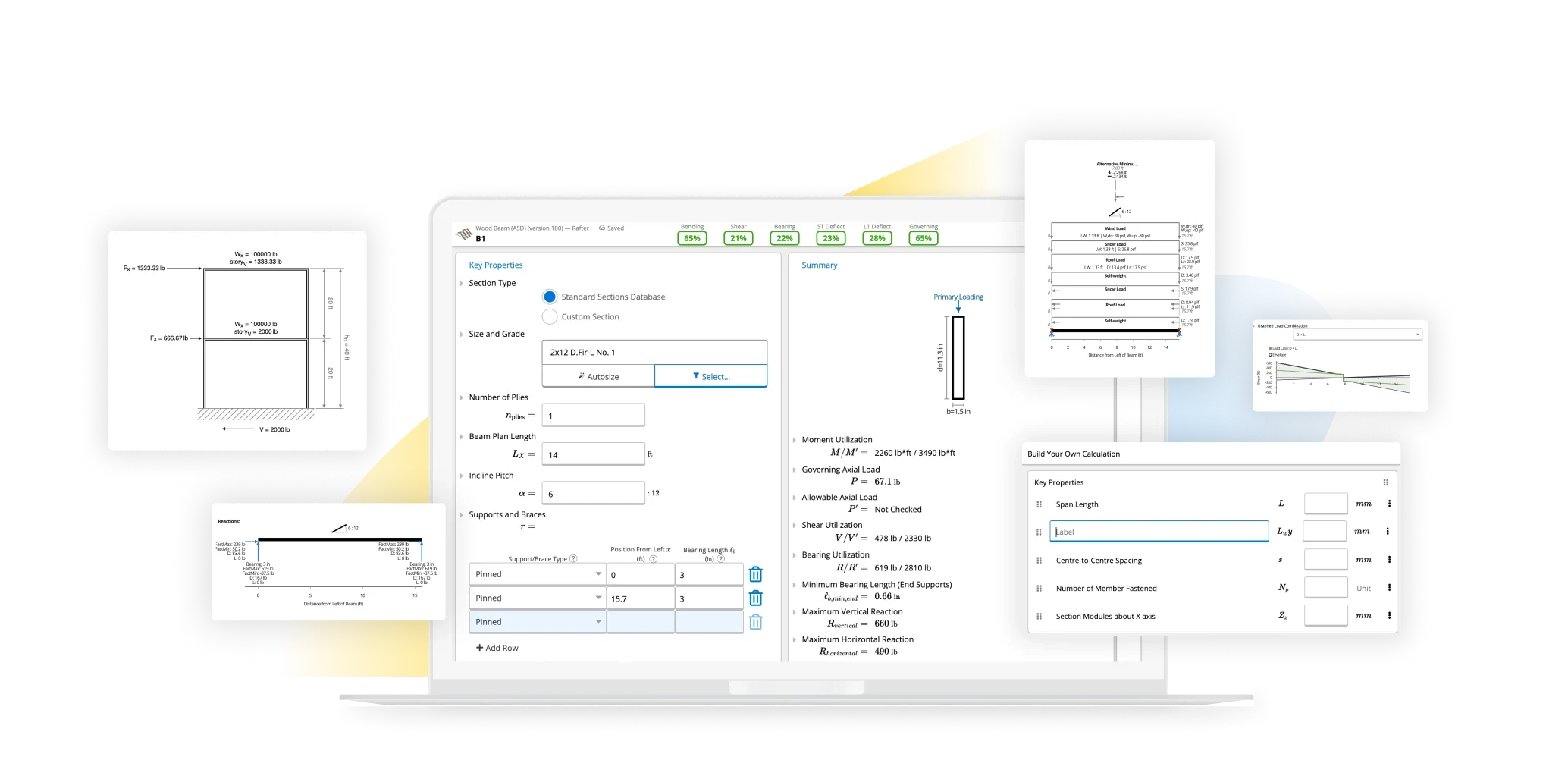
> Welcome to Calcs.com - Structural Design Calculations to Simplify your design workflow. Ditch the spreadsheets, work faster & smarter.

<img className="block dark:hidden" src="https://mintcdn.com/clearcalcs/8xpSUuYdN3BAAm63/images/hero-light.webp?fit=max&auto=format&n=8xpSUuYdN3BAAm63&q=85&s=4a56cd3d15a593b3a45a92b80d44e1bc" alt="Hero Light" width="1080" height="455" data-path="images/hero-light.webp" />

<img className="hidden dark:block" src="https://mintcdn.com/clearcalcs/8xpSUuYdN3BAAm63/images/hero-dark.webp?fit=max&auto=format&n=8xpSUuYdN3BAAm63&q=85&s=241ddba66b30065a92adb574d295a22d" alt="Hero Dark" width="1080" height="455" data-path="images/hero-dark.webp" />

## 🚀 Getting Started

<CardGroup cols={3}>
  <Card title="Quickstart Guide" icon="rocket" href="/quickstart">
    Get started with Calcs.com in just a few minutes
  </Card>

  <Card title="3 Steps to Success" icon="list-ol" href="/learn_calcs/getting_started/getting_started__3_simple_steps_for_success">
    Learn the three key steps to using Calcs.com effectively
  </Card>

  <Card title="2-Minute Tutorial" icon="circle-play" href="/learn_calcs/getting_started/video_series__learn_calcs_in_2_minutes">
    Watch our quick video introduction to Calcs.com
  </Card>
</CardGroup>

## 📚 Core Documentation

<CardGroup cols={4}>
  <Card title="Guides" icon="book" href="/quickstart">
    Getting started guides, tutorials, and FAQs
  </Card>

  <Card title="Designing with Calcs.com" icon="compass" href="/learn_calcs/basics/home">
    Learn the basics and advanced techniques
  </Card>

  <Card title="Account Management" icon="user-gear" href="/account_admin/home">
    Manage your account, users, and billing
  </Card>

  <Card title="API Reference" icon="code" href="/api-reference/introduction">
    Integrate Calcs.com with your workflow
  </Card>
</CardGroup>

## 🌍 Calculations by Region

Choose your region to access calculations based on local codes and standards. Clicking a region will take you to that region's calculations page.

<Note>
  **Version Switching:** After clicking a region link, use the version switcher in the top navigation bar to switch to that region's version (e.g., "🇺🇸 USA", "🇦🇺 Australia") to see the full navigation and content for that region.
</Note>

<CardGroup cols={2}>
  <Card title="US-based Calculations" icon="flag-usa" href="/calculations/us/home">
    Calculations based on US codes and standards (AISC, ACI, NDS)
  </Card>

  <Card title="AU/NZ-based Calculations" icon="earth-oceania" href="/calculations/au/home">
    Calculations based on Australian/New Zealand standards (AS, NZS)
  </Card>

  <Card title="EU-based Calculations" icon="earth-europe" href="/calculations/eu/home">
    Calculations based on Eurocode standards
  </Card>

  <Card title="CA-based Calculations" icon="canadian-maple-leaf" href="/calculations/ca/home">
    Calculations based on Canadian standards
  </Card>

  <Card title="ESICS Calculations" icon="tower-broadcast" href="/calculations/esics/home">
    ESICS-specific calculators and tools
  </Card>

  <Card title="Calcs Builder" icon="hammer" href="/calcs_builder/home">
    Build custom calculation templates
  </Card>
</CardGroup>

## 🛠️ Popular Topics

<CardGroup cols={3}>
  <Card title="General Analysis" icon="chart-line" href="/calculations/general_analysis_calculations/how_to_analyse_a_portal_frame_in_calcs">
    Portal frames, trusses, and custom analysis. Available in all regions.
  </Card>

  <Card title="Adding Users to your Account" icon="weight" href="/account_admin/user_management/adding_users_to_your_account">
    Managing your account and users.
  </Card>

  <Card title="Billing and Subscription" icon="sliders" href="/account_admin/billing/how_to_view__modify_or_cancel_your_subscription">
    Make changes to your Calcs.com plan and billing.
  </Card>
</CardGroup>

## 💡 Need Help?

<CardGroup cols={3}>
  <Card title="Contact Support" icon="headset" href="/contact_us">
    Get in touch with our support team for personalized assistance
  </Card>

  <Card title="FAQ" icon="circle-question" href="/learn_calcs/faq/common_errors_and_how_to_fix_them">
    Find answers to commonly asked questions
  </Card>

  <Card title="Community" icon="users" href="https://blueprint.calcs.com/">
    Join our community of engineers and share knowledge
  </Card>
</CardGroup>