Exporting/Printing Calculations
When you’re ready to export your work to print or PDF, all you need to do is select the ‘Export’ button in the left hand sidebar to begin the process. You can either export the entire project, or select a specific sheet to export. If you’d like to quickly export a single sheet, you can do this directly by selecting the export icon in the top right of the screen. To print one page per calculation, select ‘Summary’ print mode.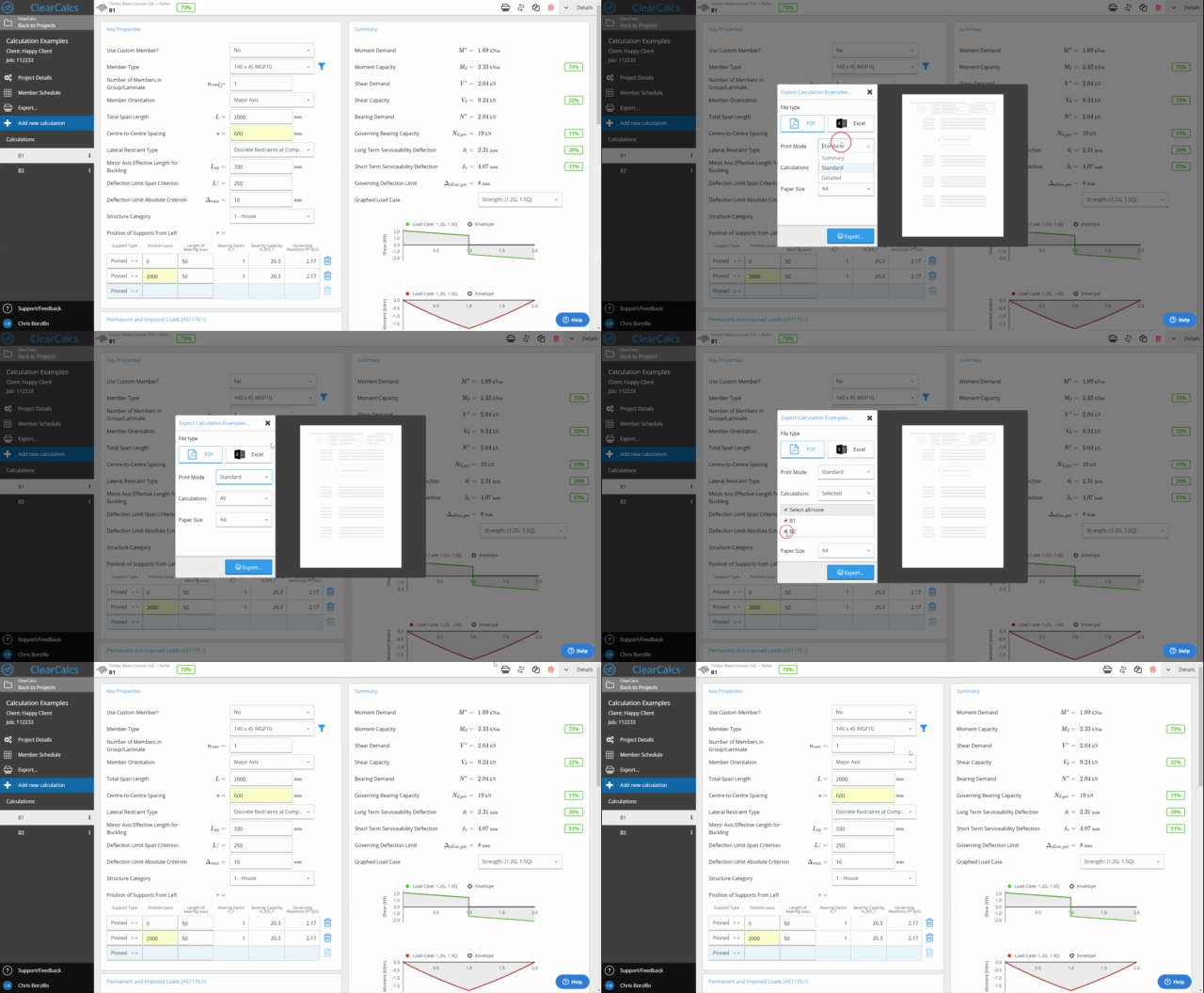
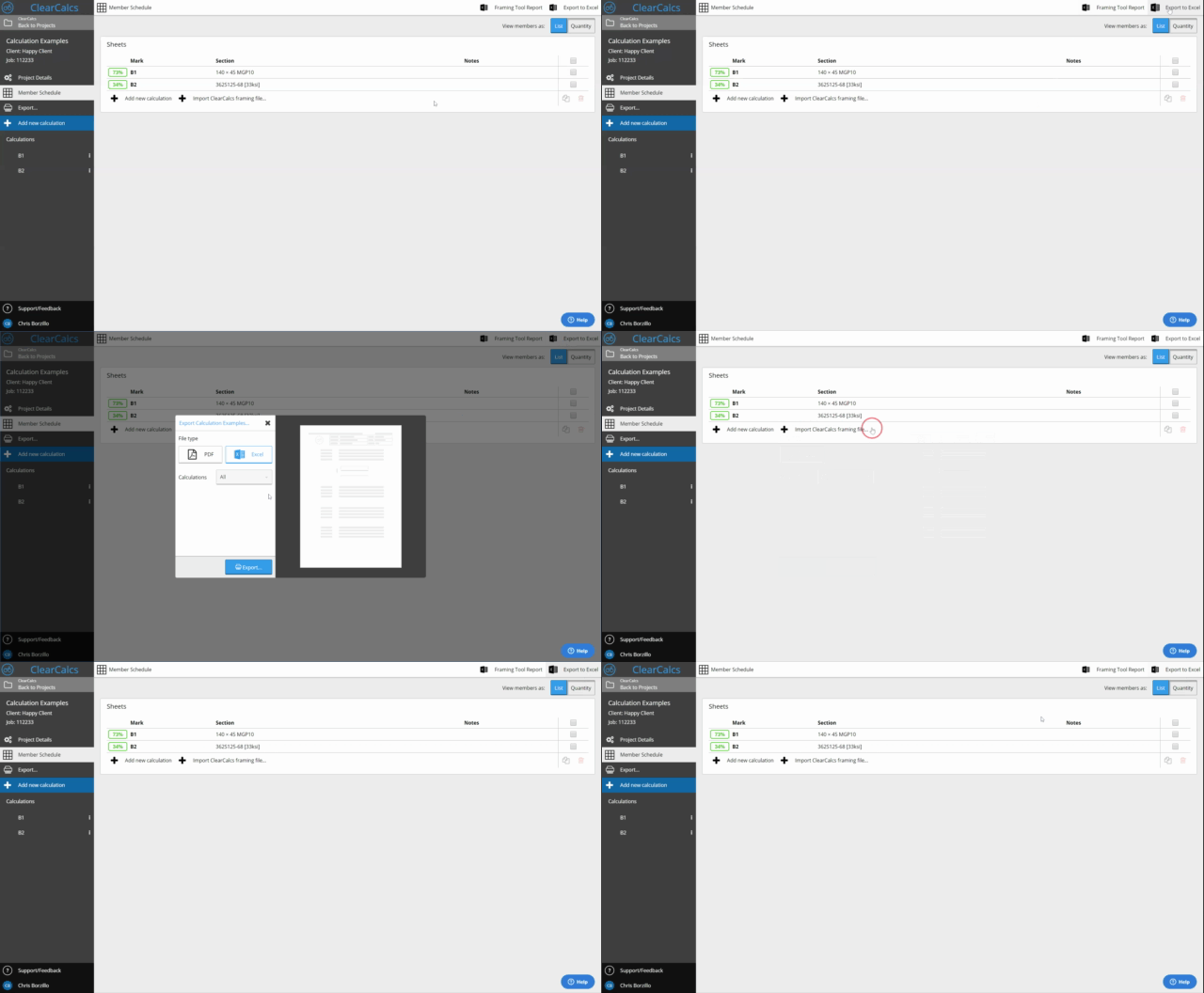
Exporting The Member Schedule to Excel
The project member schedule can be exported to Excel from the member schedule page available in the sidebar. The schedule will include any comments/notes that you’ve left on each computation to reduce quality errors and save time drafting by enabling easy import into CAD.