

Export Reports
Export a Member Schedule to Excel
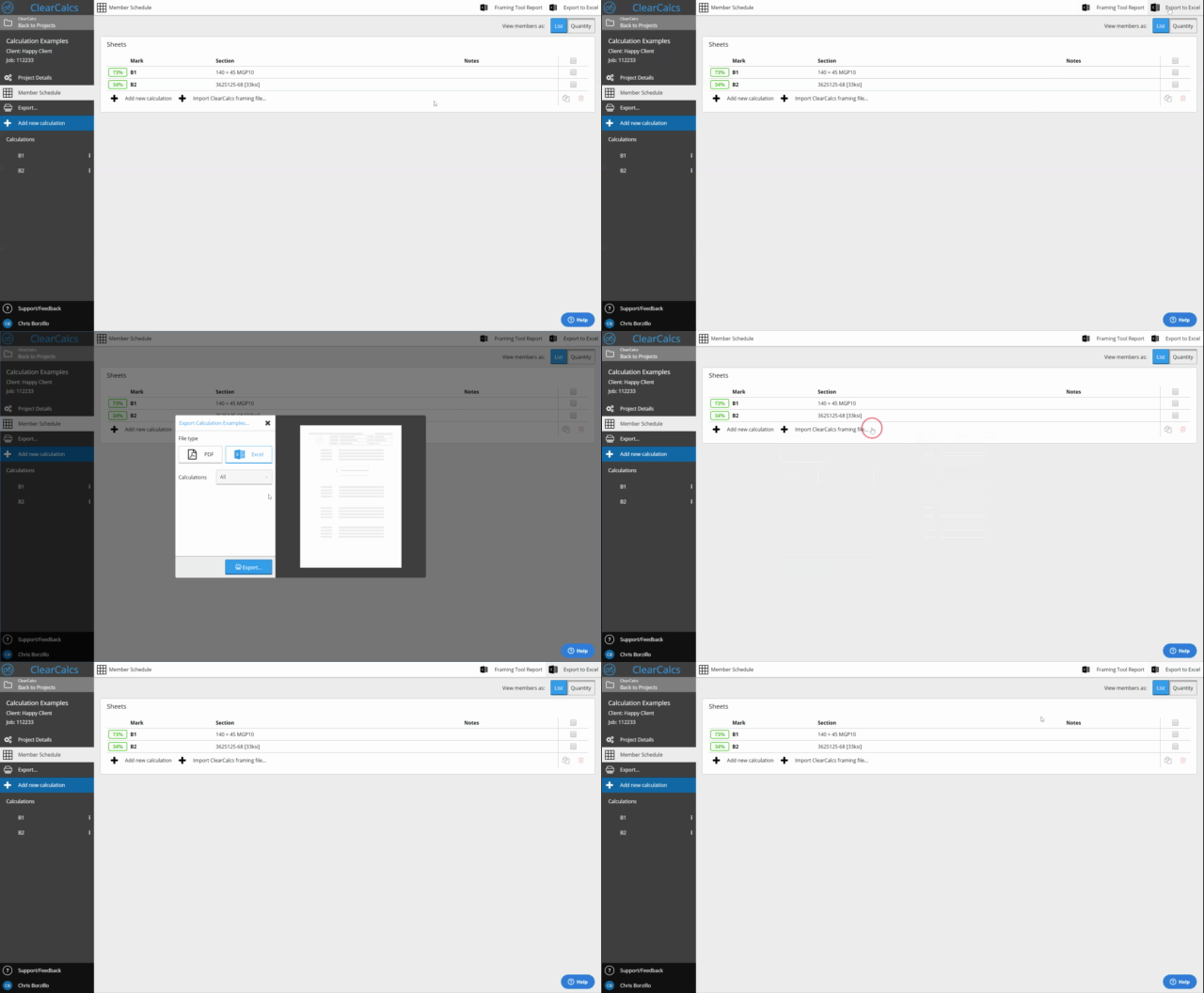
Export a project’s member schedule to Excel, including the comments and notes on each calculation.
You can export the project member schedule to Excel from the Member Schedule page in the sidebar. The schedule includes any comments or notes you’ve left on each calculation, which reduces quality errors and saves drafting time by making it easy to import into CAD.