

Table of Contents
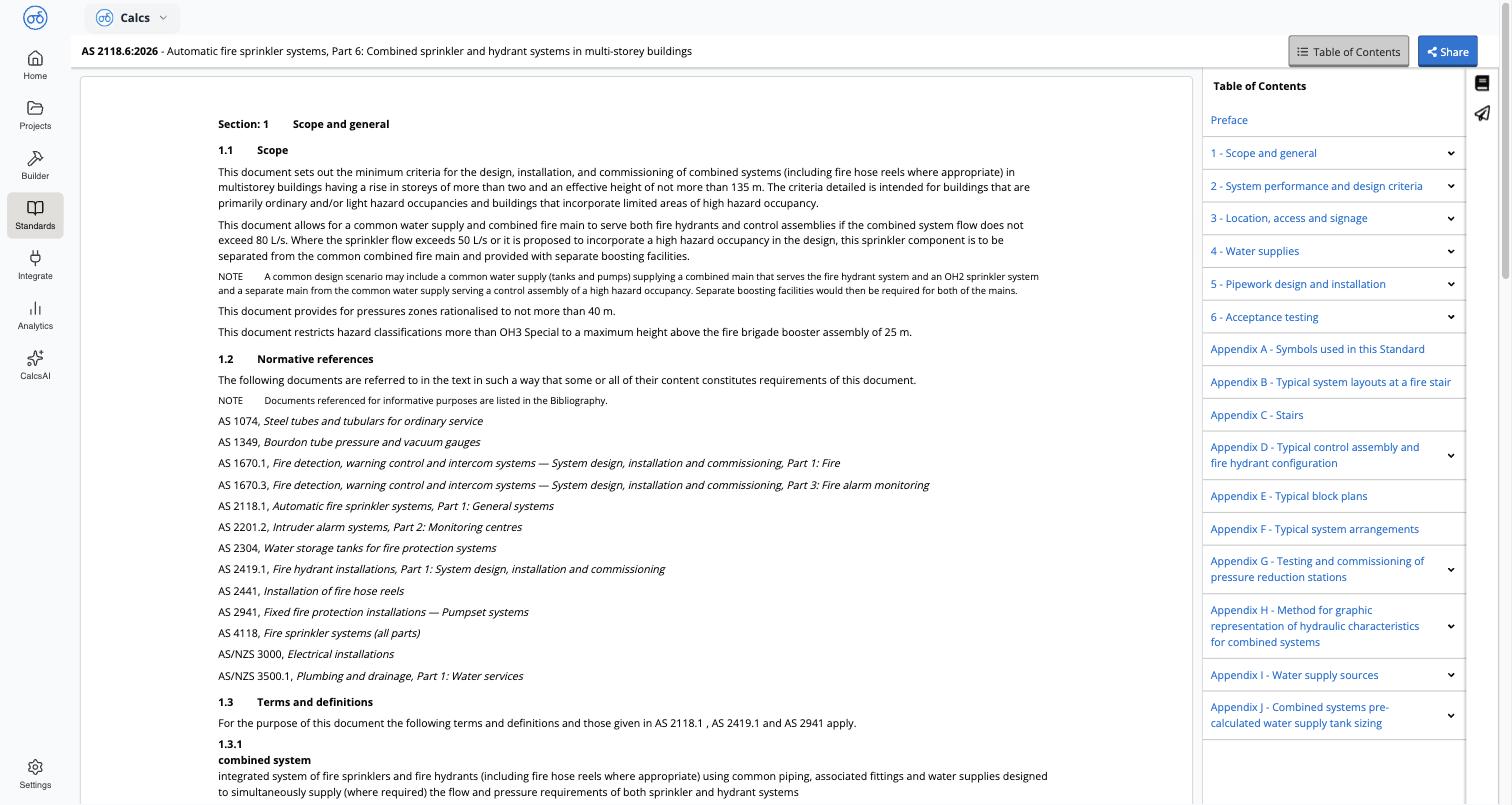
A collapsible Table of Contents panel sits on the right of the clause viewer, listing sections, expandable subsections, and appendices. Selecting any entry renders that section’s full text inline.Reading a clause
This is a licensed reproduction of the actual standard, not a summary or paraphrase. A clause page includes:- Numbered clauses and sub-clauses, with equations and their clause-numbered references (for example
3.2.6.2(1)) - NOTE callouts, definitions, and defined terms
- Cross-references to other clauses, sections, tables, and figures, shown as inline links (for example see Clause 1.4.2.2)
- A normative references list, where the section defines one
Amendments
Where a standard has published amendments, they appear as separateAmendment documents alongside the Full standard document — for example AS/NZS 1170.2:2021 Amd 1:2023 and AS/NZS 1170.2:2021 Amd 2:2024. The card for a standard on Standards and Codes notes when it includes an amendment.
Related
Sharing a Clause Link
Copy a stable link straight to a specific clause
Viewing Clauses from Inside a Calculator
Jump from a calculation result to the exact clause it’s checking against