

What you’ll see
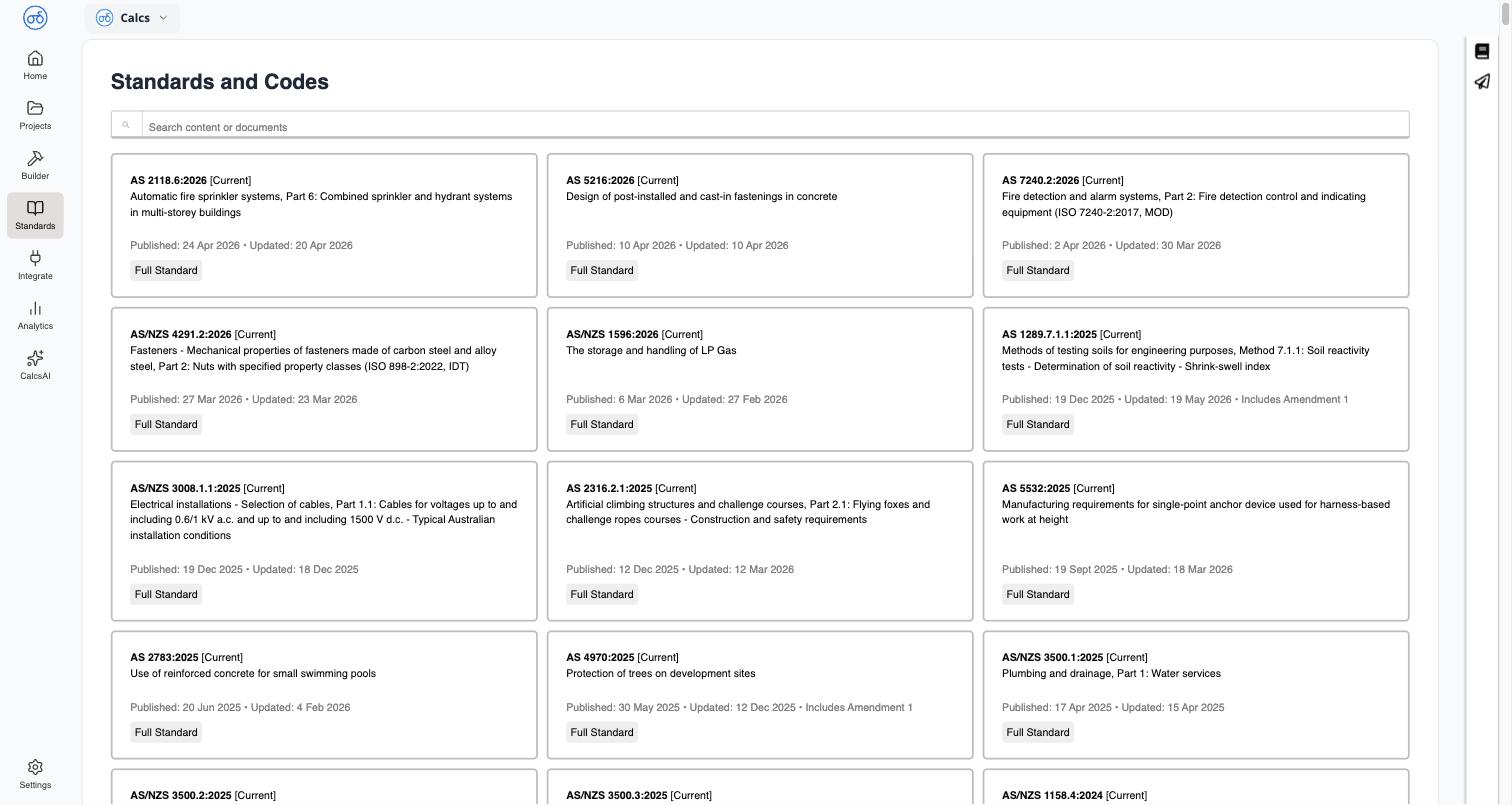
Opening Standards takes you to Standards and Codes, a card grid of every standard your organisation has access to. Each card shows:- Designation and title — for example
AS 2118.6:2026, Automatic fire sprinkler systems, Part 6 - Status — a badge such as
[Current] - Published and Updated dates
- Amendment notes, where relevant (for example, “Includes Amendment 1”)
- A document type chip, such as
Full Standard
What’s included in your access
The standards shown are whatever your organisation is licensed for — this can include Australian Standards (AS and AS/NZS), and other codes depending on your subscription. What you can do with a standard beyond reading and searching it — printing, downloading — depends on your organisation’s license type for that specific standard; see Standards Licensing & Copyright.Where else you’ll run into it
The Standards Library isn’t only a standalone reference — it’s woven into the calculators themselves. Every design check traces back to the clause it’s based on:Browsing a Standard
Navigate a standard’s table of contents and read a clause
Sharing a Clause Link
Copy a stable link straight to a specific clause
Viewing Clauses from Inside a Calculator
Jump from a calculation result to the exact clause it’s checking against
Downloading a Standard as PDF
Save a licensed standard for your records