

Copying a link
Select Share at the top of any clause page. The button briefly confirms with Copied!, and the link is on your clipboard ready to paste.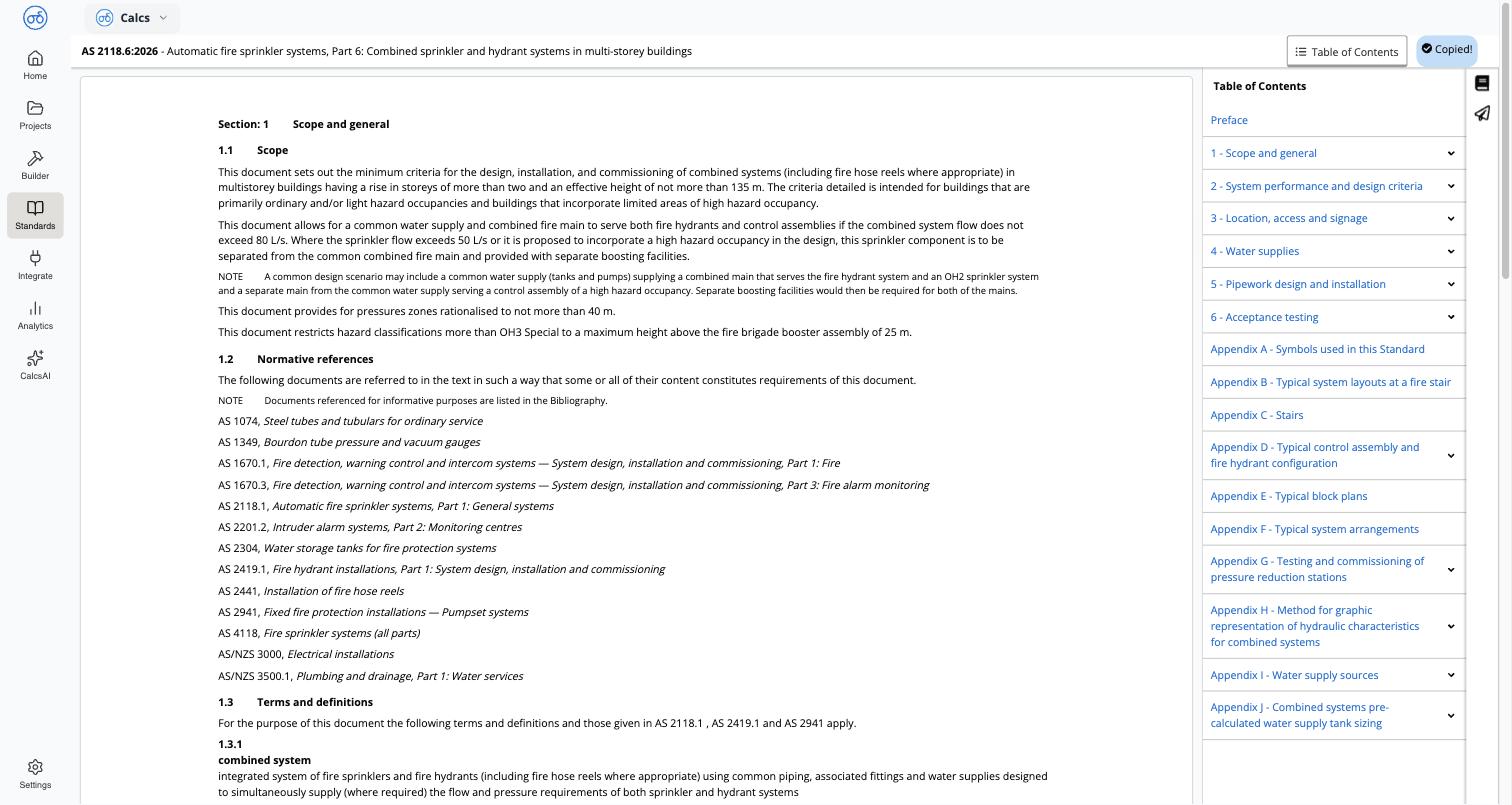
Where this is useful
- Citing a clause in a report or calculation review — link straight to the provision you’re relying on instead of describing it.
- Sending a clause to a colleague or reviewer — skip the back-and-forth of “which section did you mean?”
- Cross-referencing between calculators — the same link works whether you found the clause through search, by browsing, or from inside a calculator.
Related
Browsing a Standard
Navigate a standard’s table of contents and read a clause
Viewing Clauses from Inside a Calculator
Jump from a calculation result to the exact clause it’s checking against