

Advanced Tricks
Quickly Finding the Best Section with the Member Selector
Quickly Finding the Best Section with the Member Selector
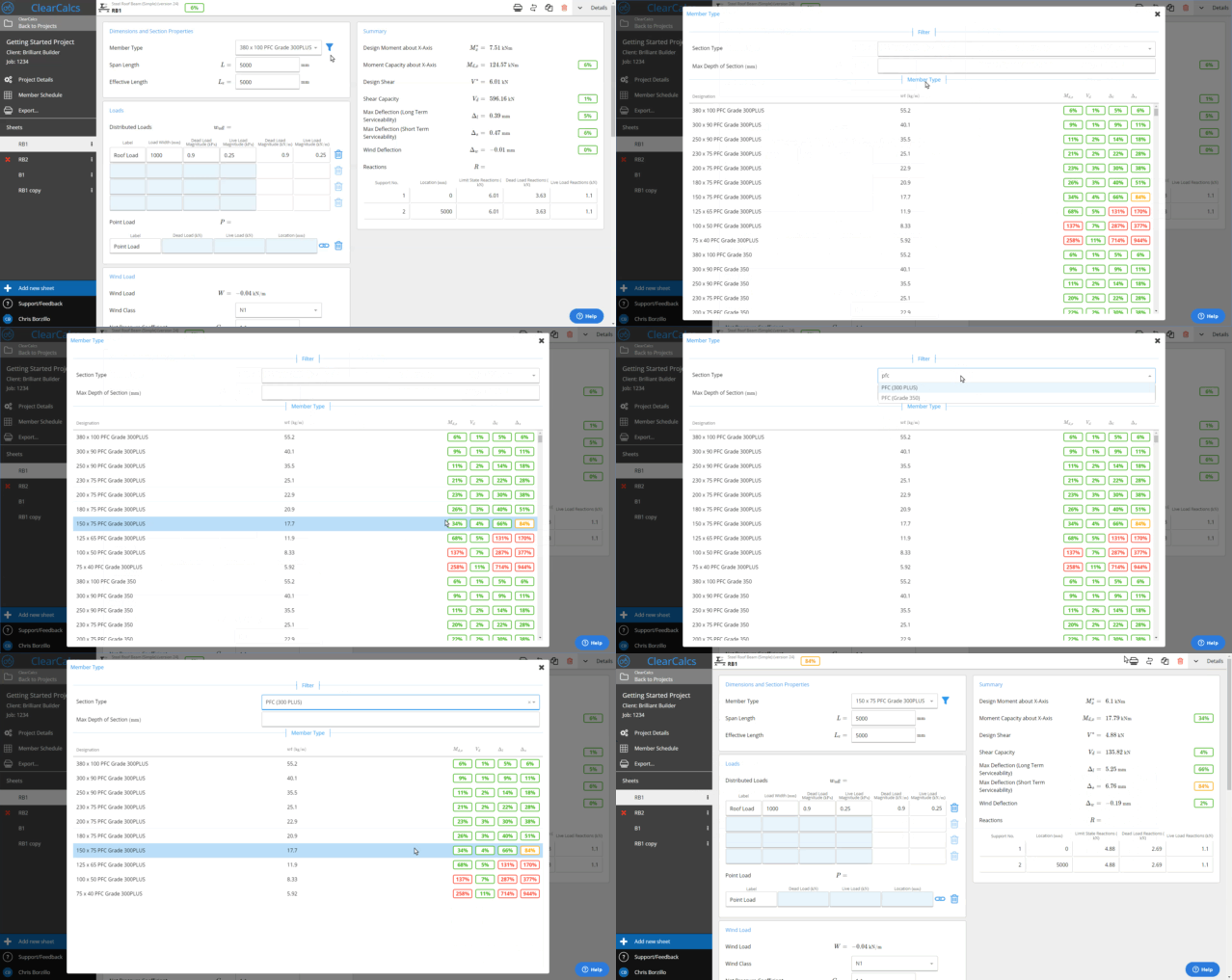
With a database of thousands of sections for some materials, finding the section you’d like can be a bit daunting if you’re not sure what you’re after. Any time you see a member selection, you can either click the name or click on the “Select…” button to see the pop up member selector.
The member selector will show a summary of critical checks for the given design so you can see at a glance what the most optimal section should be. The top filters allow you to filter down by category (eg. F17 timbers) as well as dimensions.