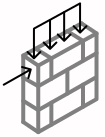
Overview
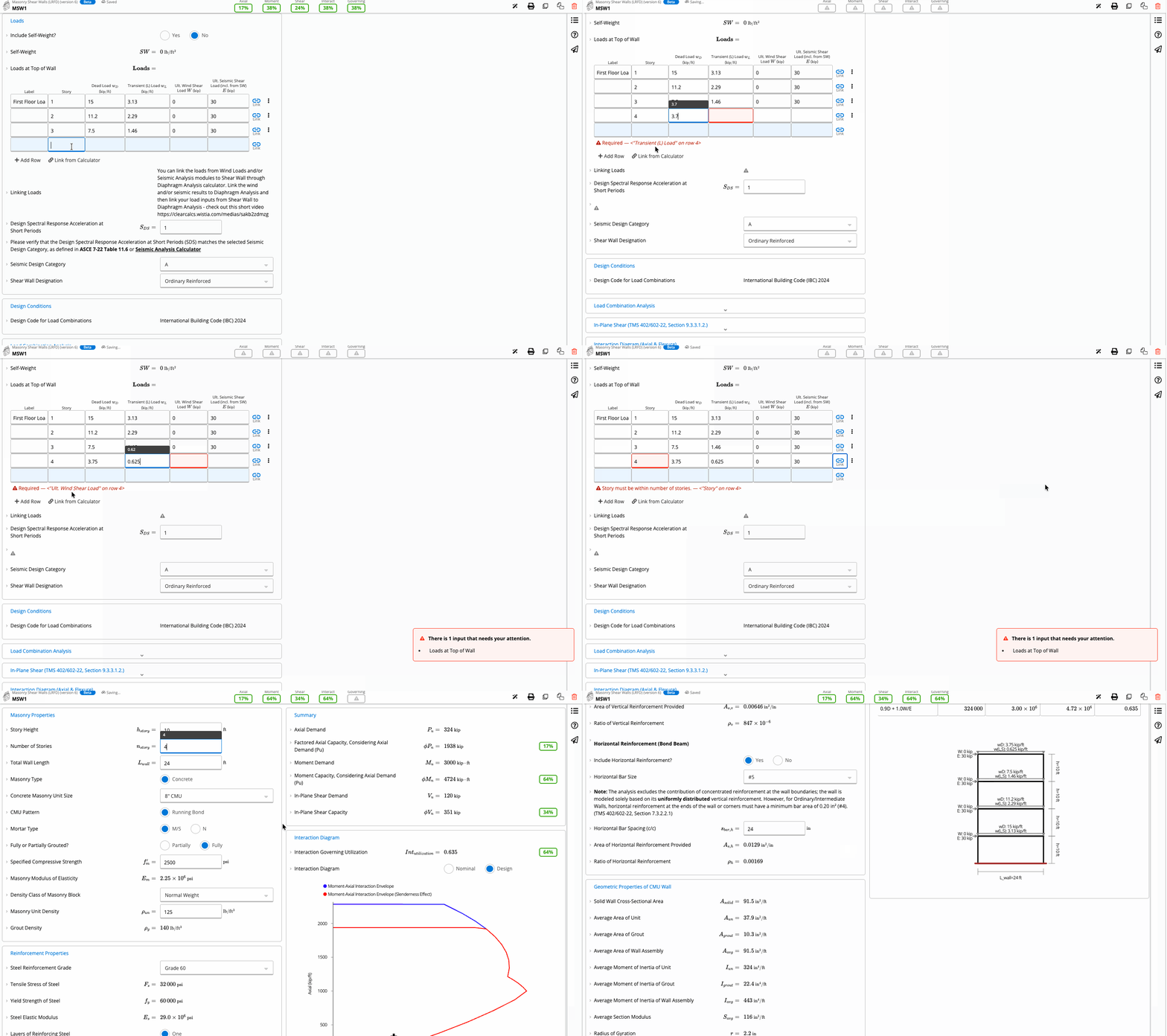
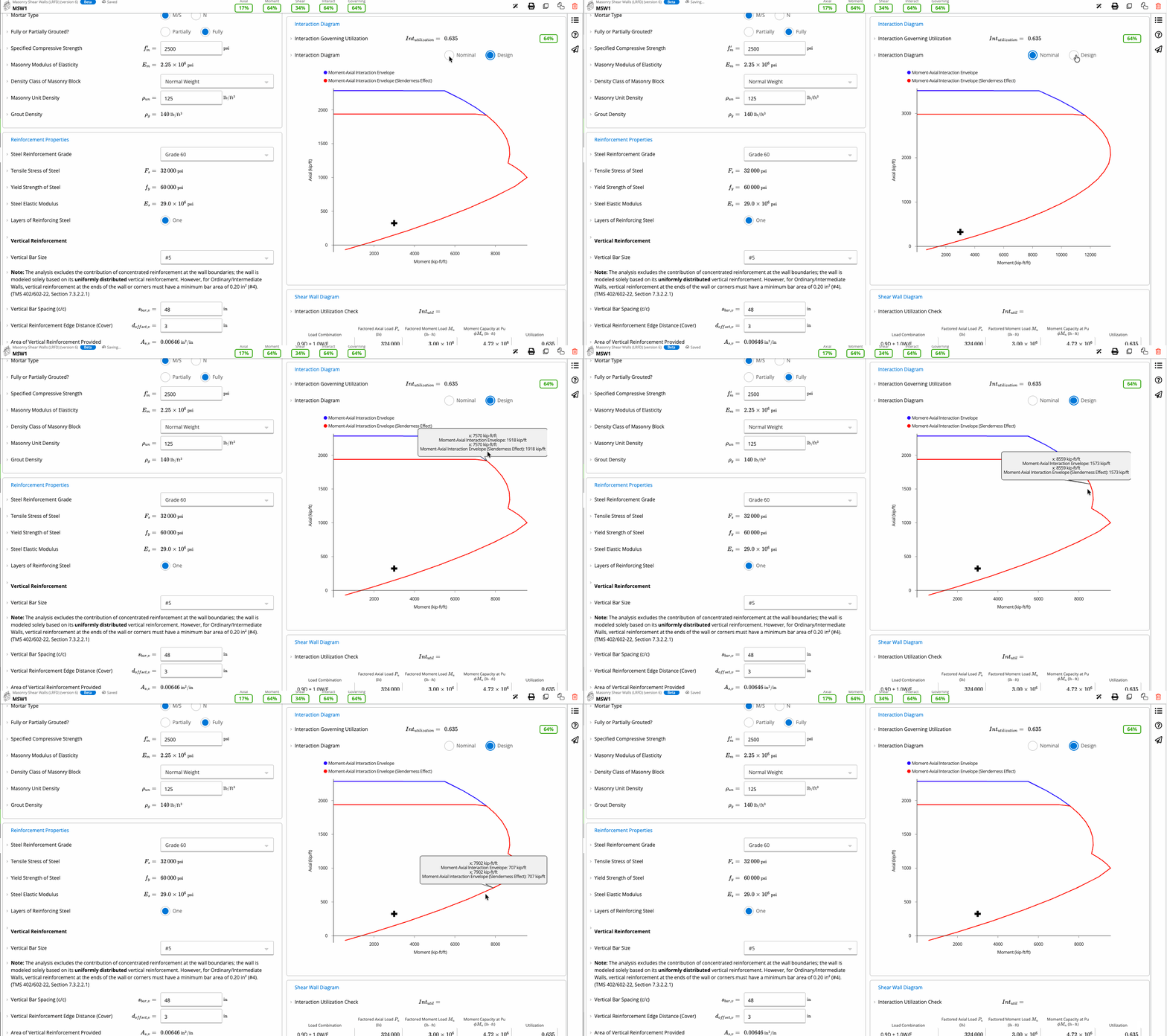
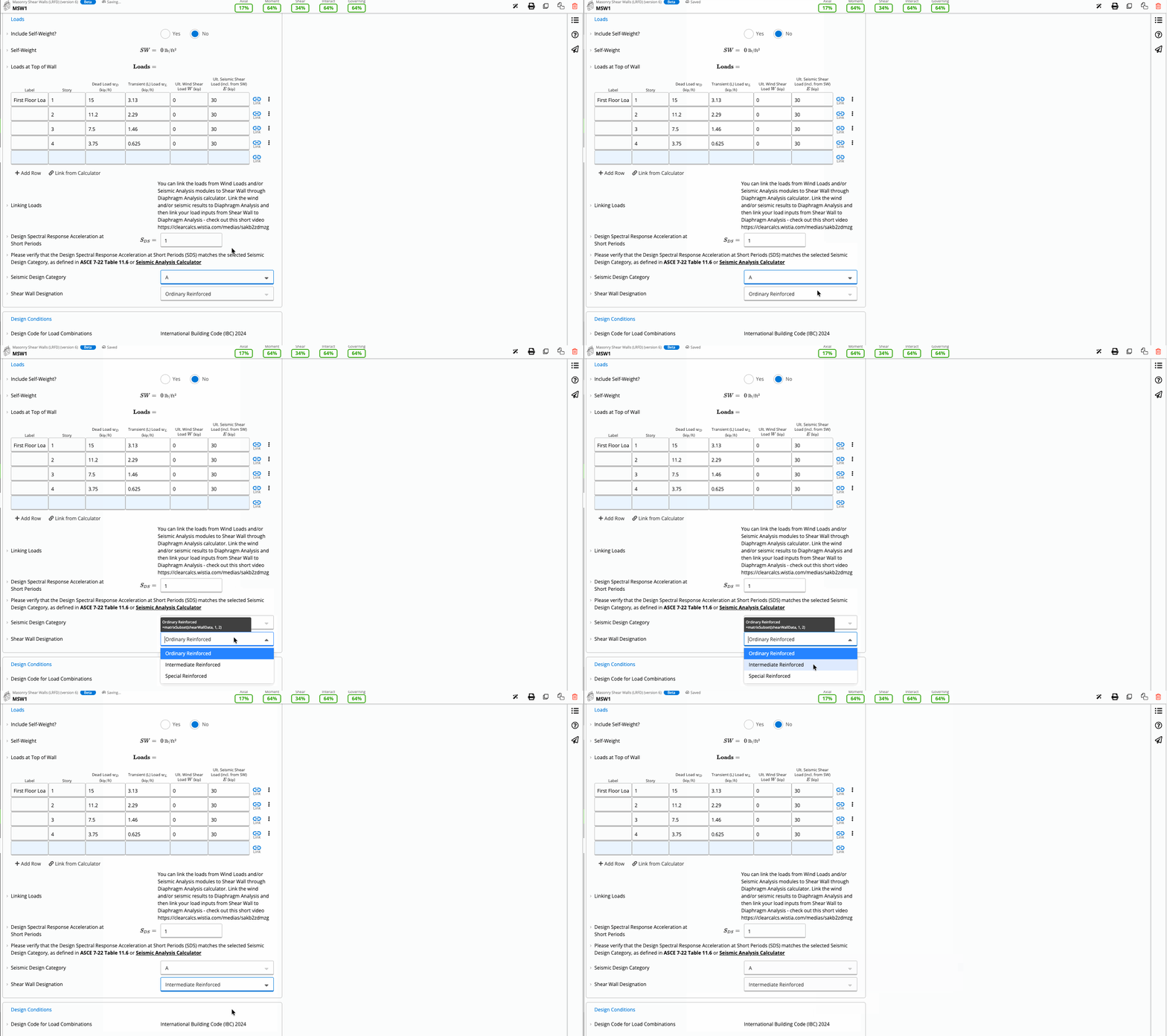
The Masonry Shear Wall (LRFD) Calculator is a comprehensive design tool for structural engineers to efficiently size and verify reinforced concrete masonry shear walls. Aligned with the latest TMS 402/602-22 standards, this tool automates the most complex aspects of masonry design, specifically combined axial and flexural interaction, while accounting for slenderness effects. Whether you are designing a single-story warehouse or a multi-story commercial building, the calculator evaluates the wall's capacity against user-defined gravity and lateral loads. By integrating seismic design category (SDC) checks and grout configurations into a single workflow, it eliminates the need for manual interpolation and fragmented spreadsheets.
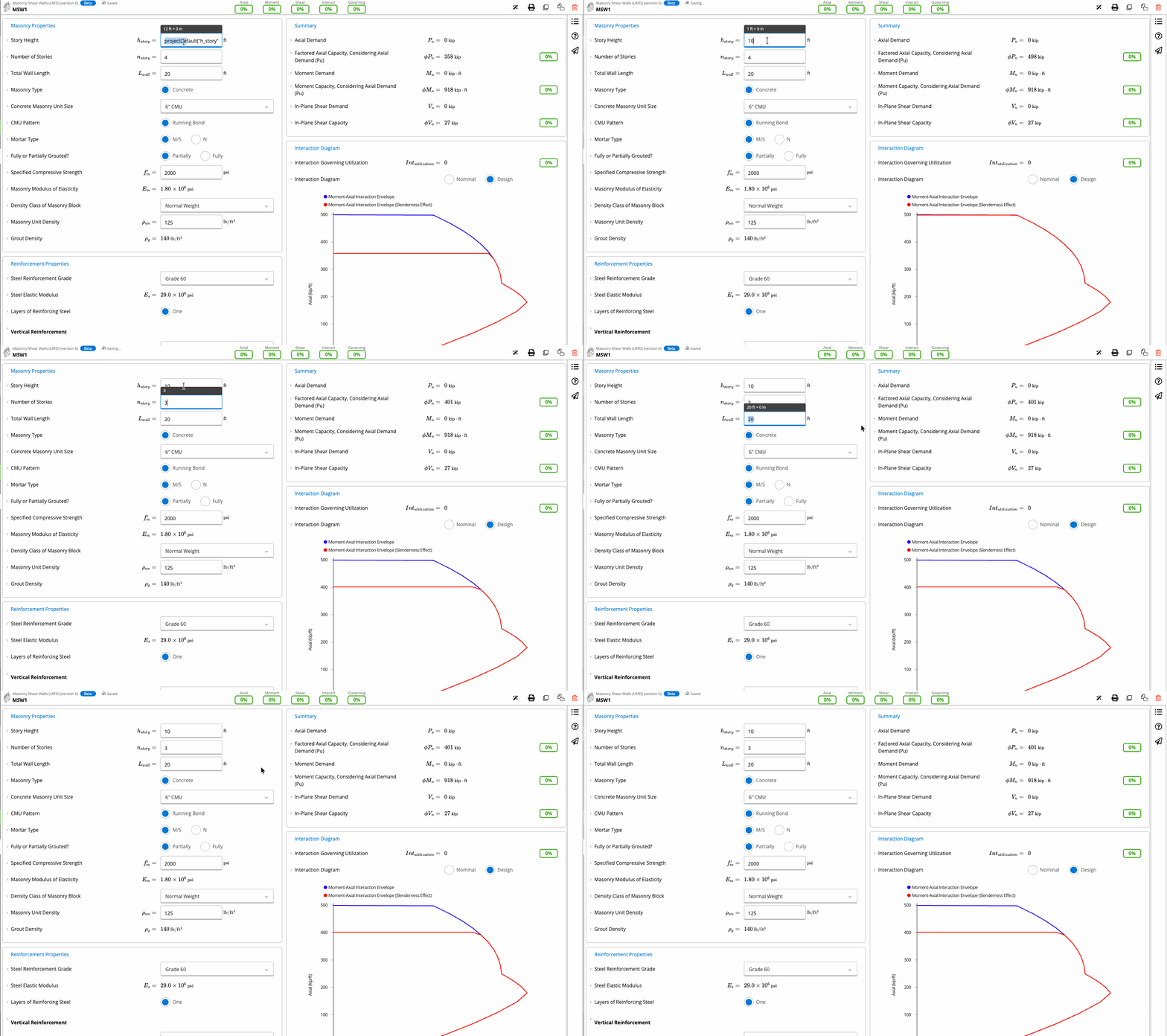
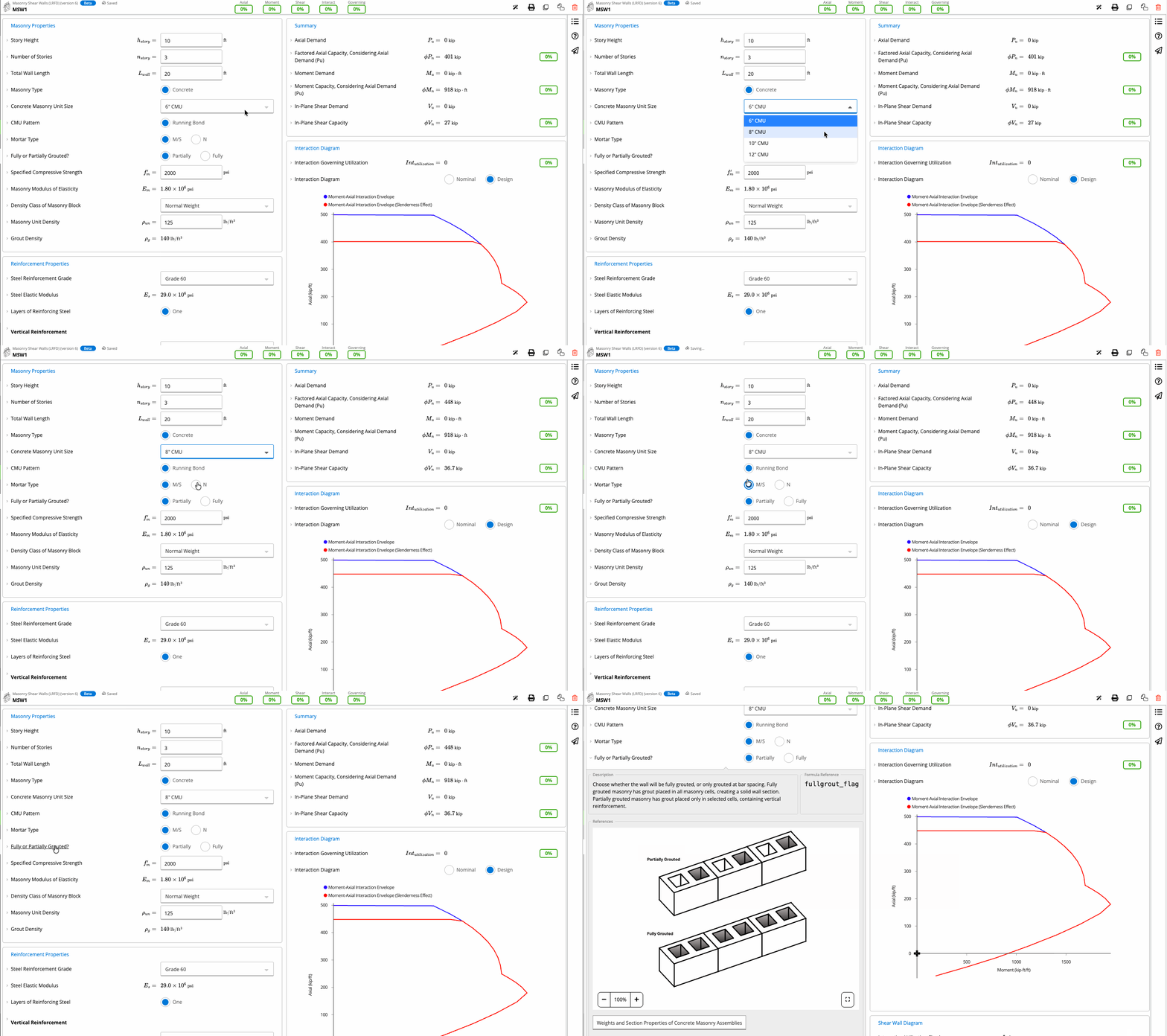
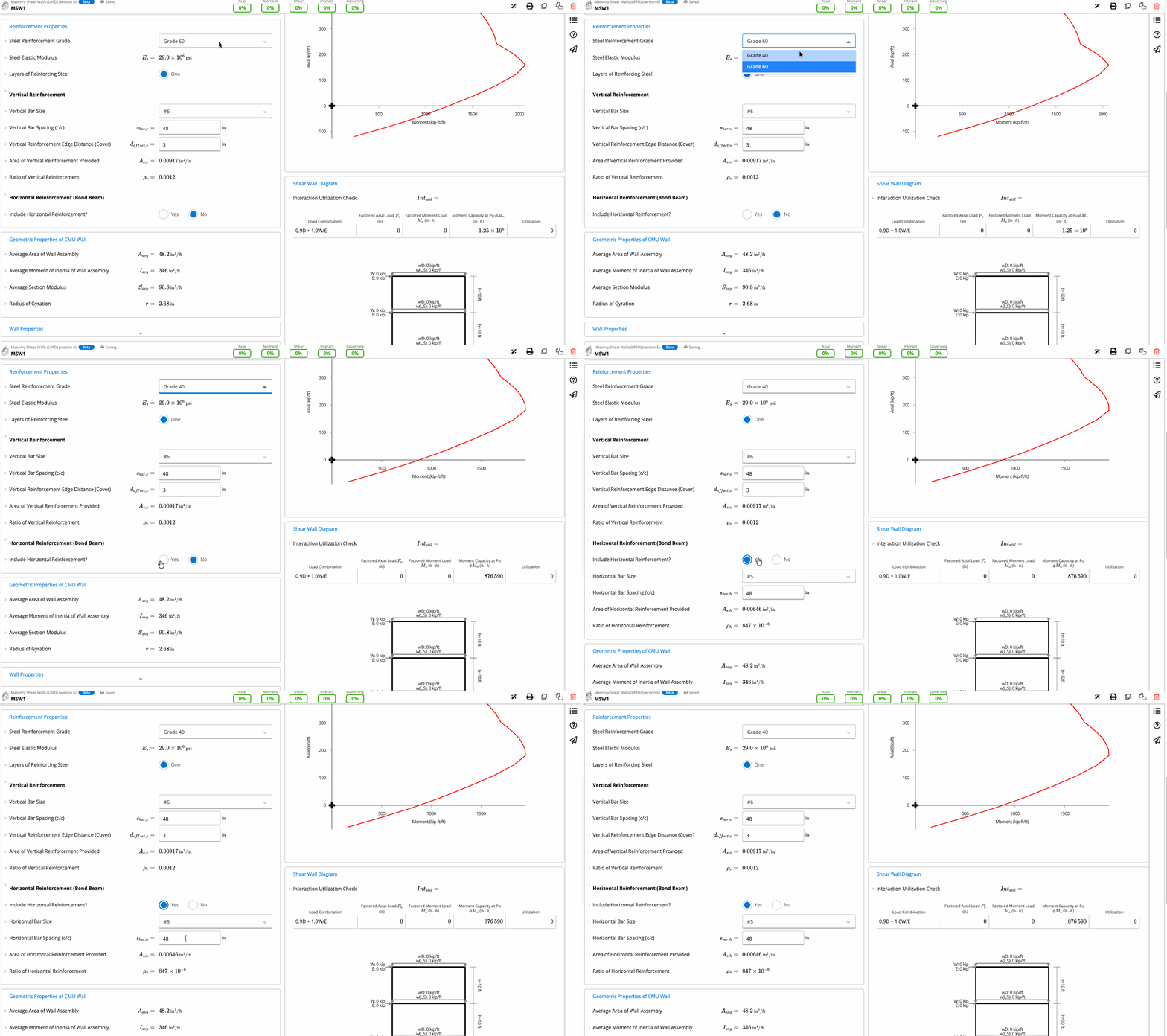
Presets
A preset is a ready-made configuration that instantly sets up a structural calculation with commonly used parameters, materials, and load scenarios. Each preset is tailored to specific use cases like floor joists, roof girders, or deck beams.
Why ClearCalcs?
See how Calcs.com transforms structural calculations from a tedious, error-prone chore into an efficient, stress-free process.

With spreadsheets and clunky software

Struggle with endless spreadsheets and custom formulas.
Building codes change, but outdated software and spreadsheets don’t.
Triple-check and verify manual input at every turn.
Old software feels like a maze, with unclear settings, limited templates, and rigid interfaces.

With Calcs.com

100+ pre-built calculators for different materials.
Every calculation comply with the latest codes and standards.
Forget the worry of “black box” calculations; verify calculators with inline formulas, codes, and checks.
Intuitive tools built to your workflow, plus unmatched customer support.
How It Works
Tired of complex calculations? Calcs Library keeps it simple, secure and code-compliant – so you can calculate with confidence.
Calcs.com offers an extensive library of easy-to-use calculators for beams, columns, and footings, designed to make structural calculations simpler and faster.
Choose from a wide range of pre-configured beam and column options, complete with automatic member sizing, so you can quickly reach reliable designs and reduce rework.


No need to copy and paste reactions between calculations! If the top calculator's reactions change, the loads being inherited onto the lower calculator will update automatically. This includes all loads such as dead, live, snow, seismic, and wind.
Calcs.com is not only easy to use, but also easy to check! All calculations follow an easy to understand traffic light check system, with multiple levels of detail available giving you the choice of printing every step of the calculation and all code and standard references, or simply a compact, one-page print out.
Report heading includes your project name and address
Easily upload your organization logo for a professional report
Use custom PDF upload to merge additional documents to your structural calculations
Download a sample report
Related Calculators
Calcs.com is a cloud structural design and analysis software helping engineers and designers do their best work quickly. With a broad range of calculations available, streamline your calculations and checks and produce beautiful end reports.
Experience the full power of Calcs.com with a 14 day free trial and start being more productive.
Get Started for Free
.png)

Design smarter, build faster. Unlock clear workflows and empower your team with accurate calcs that scale your business.