Review becomes reconstruction
Reviewers recreate calculations to understand them, crowding out actual judgment. Quality review gets squeezed under deadline pressure.
As engineering teams grow, decisions become harder to check. Calcs.com brings calculations, standards, and assumptions into one shared environment - so teams can review and defend work without rebuilding it.
No credit card required · 228 calculators · All major codes
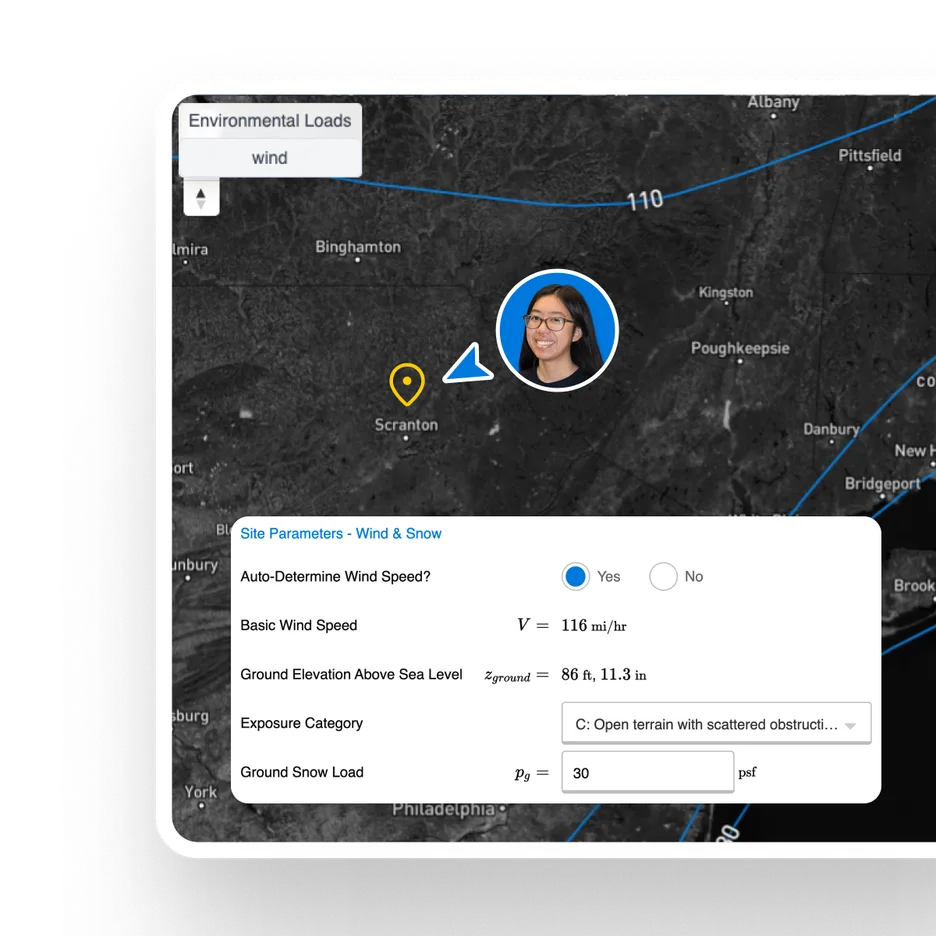
Engineering teams do not lose time because calculations are slow. They lose time because decisions cannot be checked quickly.
Reviewers recreate calculations to understand them, crowding out actual judgment. Quality review gets squeezed under deadline pressure.
Inputs are scattered across tabs. References live in PDFs. Assumptions are implicit. There is no connected view of the work.
Quality depends on who wrote the calc and who reviewed it, not on a consistent shared process that scales with the team.
Firms estimate 15-20% of project work repeats previous designs. Without a shared system, teams rebuild it every time.
Calcs.com brings calculations, standards, and decision context into one place so teams can review work without rebuilding it.
Reuse verified work instead of rebuilding it. Carry forward the actual inputs, assumptions, units, and referenced standards, not just a copied result.
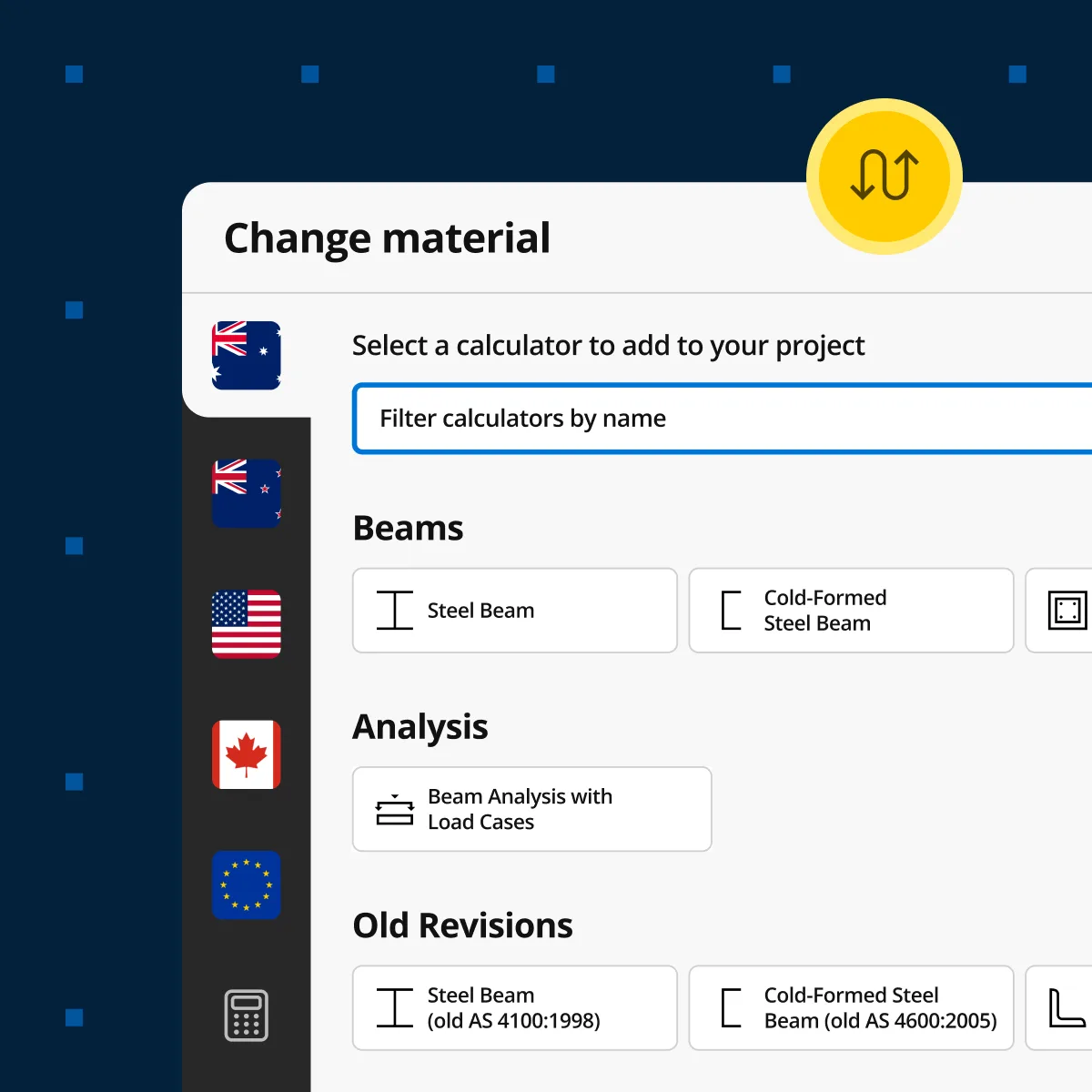
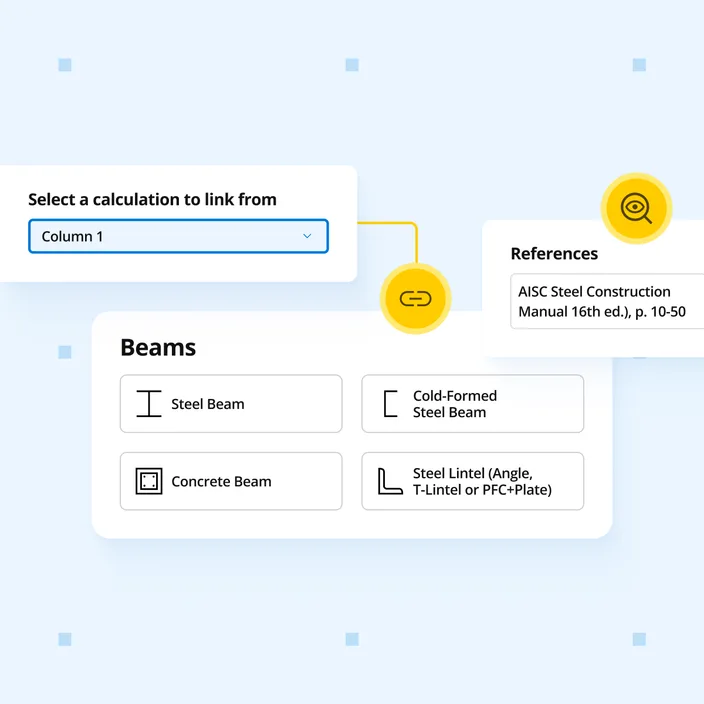
Review decisions faster, because the reasoning is attached to the number. Trace any output back to inputs, formulas, units, and code references in one view.
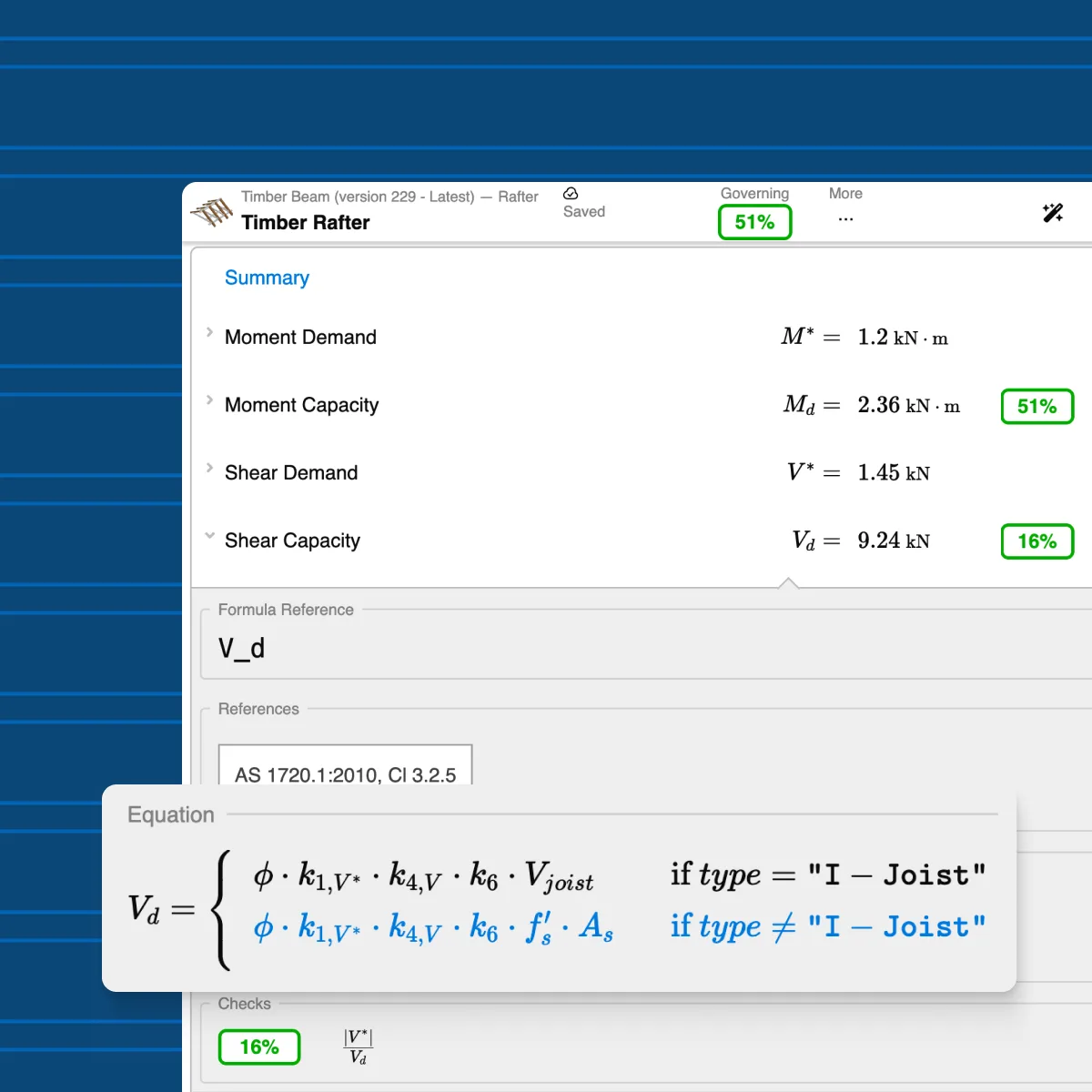
Reduce drift across projects while keeping professional judgment intact. Teams align on how inputs are defined and referenced, without locking down how engineers approach the work.
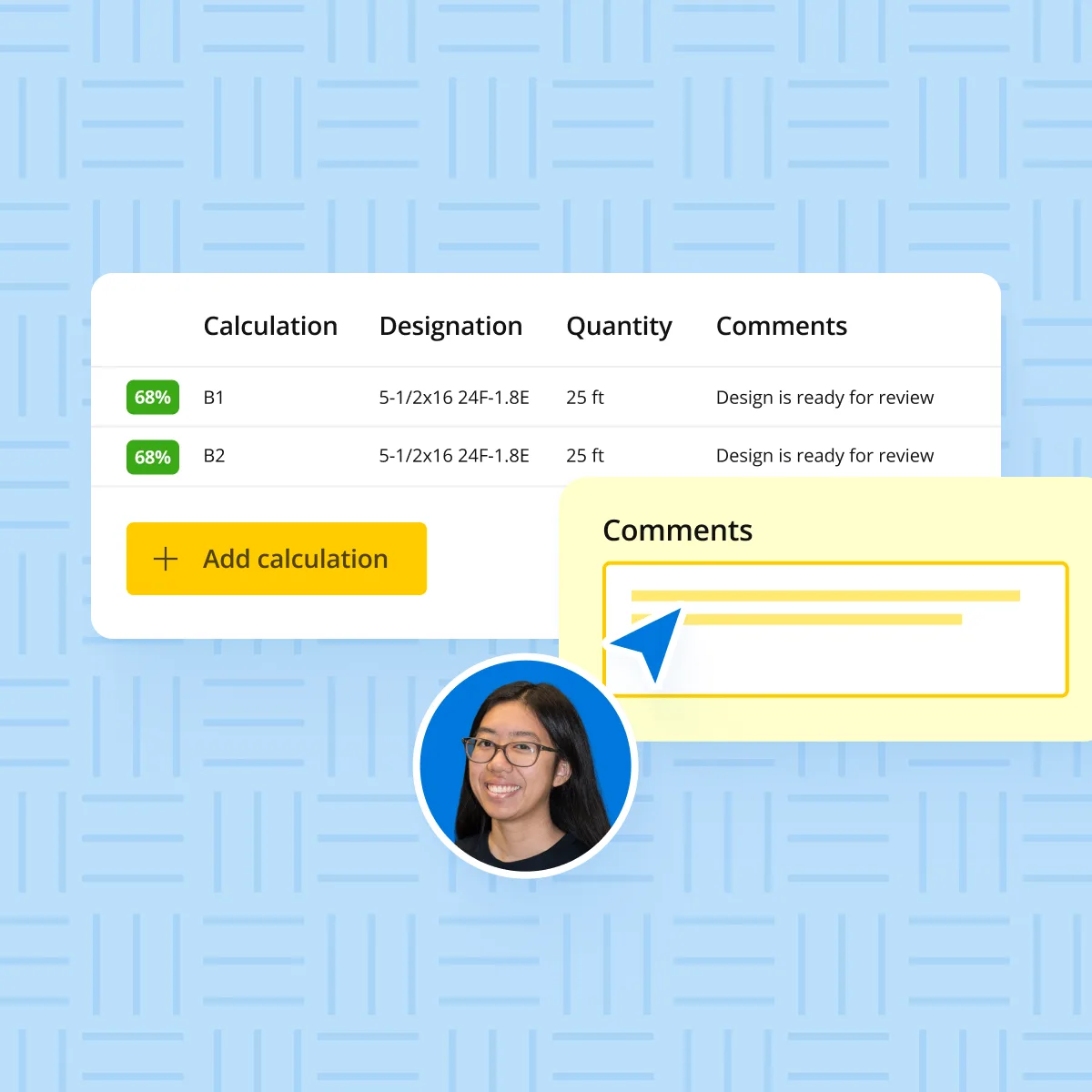
Bring junior engineers up to speed without tribal knowledge. They can see how assumptions were chosen and how standards were applied, not just which boxes to fill.
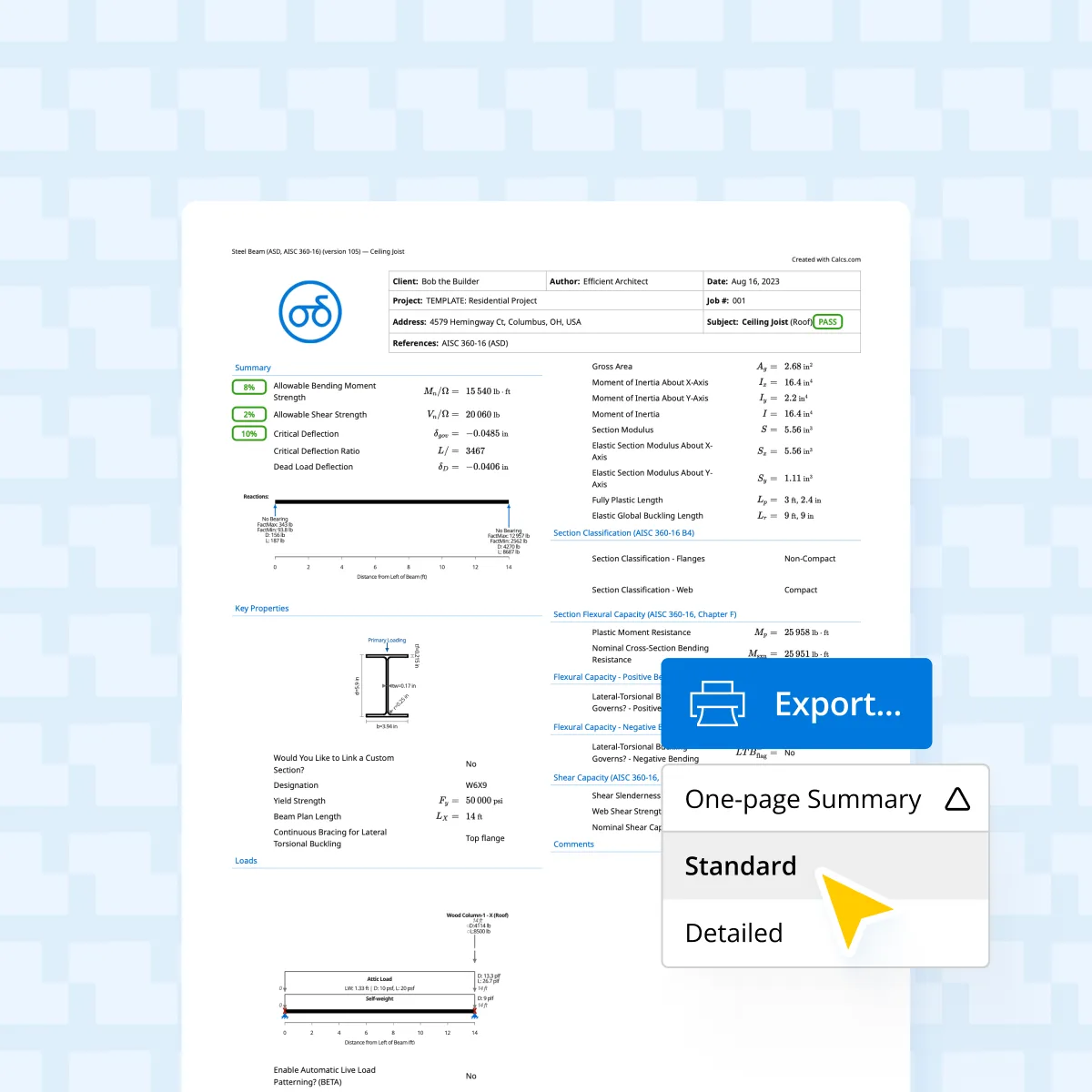
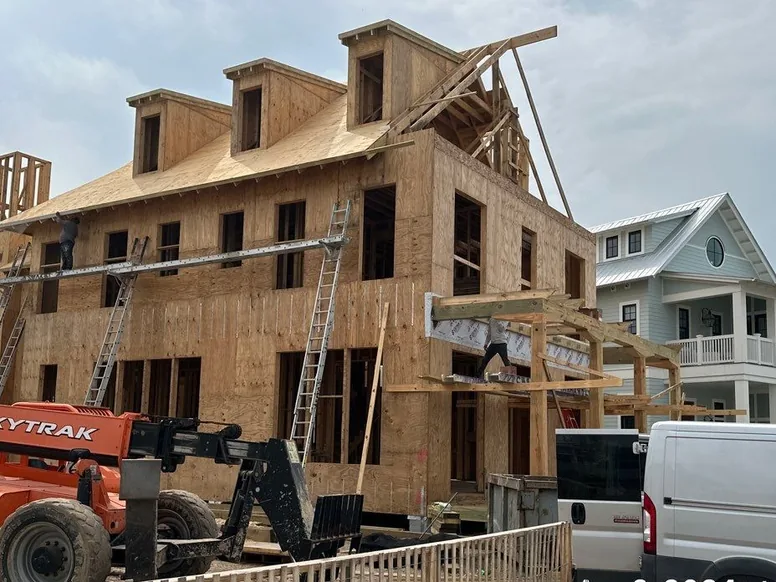
Set project details - standard, unit system, status, team. Keep it scoped to a live job your team already understands.
Define address, codes, site parameters, and custom loads once. Inputs stay consistent across every calculation in the project.
Build calculations and link them to Project Defaults. When a code or site parameter changes, the update flows through automatically.
Use folders, groups, member schedules, and preferred sections to keep the project structured as the team scales.
Roll the workflow out to new projects. As teams reuse verified work, reliance on spreadsheets drops naturally.

“The software has made us a minimum of 30% more productive. It's eliminated at least 30% of the workload.”
Donovan Rae
Senior Project Manager, Lumos & Associates

“The majority of our calculations, unless it's something very odd, are done in Calcs.com.”
Nate Powelson
Project Engineer, Criterium Engineers

“The load linking feature is huge for us. Before, we had to use separate calculators and manually input everything.”
Noah Diaz
Engineering Design Coordinator, PWI

“We've seen a big improvement in efficiency, saving 10-20% of the time on calculations.”
Richard Faulkner
Senior Structural Engineer, Kusch Consulting Engineers

“Hopefully I can get the entire team on the same page. What we want is one software that we can go to, to do 90% of our calculations.”
Megan Seacrist
Structural Team Lead / PM, High Plains Engineering

“We are juggling 7 to 9 projects right now with many more coming in.”
Sam Hensler
Principal, Dynamic Analysis Engineering Consulting
“I really recommend it for graduates. When I’m doing a design, I say look, do it by hand, but then hop onto Calcs.com as well and check the codes and where everything comes from.”
Richard Faulkner
Senior Structural Engineer, Kusch Consulting Engineers
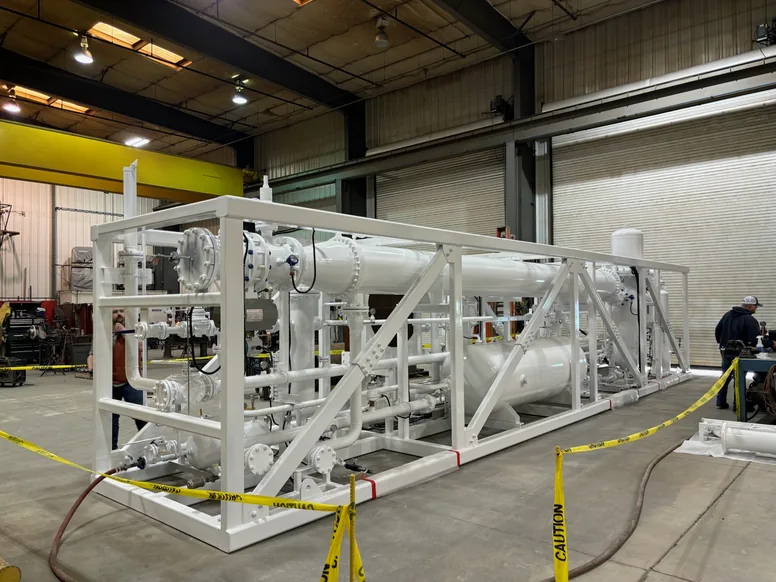
A gas skid bound for a refinery in Angola, sized to fit a standard shipping container. The truss analysis wizard absorbed every revision to loads and dimensions.
Dynamic Analysis
Billings, Montana
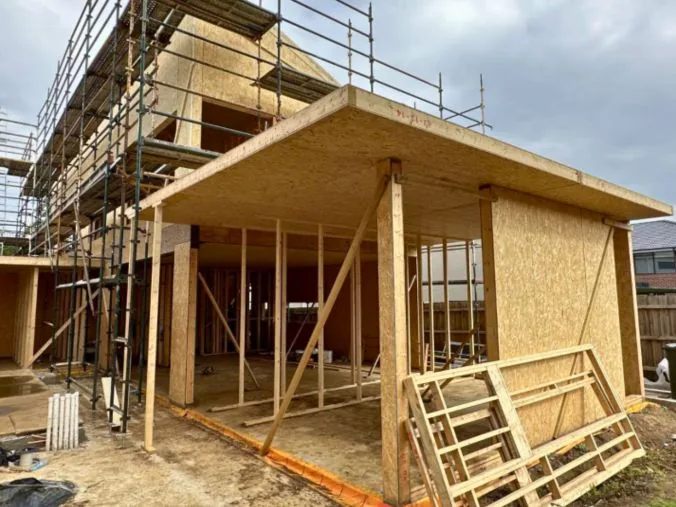

A structural insulated panel house on Grandview Parade, still in scaffold. Beam and column checks run against Australian, European and Canadian standards in one tool.
SMARTBuild Engineering
Barwon Heads, Victoria
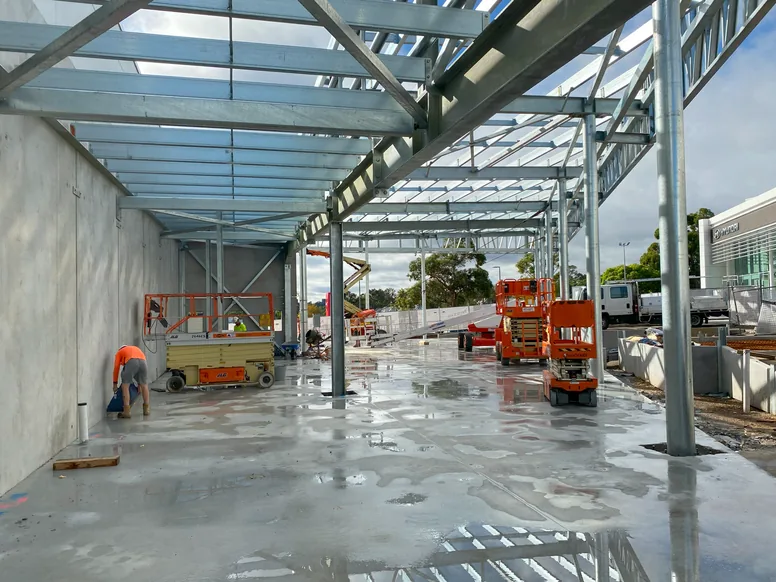
A steel portal frame under construction. Calcs.com checked the frame calculations and the applied loads.
Mayes Design
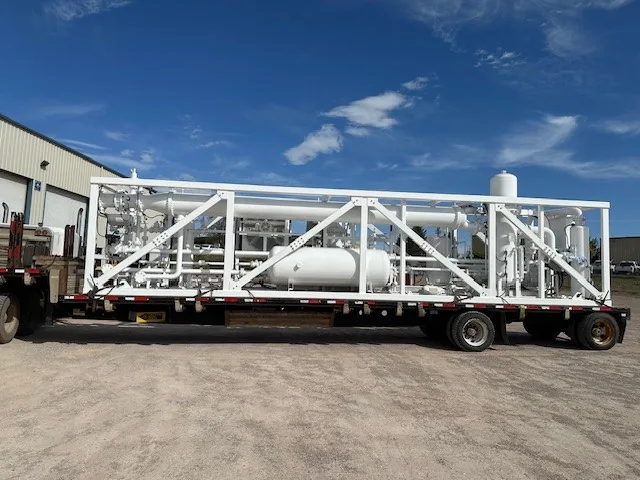
Loaded and ready to leave. Top lifts, a draggable base and bolted diagonal webs that come out for maintenance access, all inside a shipping container envelope.
Dynamic Analysis
Billings, Montana
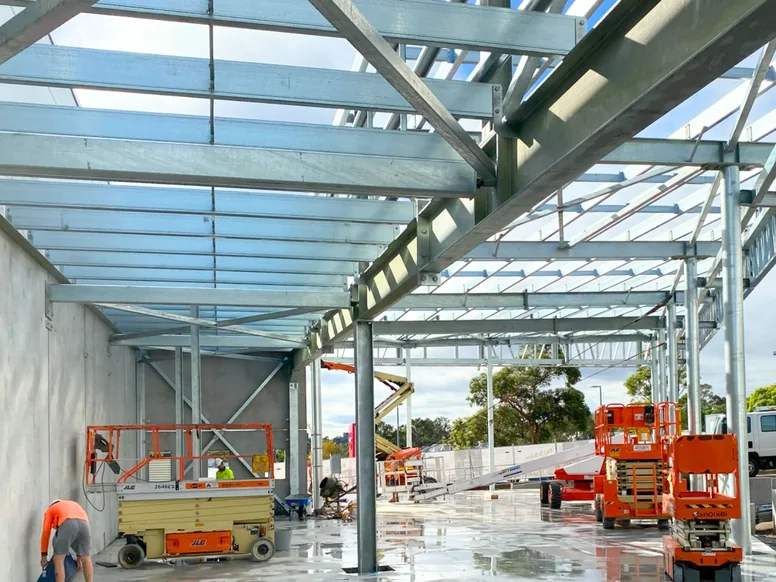
The same frame from inside the bay, purlins set and the roof sheeting going on.
Mayes Design
Trust & quality
Engineers rely on tools they can inspect, verify, and defend.
Every formula, variable, and standards reference can be inspected before anyone relies on the result.
Codes are applied in the workflow, not checked later in a separate document.
When codes update, affected calculators are updated so teams stay current without rework.
Tools are built and supported by qualified engineers, with engineer-to-engineer support when questions arise.
See how Calcs.com helps engineering teams keep calculations, standards, and reasoning in one place - so review is faster and work holds up under scrutiny.
No credit card required · 30-day money-back guarantee
We use analytics cookies to understand how you use this site and improve our content. See our privacy policy and cookie policy for details.