
Architect
“I like that Calcs.com shows the code reference section for each calculation and function. That means every time I use it, there's a potential for me to learn something.”
Jim Fanjoy
Project Architect, Brittell Architecture
Quality promise
Every calculation on Calcs.com is built to a standard that lets engineers rely on the result, not hope it is correct.
Three commitments underpin every calculator we build: complete transparency about how it works, and rigorous automated testing before it ships. And a defined protocol when something needs to change.
[ 01 ]
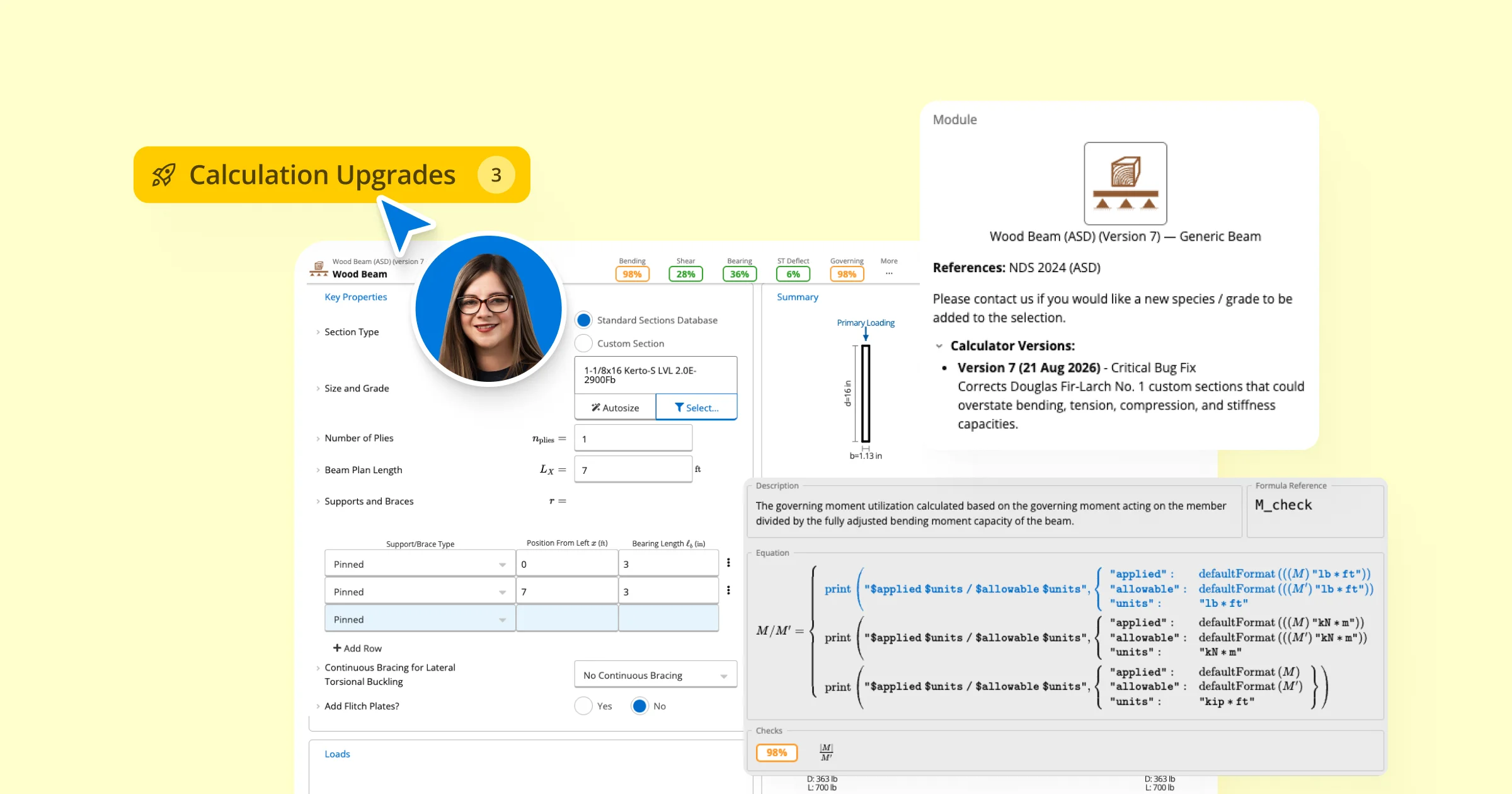
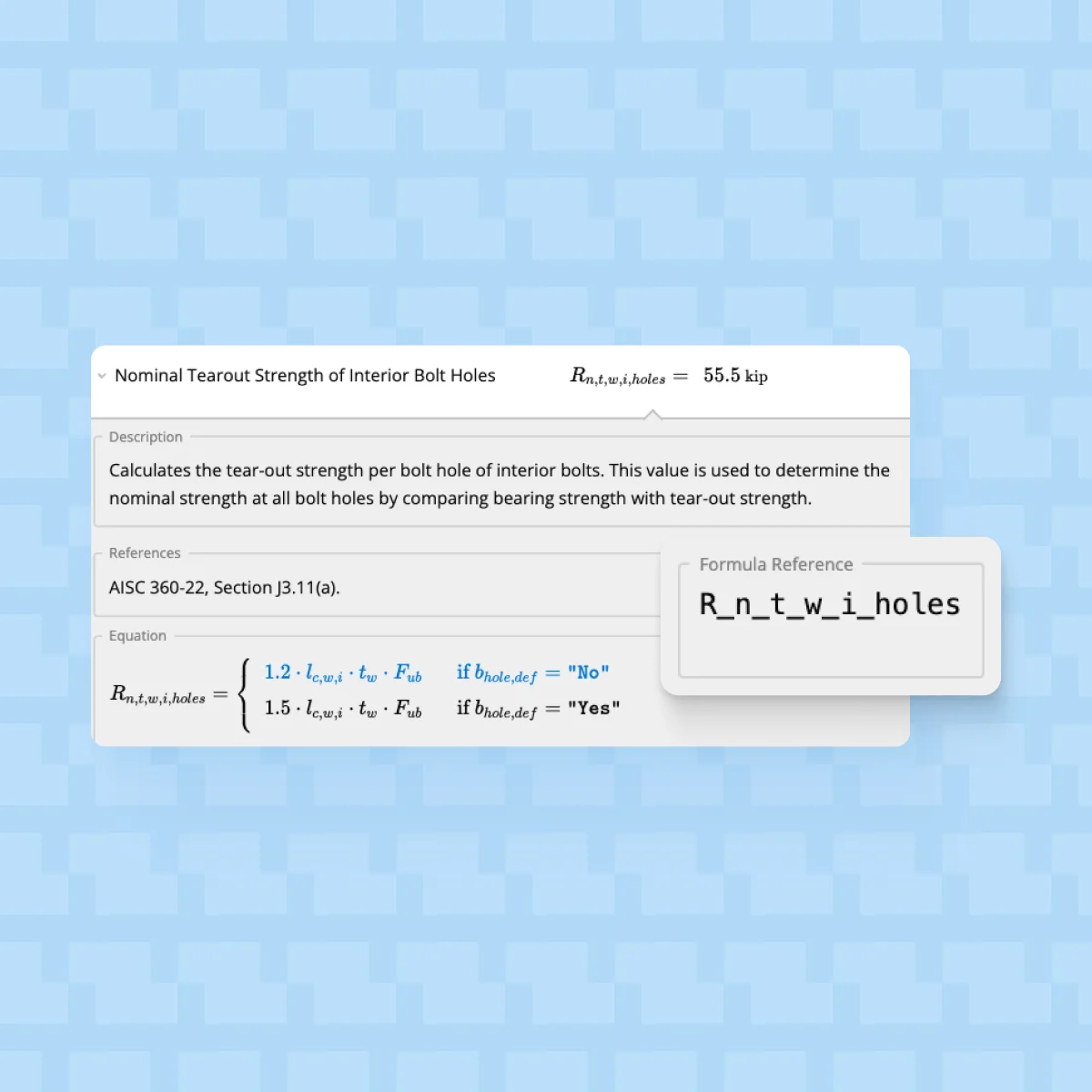
Every formula, input, and standards reference is visible before an engineer relies on the result. Nothing is a black box.
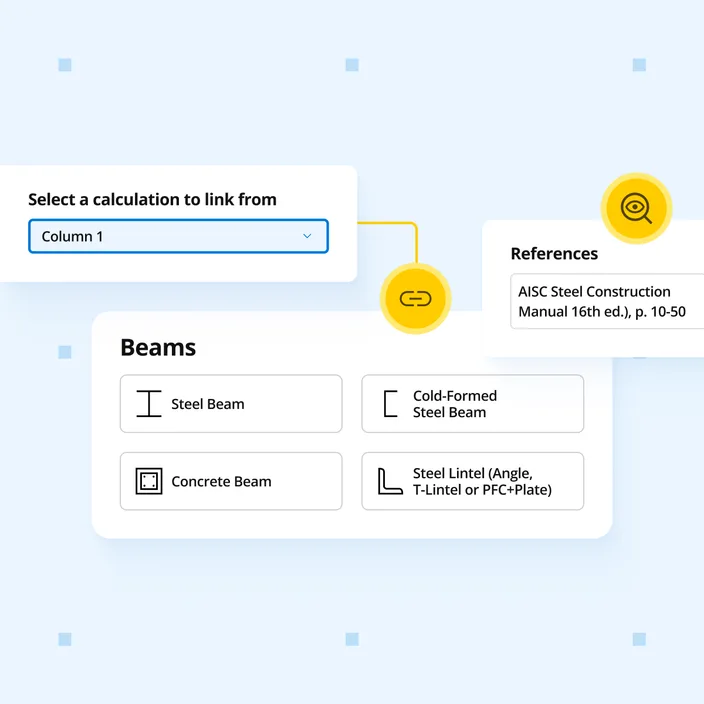
Open any calculation and you can see the exact formula being applied, the standards clause it came from, and a description of each condition that decides which part of the formula applies. Change an input and the applicable condition updates with it.
[ 02 ]
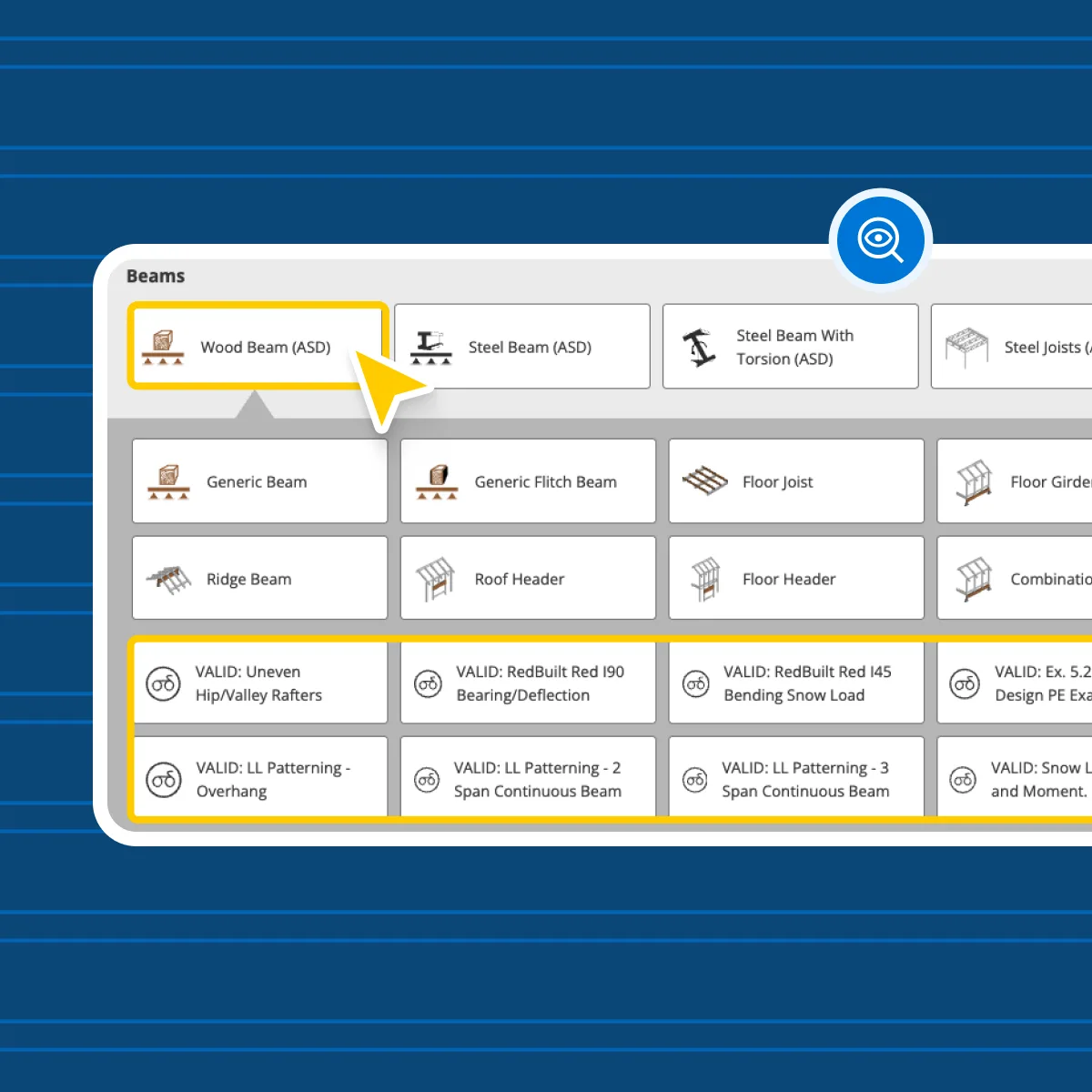
Automated tests run against known-good reference cases whenever a calculator is updated. Any unexpected change in a result is detected before you see it.
We run automated tests against hand-checked reference cases for every calculator in the library. If a code update, bug fix, or new feature causes a result to shift, the test suite catches it before it reaches production.
[ 03 ]
Nothing ships until it passes. No calculator reaches production with a known incorrect result.
Our deployment pipeline blocks any release where automated tests fail. Engineers on the Calcs.com team review changes to calculation logic before they go live. A calculator that produces a wrong answer is not a minor bug. Our process treats it that way.
Open any calculator in the library. Inspect the formula, the standard reference, and the assumptions before you run a number.
No credit card required · 30-day money-back guarantee
The verification behind every result
330,000+
results checked across 228 calculators on every release
800+
results checked on a typical calculator, every time it changes
0
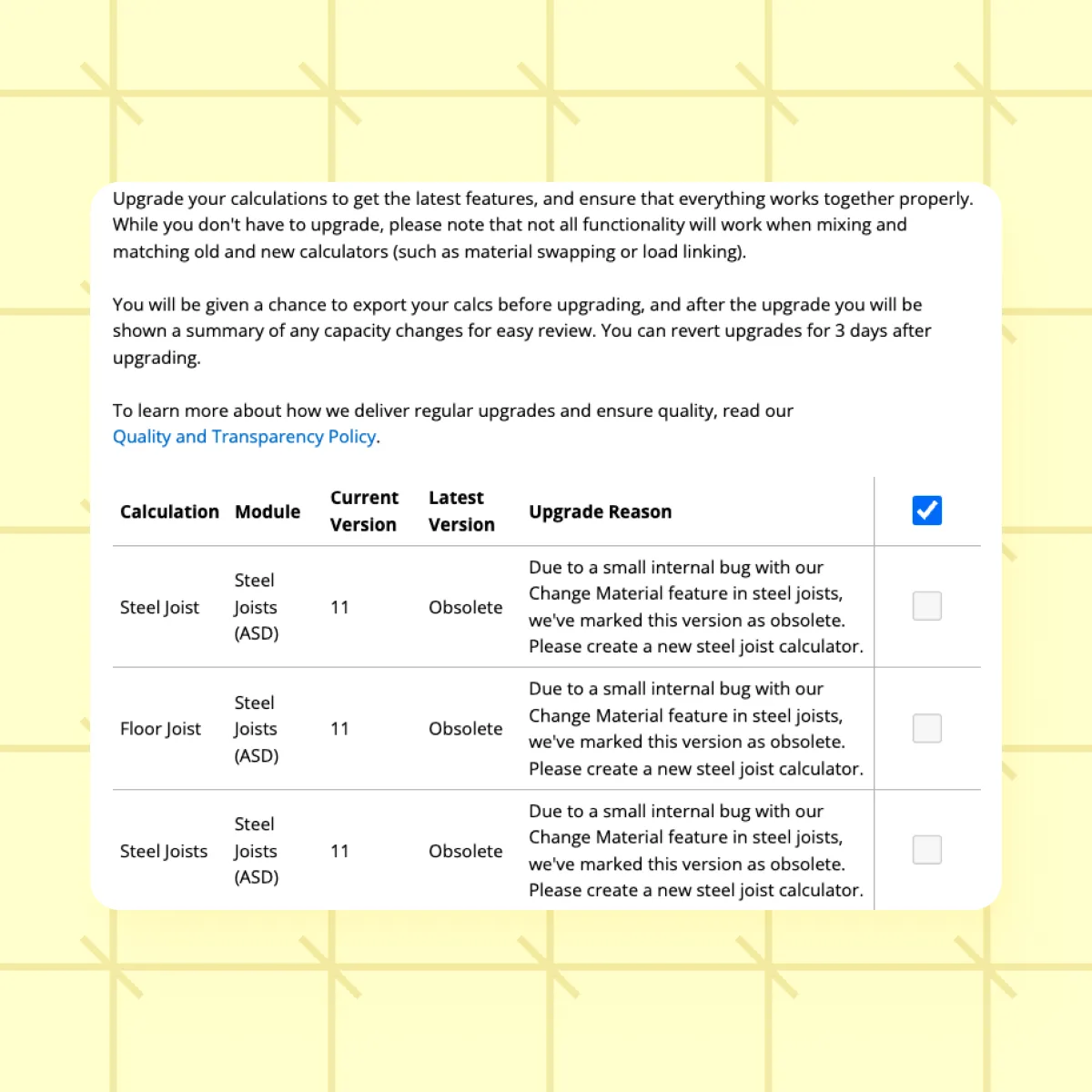
silent changes. If an update changes the answer to a calculation you've already run, you're notified with the version and the reason.
Each calculator follows the same build process before it is made available to engineers.
We identify the relevant code provisions, interpret the clauses, and document the design scope: what the calculator covers and what it does not.
A qualified engineer translates the standard into calculation logic, naming every assumption and documenting where engineering judgment is required.
Results are hand-checked against worked examples from the standards body, peer-reviewed textbooks, or independent software. Discrepancies are resolved before moving forward.
Reference cases are encoded as automated tests. Every future change to the calculator must pass the full suite before deployment.
An engineer on the Calcs.com team reviews the calculation logic, the assumptions, and the test coverage before the calculator goes live.
When a standard is updated or an issue is found, the calculator is reviewed, corrected, and re-tested. Version history is preserved so engineers can see what changed and when.
What happens when we find a calculation error
We hold calculation accuracy to the same standard that structural engineers hold their own work. When we identify a result that is wrong, regardless of how it was found, we follow a defined protocol.
We determine which calculators and which result paths are affected, and what range of inputs produces an incorrect result.
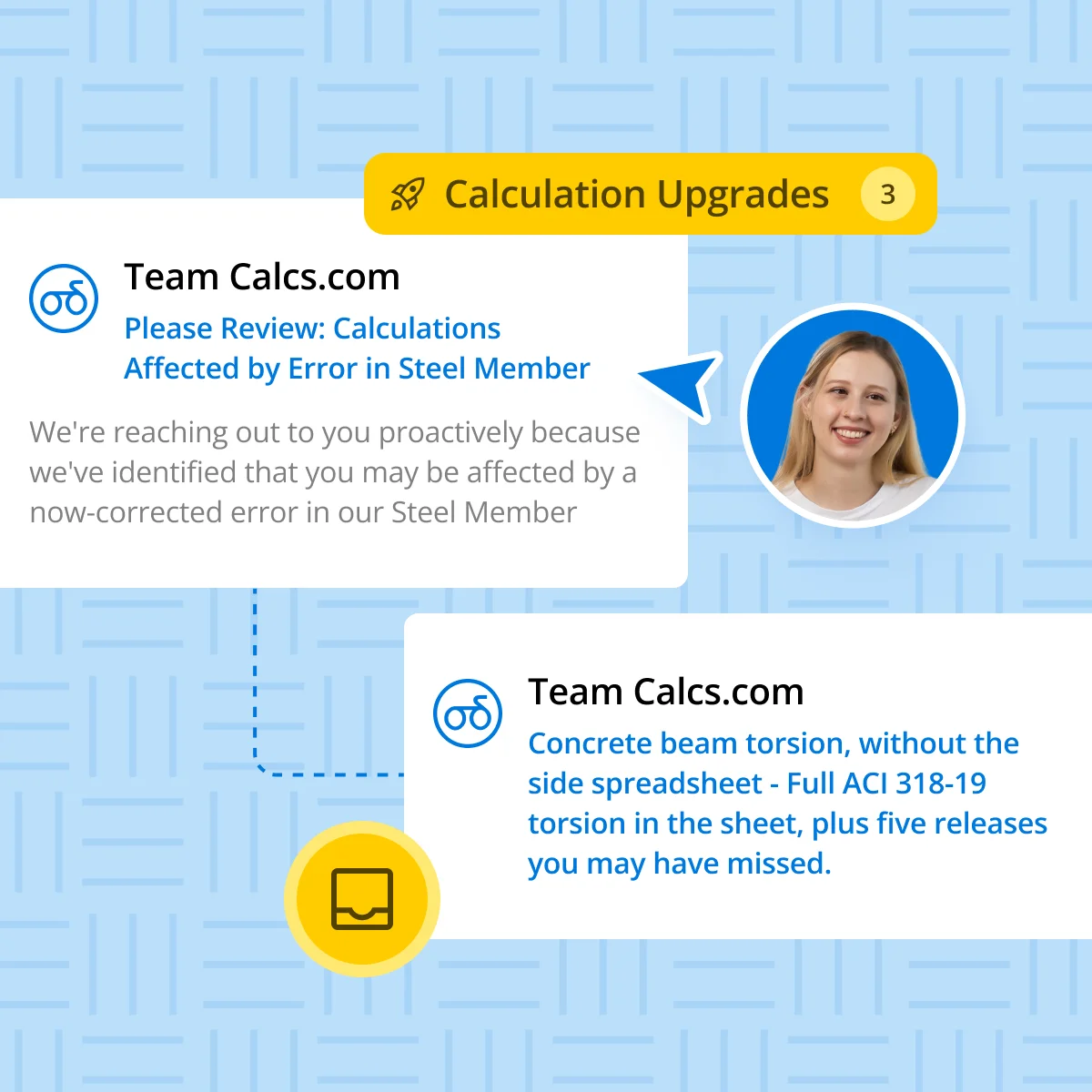
Engineers who have used the affected calculator are notified directly. We do not wait for users to discover the issue.
The calculation logic is corrected and re-verified against reference cases. A new set of automated tests is added to prevent recurrence.
The correction is documented in the calculator's version history with the date, the nature of the error, and what changed.
Errors in structural calculations carry real consequences. Transparency about how we handle them is part of the quality commitment, not an exception to it.
Start a free trial and open any calculator in the library. Every formula, standard reference, and assumption is visible from day one.
No credit card required · 30-day money-back guarantee
We use analytics cookies to understand how you use this site and improve our content. See our privacy policy and cookie policy for details.