
A structural calculation API your users can defend
Add verified calculations to your software through the Calcs.com API. Results come from the same standards-aligned engine engineers already sign off on, so you ship the feature without building the engine.
Request
curl --request POST \
  --url https://api.calcs.com/v1/projects \
  --header 'Authorization: Bearer $CALCS_API_KEY' \
  --header 'Content-Type: application/json' \
  --data '{
    "name": "Smith residence"
  }'
Replay of a real run. Nothing is sent from this page.
Response
Not sentWhat your user sees
Floor joist J1
2x10 D.Fir-L No. 1 · 16 in o.c. · 14 ft span · 10 psf dead, 40 psf live
Create a project, then run the calculation.
The problem software vendors face
A code edition changes. Somewhere in your codebase, a hard-coded reading of the old one keeps running. Meanwhile your users expect calculations, standards checks, and AI assistance inside your product.
Years to build, never finished
Standards-checked calculation logic takes years to write. Every code update then pulls your team off the roadmap and back onto maintenance.
Quietly out of date
A hard-coded interpretation goes stale when the standard changes. Your users find out on a live project, not in a release note.
Hard to defend
Logic copied from PDFs has no path back to the source clause and carries licensing risk. When an engineer asks why a check passed, you have nothing to point to.
Connect once, stay current
Calcs.com is a standards-aligned calculation platform for structural engineers in the US, Canada, Australia, and New Zealand. CalcsConnect is the structural calculation API from Calcs.com. It gives your software the same verified calculators engineers use today, built to AISC, AISI, ASCE, CSA, NBCC, and AS/NZS standards. When a standard changes, the connected logic updates and your integration does not drift.
How the calculation API works
Your product keeps its interface and its users. Calcs.com runs the calculation underneath.
01
Your product sends the inputs
A user draws a member, generates a layout, or runs a check. Your software passes the inputs to the API.
Floor framing
Example product, not a real appFloor joist J1
2x8 D.Fir-L No. 1 joist, 16 in o.c.
Fails at 122%
Live load deflection governs: L/295 against L/360.
12 x 14 ft floor bay. Joists at 16 in o.c. on two 12 ft girders. 10 psf dead, 40 psf live. Girders: 2x12.
02
A verified calculator applies the standard
The same calculators behind the sheets engineers sign off on in Calcs.com run the check.
Choose the calculator
Calcs.comThe library holds 147 calculators. Your request names the one it wants by code.
- Wood Beam (ASD)
timberBeamASDNDS-2024 - Wood Beam (LRFD)
timberBeamLRFDNDS-2024 - Wood Beam
timberBeamCA - Timber Beam
timberBeamNZS3603-1993
Replay of real runs. Rows are from the live catalogue.
03
The result comes back traceable
Formulas, assumptions, and standards references are visible in Calcs.com for every calculator your product calls.
Check the result
Your productFloor joist J1
2x8 D.Fir-L No. 1 joist, 16 in o.c.
- passed
false- summaryCheck
1.220How close the governing check is to its limit (122%)- summaryCheckReferenceId
delta_ST_summaryWhich check governed: live load deflection
Re-check it by hand
Live load deflection
limit L/360 ÷ achieved L/295 = 360 ÷ 295
= 1.22againstsummaryCheck 1.220Matches
What went in
- Member
- 2x8 D.Fir-L No. 1 joist, 16 in o.c.
- Span
- 14 ft
- Loads
- 10 psf dead, 40 psf live
- Deflection limits
- L/360 live load, L/240 long-term
Open the sheet in Calcs.com to read the formulas, assumptions and references behind the live load deflection check.
Replay of a real run, trimmed for display. Nothing is sent from this page.
Connect the calculation layer
Call calculators from your own product, pipelines, or AI features. Your AI sends inputs to a verified calculator, so the engine never estimates a result.
What calls it
What Calcs.com does
Calcs.com engine
Run calculations from your product
Trigger a calc and return the result backed by the standard it was checked against, without opening Calcs.com.
Get site design data from coordinates
Drop a pin and return design values for wind, snow, seismic, and other environmental loads supported by Calcs.com.
Manage projects programmatically
Create, organize, list, and link projects so calculation work stays connected to your users' workflows.
What comes back
In
Your code calls the REST API
Create a project, then run a calculation with the inputs your user already has. These are the two calls from the demo above.
curl --request POST \
  --url https://api.calcs.com/v1/templates/timberBeamASDNDS-2024/calculate \
  --header 'Authorization: Bearer $CALCS_API_KEY' \
  --header 'Content-Type: application/json' \
  --data '{
    "projectId": "00000000-0000-4000-8000-000000000001",
    "preset": "floorJoist",
    "name": "Floor joist J1",
    "attributes": {
      "member": "2x10 D.Fir-L No. 1",
      "L_X": 14,
      "spacing": 16
    }
  }'
Out
A solved sheet, as data
The response says whether the member passes, which check governs and by how much. Trimmed here; the full response carries every result field.
{
  "sheetId": "00000000-0000-4000-8000-000000000002",
  "templateCode": "timberBeamASDNDS-2024",
  "passed": true,
  "summaryCheck": 0.759,
  "summaryCheckReferenceId": "M_check",
  "summaryCheckError": false,
  "results": {
    "member": "2x10 D.Fir-L No. 1",
    "M_check": "1712 lb*ft / 2255 lb*ft",
    "V_check": "489 lb / 1665 lb",
    "R_check": "489 lb / 2812 lb",
    "delta_ST_summary": "-0.274 in (L/613)",
    "delta_LT_summary": "-0.317 in (L/531)",
    "...": "124 more fields"
  }
}
Validate against jobs you already ran
Run the API on projects already completed in Calcs.com and compare the results line by line. You see where the numbers match before you commit to anything.
01
Real projects, not demo data
Your team tests the engine on work engineers have already signed off.
02
Differences you can trace
Any gap points to a formula or an assumption, not a black box.
03
No change to your product
Your interface, users, and existing logic stay as they are while you compare.
Proven in live integrations
An AI-native structural design company is piloting the API today. Every load, rafter, and joist in a generated house plan runs through Calcs.com as the validation layer.
The engine behind the API
13.5M
Calculations run on Calcs.com.
81,000
Projects run on the platform each year.
228
Calculators in the library.
Trust & quality
Why results hold up
Engineers sign off on what they can inspect. The API runs the same calculators, so your users inherit that trust instead of relying on logic you wrote and have to defend.
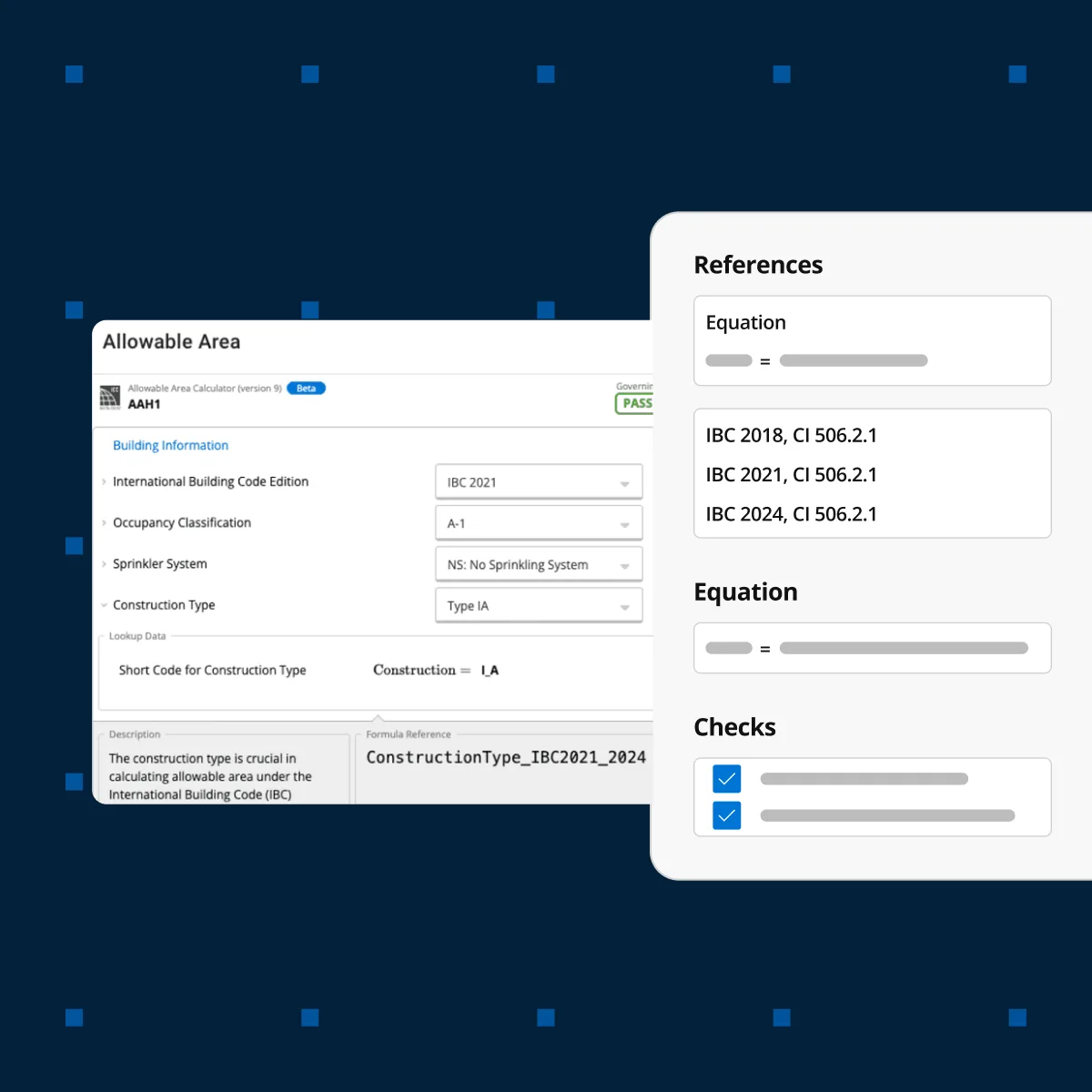
Transparent by design
Engineers can inspect formulas, variables, and standards references before relying on a result.
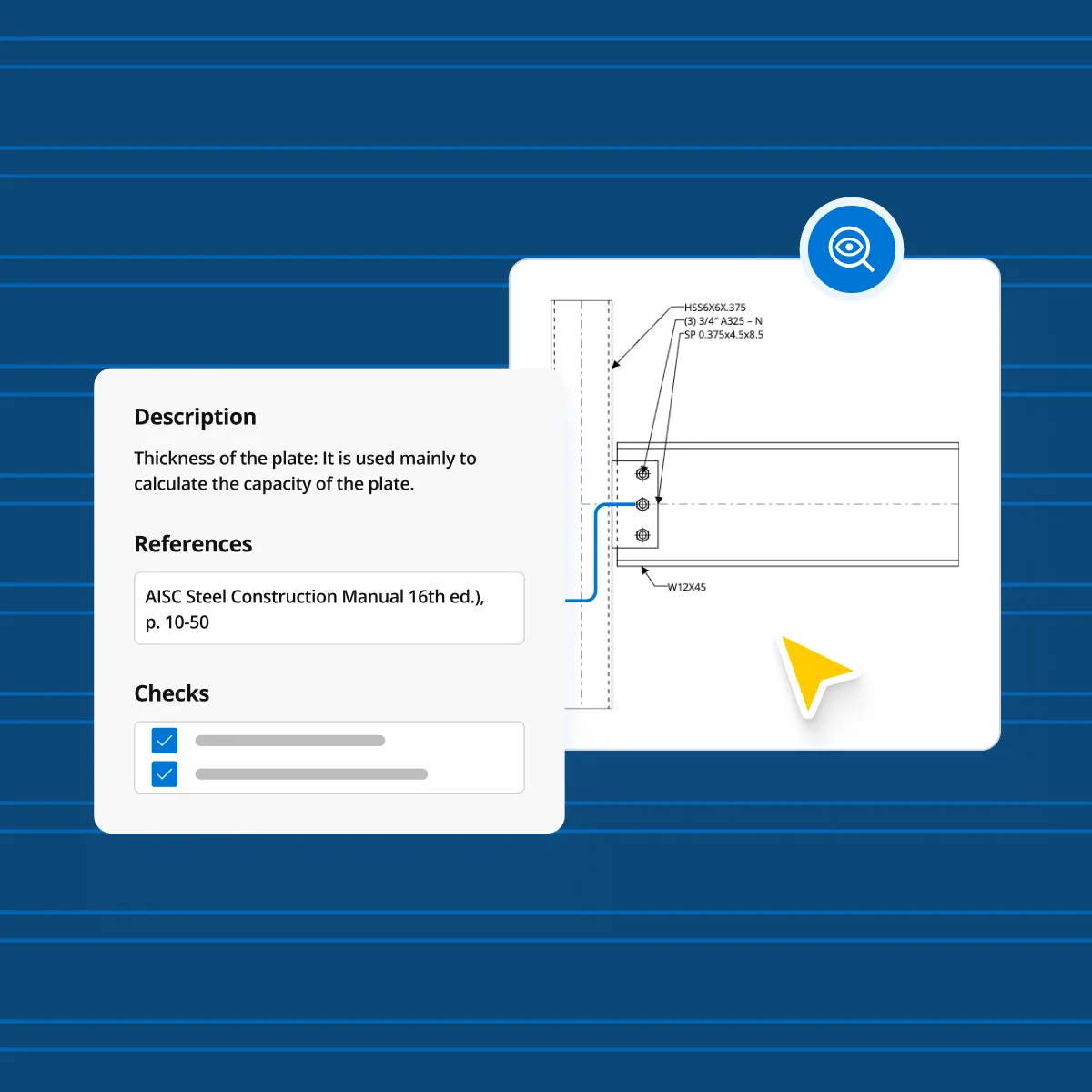
Maintained when standards change
Calculators are updated when codes are, so your users stay current without a release from you.
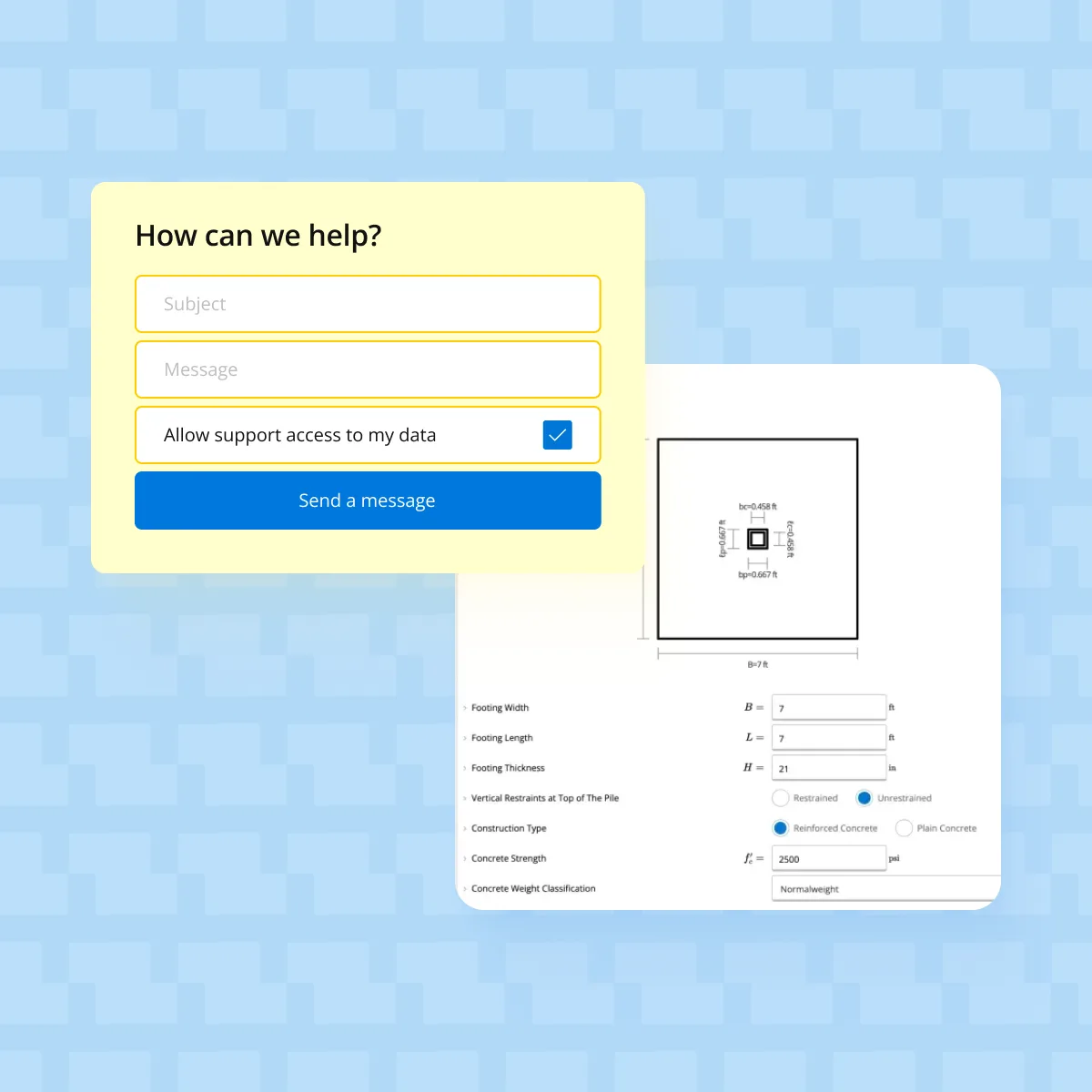
Built and supported by engineers
Qualified engineers build the calculators and answer questions engineer to engineer.
Frequently asked questions
Do we have to give up our own interface?
What if we already built our own calculation logic?
How is this different from copying standards into our code?
Can our AI features use it?
Which standards does the API cover?
Talk to our team
Start with one moment in your product where a result must hold up under review. We map it to calculators already in Calcs.com and run them against jobs you have completed.
- Identify where your product needs a defensible result
- Match it to calculators already in Calcs.com
- Validate the results against completed projects