
Engineer

“Doing the design in Calcs.com and being able to export the printout means our calculations are legible and easy to follow for reviewers.”
Helen Watts
Project Engineer, Criterium Engineers
Export a professional structural calculation report in one click. Inputs, formulas, code references, and results are formatted and ready for client delivery or permit submission.
No credit card required · 30-day money-back guarantee on paid plans
In most firms, submitting a calculation package means copying data out of the calculation tool, assembling it in a Word document, reformatting until it looks professional, then converting to PDF. That work is non-billable. And the output often lacks the code references that reviewers need to confirm the basis of design.
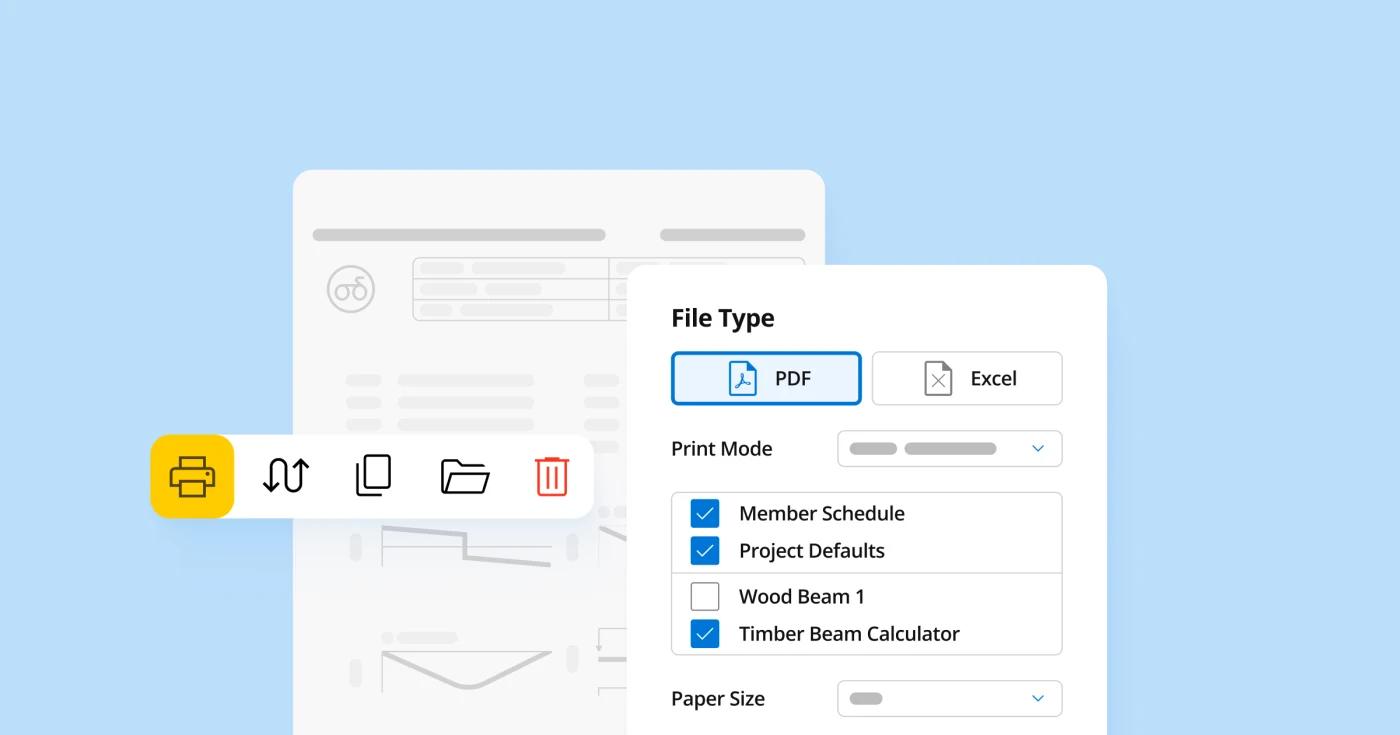
Every calculation in Calcs.com generates a PDF with the inputs, formulas, code references, and results already formatted. No manual layout or reformatting required.
The report shows which clause of which standard governs each formula. Reviewers can check the basis of design without returning to you for clarification.
Every engineer's output follows the same template. When work is reviewed, the format is familiar regardless of who produced the calculation.
The report format meets the documentation requirements for structural permit submissions in AU, US, NZ, and EU jurisdictions. Calcs.com includes the applicable standard and version used.
Standards supported
“Doing the design in Calcs.com and being able to export the printout means our calculations are legible and easy to follow for reviewers.”
Helen Watts
Project Engineer, Criterium Engineers

“Our calculation packages for submittal are also more organized (and attractive) than before. That makes me feel more confident in our submittal.”
Jim Fanjoy
Project Architect, Brittell Architecture

“The software has made us a minimum of 30% more productive. It's eliminated at least 30% of the workload.”
Donovan Rae
Senior Project Manager, Lumos & Associates
Trust & quality
Beam reactions link to the columns and footings below, so load changes propagate downstream automatically. Design steel beams to AS 4100:2020 with multiple supports and loads. Floor- and roof-beam presets cut repetitive entry.

Design timber truss chords, frame members, and rafter ties to AS 1720.1:2010 with combined bending, axial, and shear checks. Member forces link directly from structural analysis results - no re-entry needed. Checks bending, shear, tension, compression, and beam-column interaction with all AS 1720.1 modification factors (k1, k4, k6, k9, k12).

Beam reactions link to the columns and footings below, so load changes propagate downstream automatically. Design hot-rolled steel beams to AISC 360-22 ASD with multiple spans and service-level loads. Checks allowable bending (Chapter F), allowable shear (Chapter G), and three deflection limits.
Design wood columns and studs to NDS 2024 ASD. Checks buckling about both axes, combined bending and compression, shear, tension and optional bearing, for sawn lumber, glulam and SCL. Beam reactions link in, and column reactions link on to US footings.
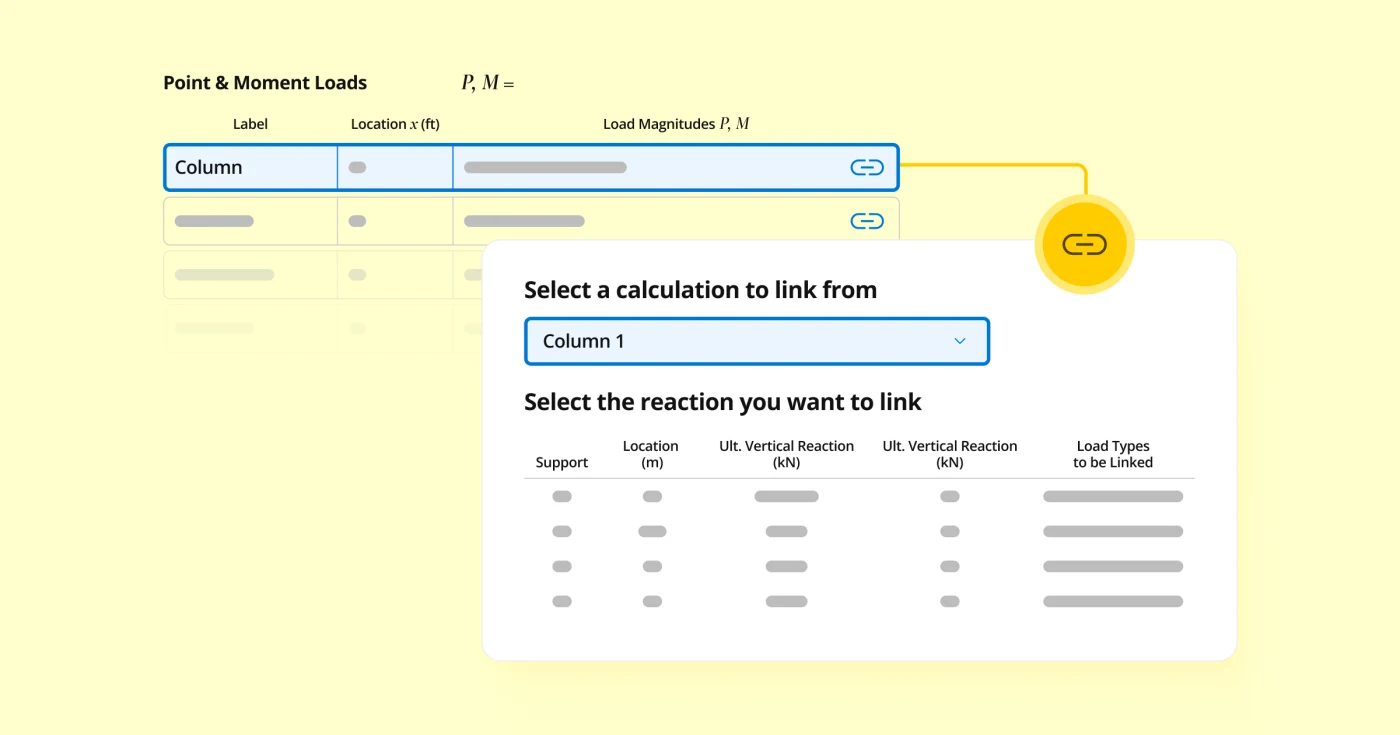
Load linking
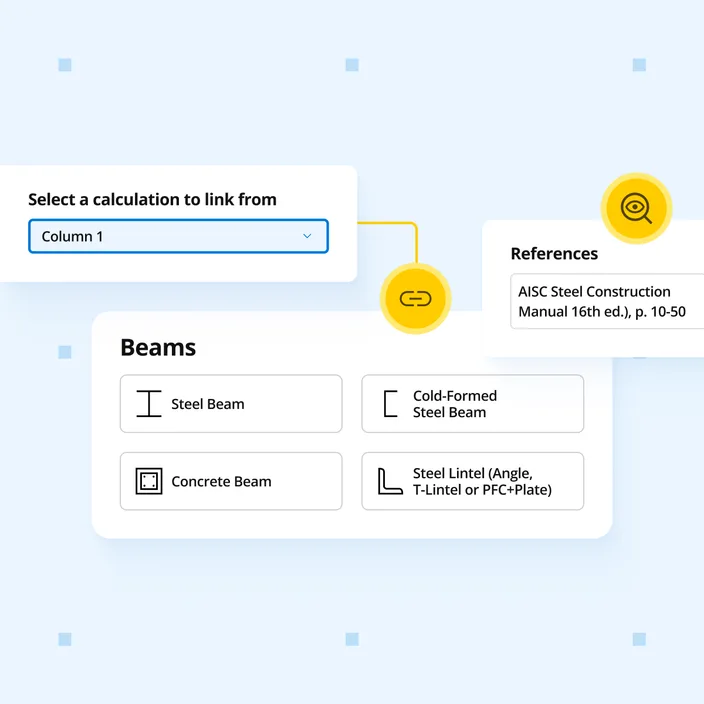
Load reactions propagate automatically between connected structural members. Change a load once and every connected calculation updates.
References
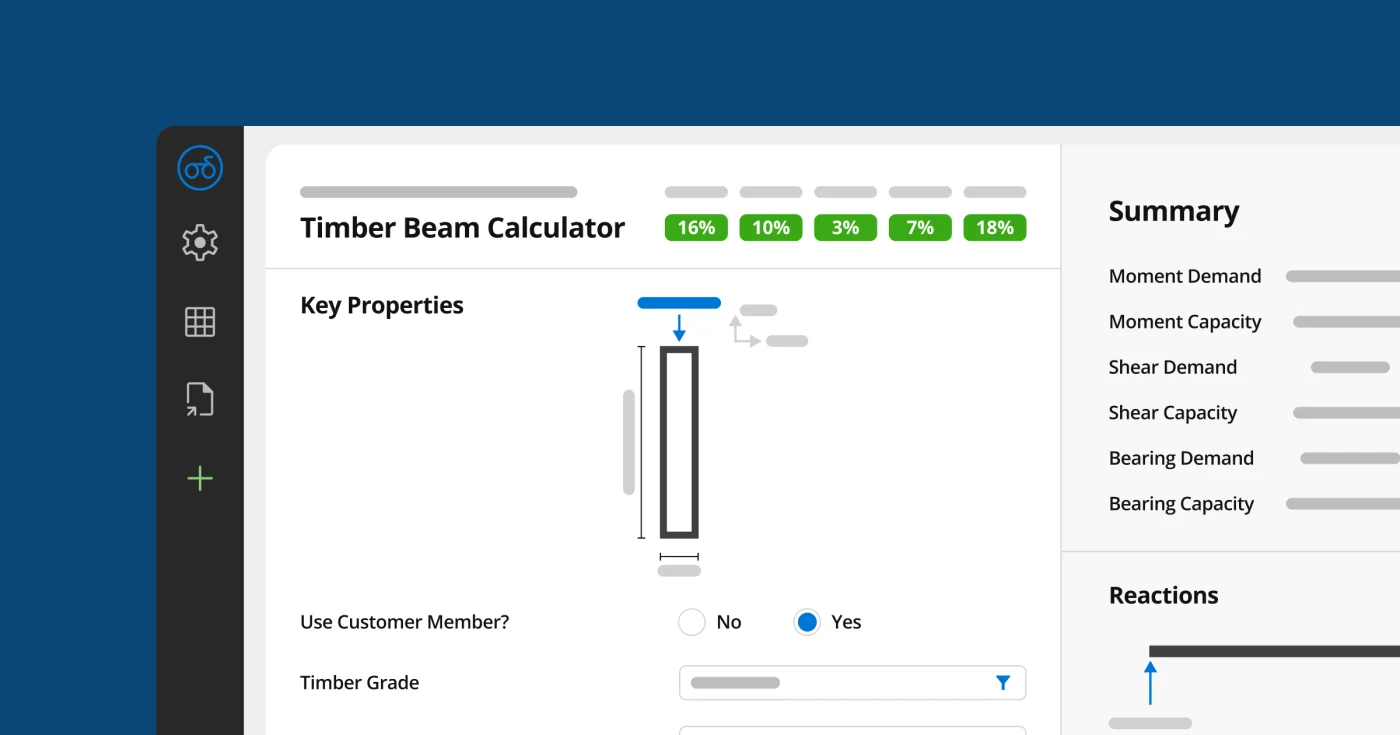
See the exact codes and formulas behind your calculations - no codebook required. Every formula is linked to the standard and clause that governs it, visible inside the calculation.
Share a calculation with the basis of design attached - inputs, formulas, and code references alongside the result.
No credit card required · 30-day money-back guarantee on paid plans
We use analytics cookies to understand how you use this site and improve our content. See our privacy policy and cookie policy for details.