
Check the same beam in another material
Swap timber for steel, concrete, or cold-formed steel within any calculation. Same inputs, same design criteria - different material, in one click.
No credit card required · 30-day money-back guarantee on paid plans
Checking an alternate material means rebuilding the calculation
When a client asks whether the same beam works in steel instead of timber, most engineers open a new calculation and re-enter everything: span, loads, design criteria, all of it. The original calculation becomes dead weight. That rebuild takes time that can't be charged to the project.
How it works
- [ 01 ]
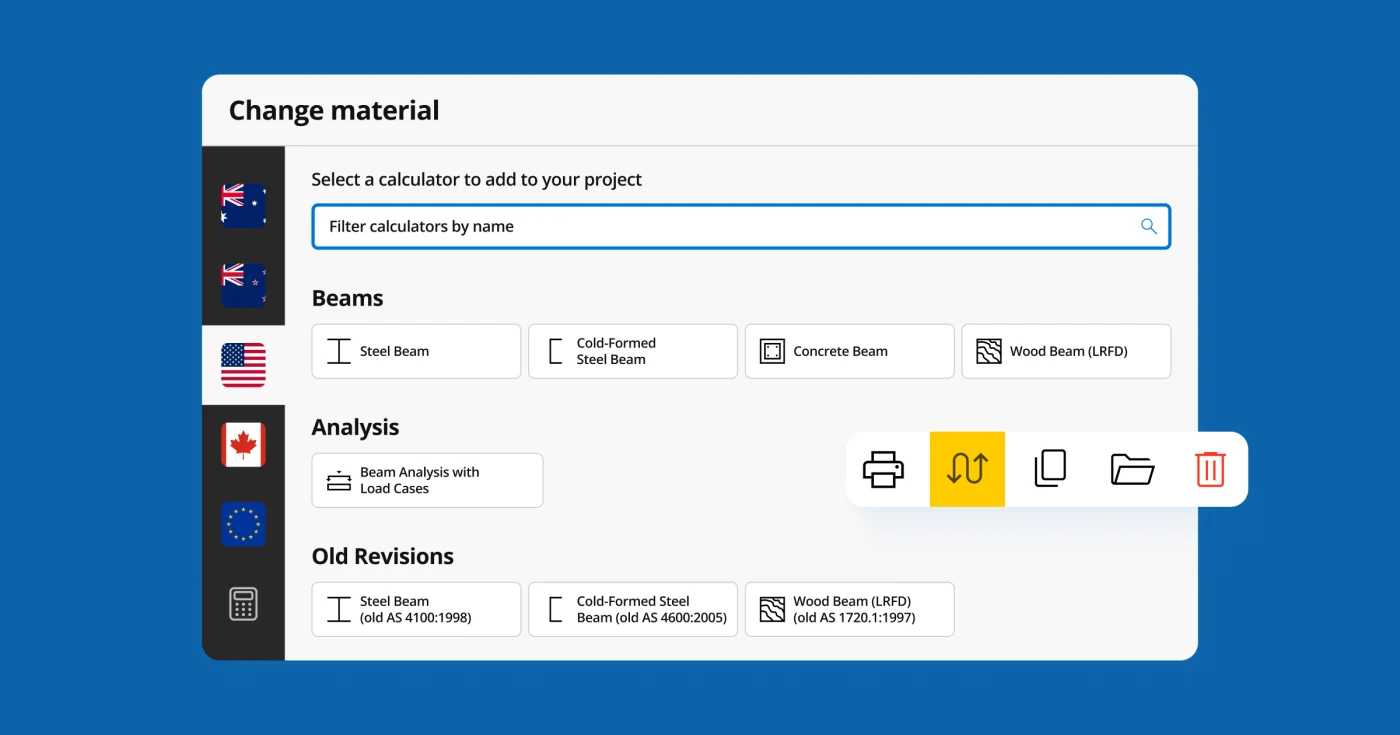
Switch material without losing your inputs
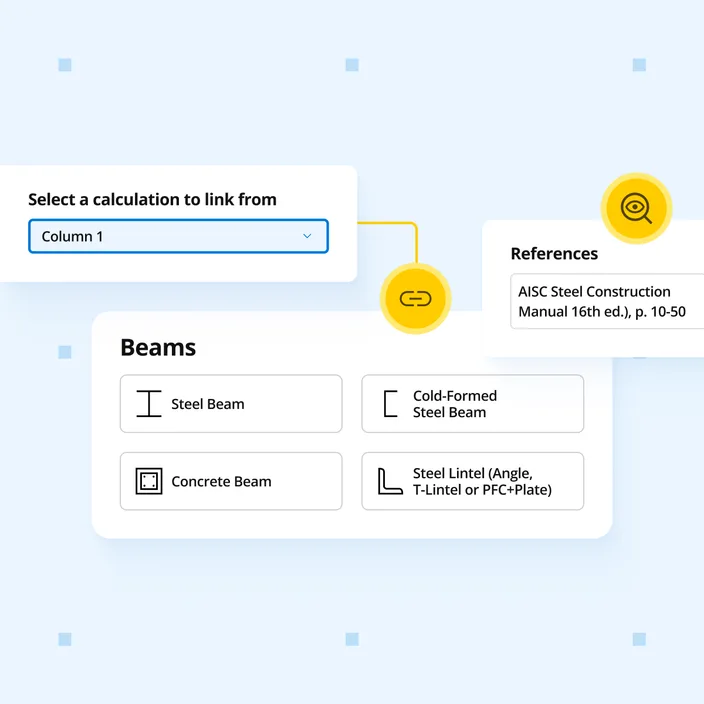
Select a different material from within your current calculation. Calcs.com applies the properties for the new section and reruns the checks. Spans, loads, and design criteria carry across - no re-entry required.
- [ 02 ]
Compare options from the same starting point
Run the same design in timber, steel, and cold-formed steel without duplicating your setup. Each option uses the same project inputs, so the basis of design stays consistent across comparisons.
- [ 03 ]
Value engineering in one step
When you need to offer a client the most cost-effective solution, switching material in Calcs.com is the fastest way to see what works. No rebuilding from scratch, no manual data transfer between calculations.
Trust & quality
Works with these calculators
Steel Beam
Beam reactions link to the columns and footings below, so load changes propagate downstream automatically. Design steel beams to AS 4100:2020 with multiple supports and loads. Floor- and roof-beam presets cut repetitive entry.

Timber Member (Design Only)
Design timber truss chords, frame members, and rafter ties to AS 1720.1:2010 with combined bending, axial, and shear checks. Member forces link directly from structural analysis results - no re-entry needed. Checks bending, shear, tension, compression, and beam-column interaction with all AS 1720.1 modification factors (k1, k4, k6, k9, k12).

Steel Beam (ASD)
Beam reactions link to the columns and footings below, so load changes propagate downstream automatically. Design hot-rolled steel beams to AISC 360-22 ASD with multiple spans and service-level loads. Checks allowable bending (Chapter F), allowable shear (Chapter G), and three deflection limits.
Steel Column
Column loads link from beam reactions above to footing calculations below automatically. Design steel columns and studs to Eurocode 3 with multiple end fixity conditions - checks cover axial compression, bending about both axes, combined bending and axial interaction, lateral torsional buckling, and three deflection limits.
Related features
Material database
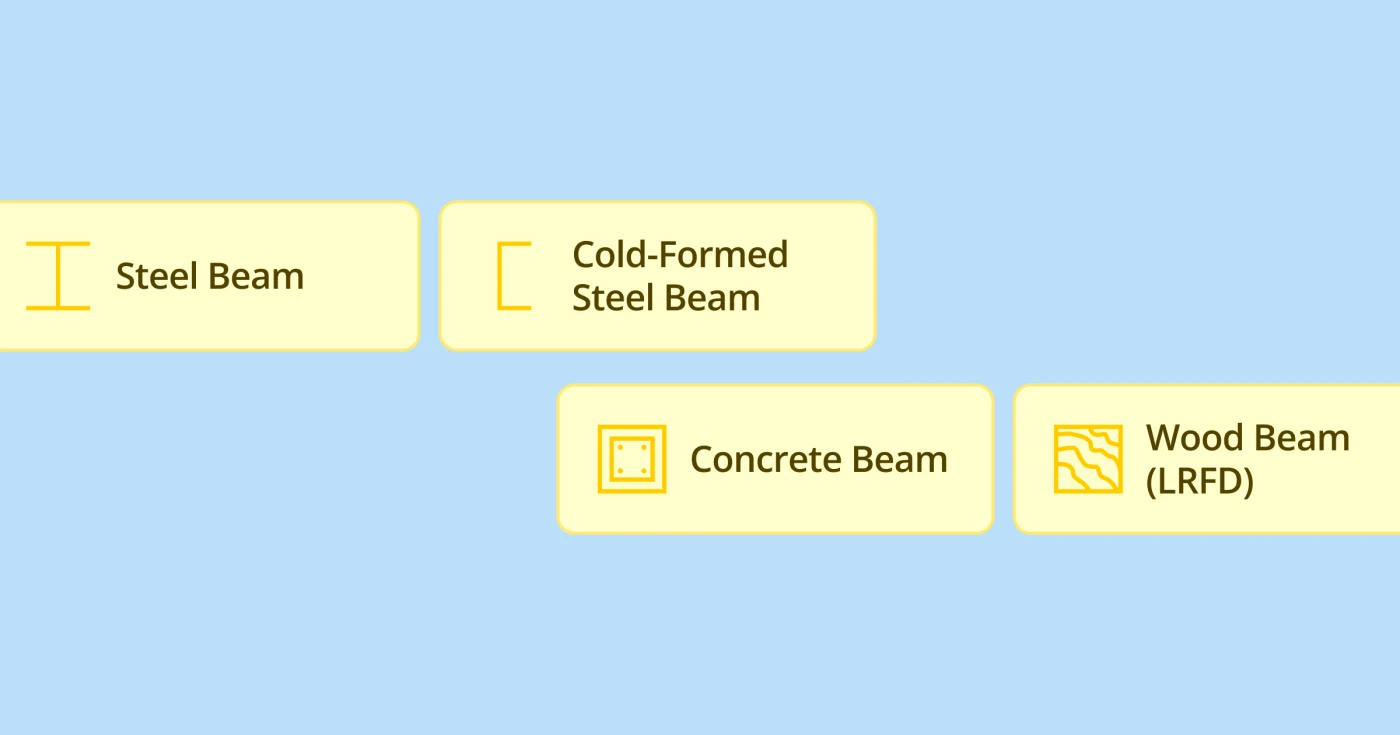
Built-in material and section database
Steel, timber, and concrete material properties are built into Calcs.com and linked to the applicable standards. No manual lookup required.
Preferred sections
Organisation-preferred sections for steel and timber design
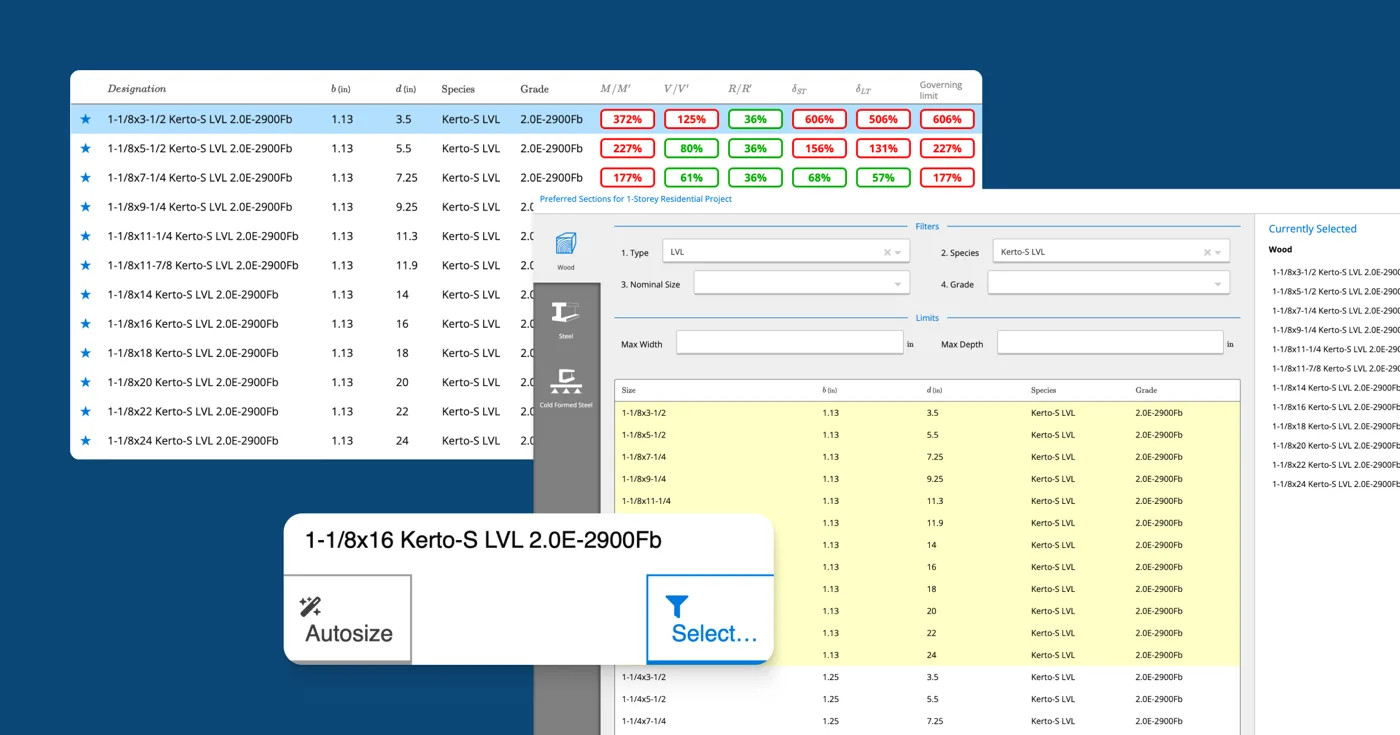
Save your go-to sections and manufacturers so they appear first, every time. Preferred Sections keeps your team selecting from the right list - and Autosize picks the optimal section from that list in one click.
Frequently asked questions
Make decisions you can defend at review time
Share a calculation with the basis of design attached - inputs, formulas, and code references alongside the result.
No credit card required · 30-day money-back guarantee on paid plans
We use analytics cookies to understand how you use this site and improve our content. See our privacy policy and cookie policy for details.