
Engineer

“Just the simple feature of being able to link loads is a really big time-saver.”
Sam Hensler
Principal, Dynamic Analysis Engineering Consulting
Load reactions propagate automatically between connected structural members. Change a load once and every connected calculation updates.
No credit card required · 30-day money-back guarantee on paid plans
Most engineers handle this the same way you link data between Excel sheets: manually. Analyze the beam, write down the reactions, re-enter them in the column. Analyze the column, copy those reactions to the footing. When the upstream load changes, that process runs again from the top - and there is no flag when a downstream calculation has been left on the wrong number.
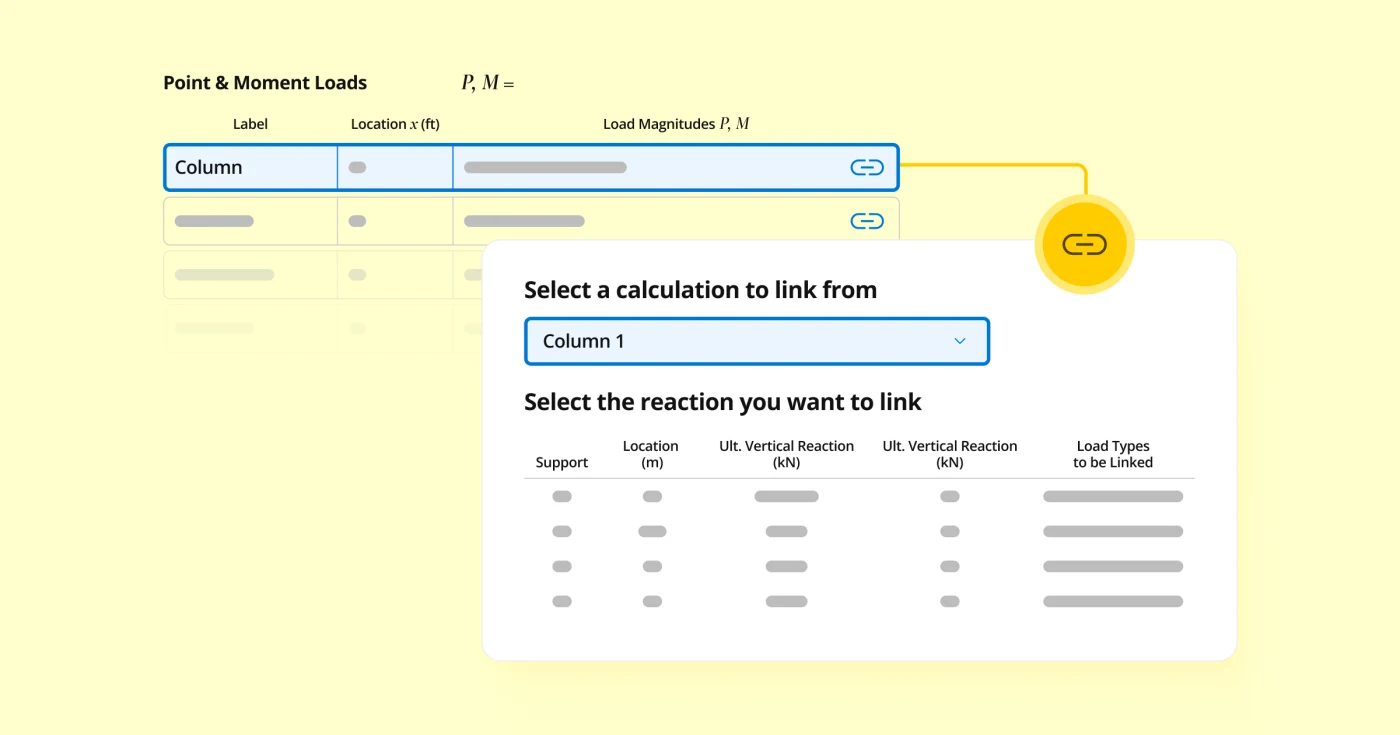
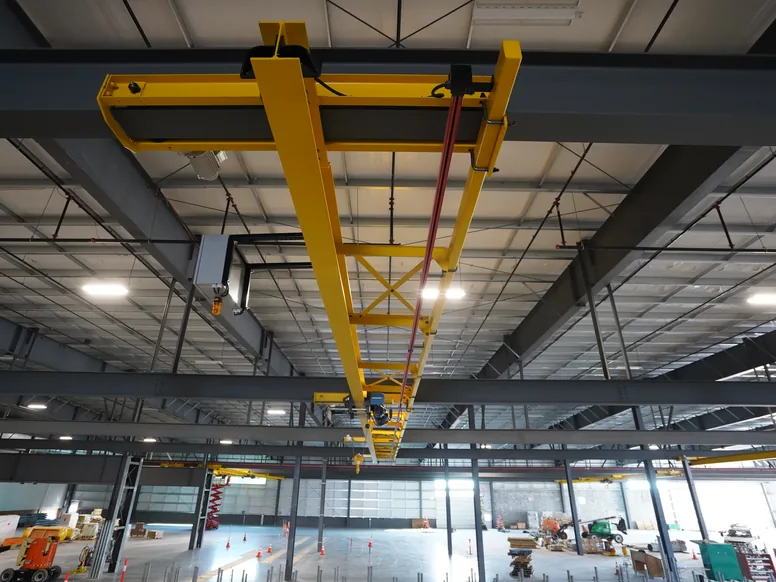
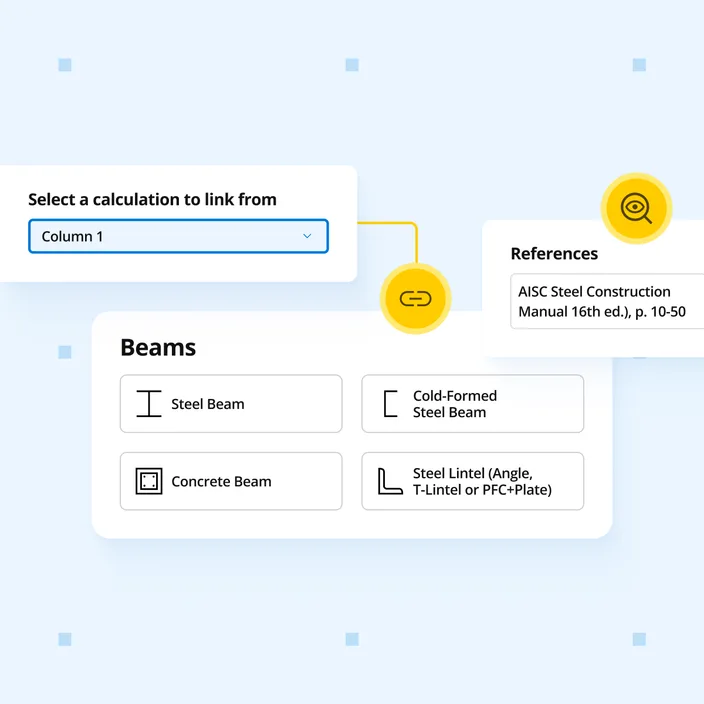
Define a load at any point in a structural system. When that member's reaction is needed by a connected member, Calcs.com reads it directly. No copy-paste, no manual re-entry.
Update a roof load and the beam reaction, column load, and footing design all update. The dependency chain is visible - you can see which calculations share a load source.
The audit trail shows where each load came from and when it last updated. Reviewers can follow the chain from the applied load to every downstream calculation.
Standards supported
“Just the simple feature of being able to link loads is a really big time-saver.”
Sam Hensler
Principal, Dynamic Analysis Engineering Consulting

“The biggest thing I noticed about Calcs.com that made me a believer was the load linking. That was a game-changer.”
Matt Ward
Principal Engineer, Ward Engineering

“The reason why I use Calcs.com more often now is load linking.”
Richard Faulkner
Senior Structural Engineer, Kusch Consulting Engineers
Trust & quality
Beam reactions link to the columns and footings below, so load changes propagate downstream automatically. Design steel beams to AS 4100:2020 with multiple supports and loads. Floor- and roof-beam presets cut repetitive entry.

Design timber truss chords, frame members, and rafter ties to AS 1720.1:2010 with combined bending, axial, and shear checks. Member forces link directly from structural analysis results - no re-entry needed. Checks bending, shear, tension, compression, and beam-column interaction with all AS 1720.1 modification factors (k1, k4, k6, k9, k12).

Design hot-rolled steel columns and posts to AS 4100:2020 for Australian commercial, industrial, and residential projects. Checks cover axial section capacity, member buckling in compression, and combined axial-plus-bending interaction. Column loads link from beam reactions above to footing calculations below automatically.

Analyze single- or multi-bay 2D portal frames with an FEA solver. Flat, gable, arch, and trussed frames are supported. Enter width, leg height, and factored loads, and Calcs.com returns moment, shear, axial force, and displacement for every member and node.

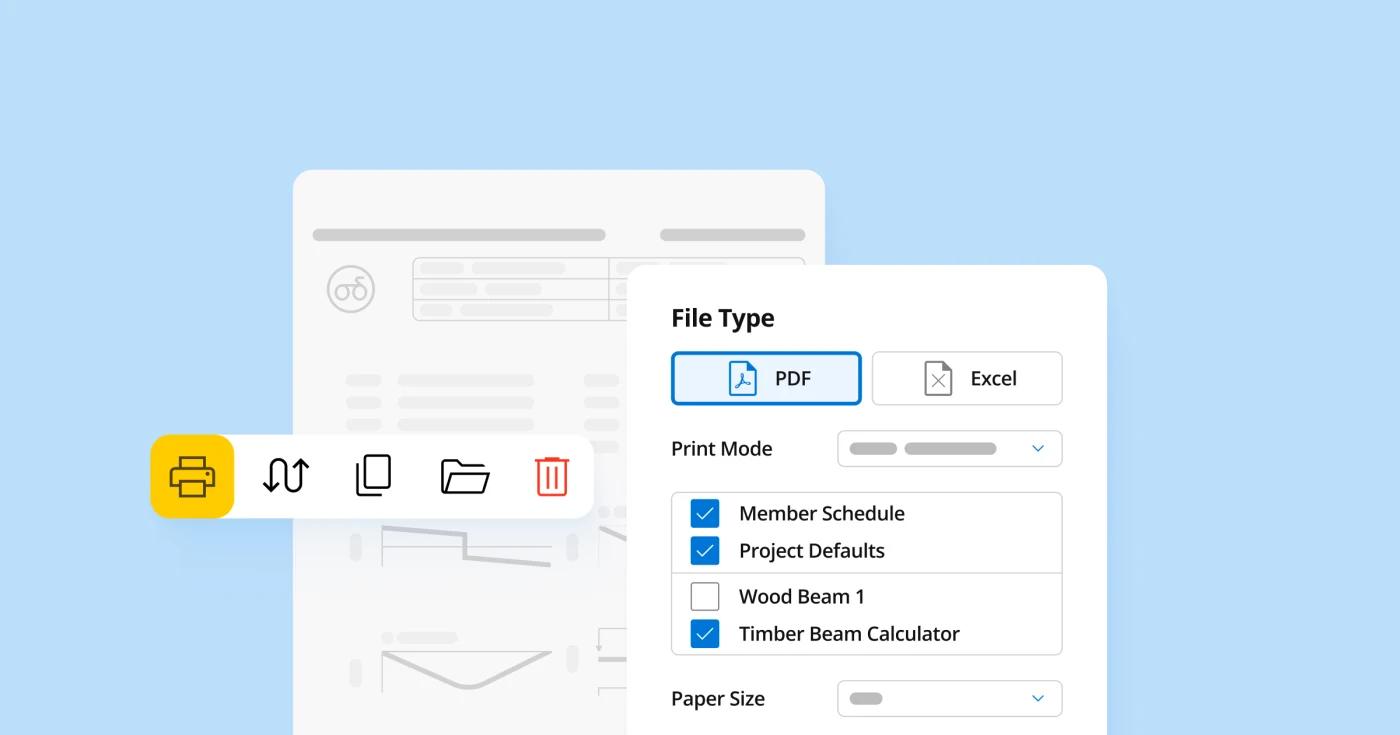
Structural report
Export a professional structural calculation report in one click. Inputs, formulas, code references, and results are formatted and ready for client delivery or permit submission.
References
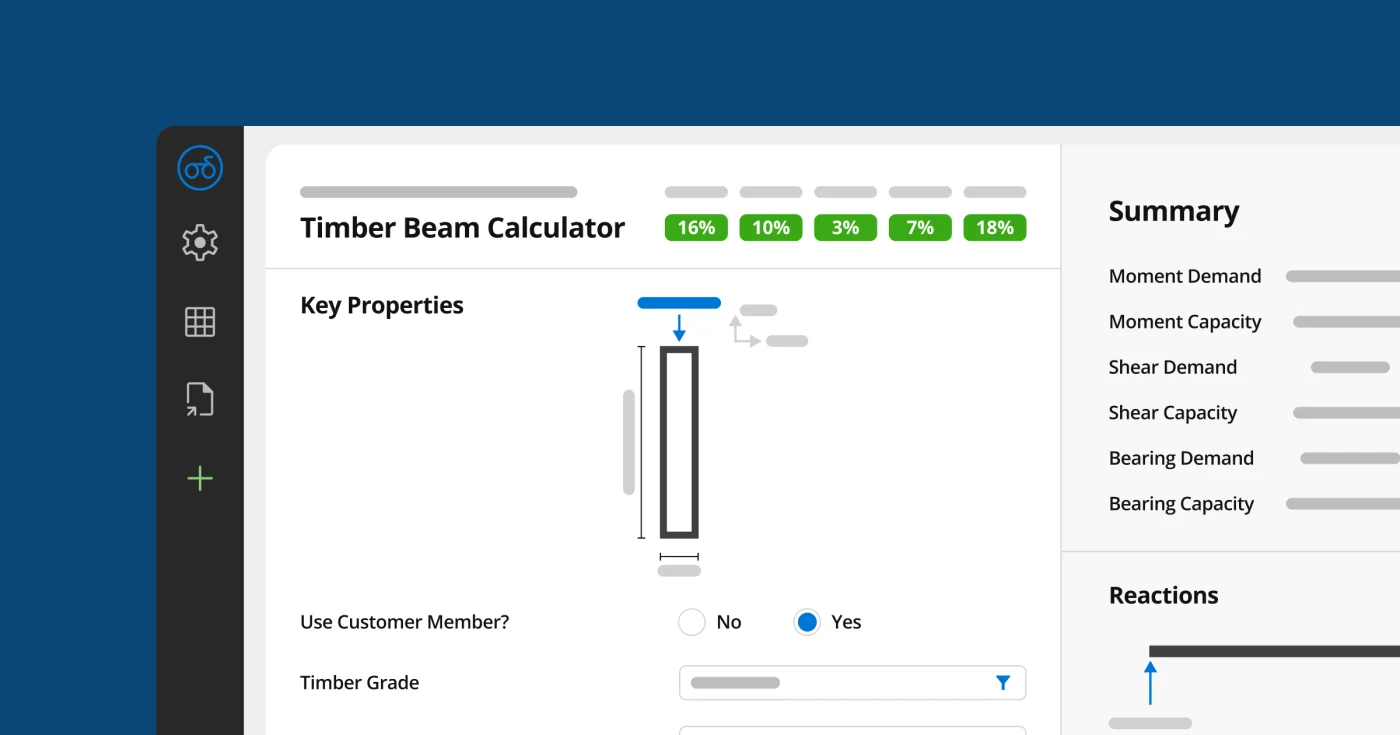
See the exact codes and formulas behind your calculations - no codebook required. Every formula is linked to the standard and clause that governs it, visible inside the calculation.
Share a calculation with the basis of design attached - inputs, formulas, and code references alongside the result.
No credit card required · 30-day money-back guarantee on paid plans
We use analytics cookies to understand how you use this site and improve our content. See our privacy policy and cookie policy for details.