

What it calculates
Enter unfactored loads and the calculator generates all governing LRFD combinations per IBC/ASCE 7, then runs FEA to produce factored demands for strength-level checks. Identify the governing combination instantly without manual load factor work.
Who uses this calculator
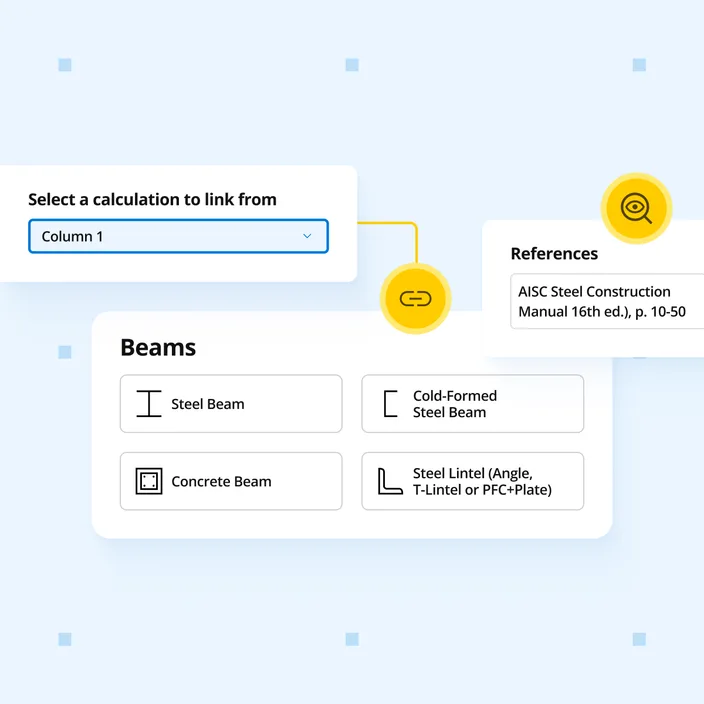
Enter unfactored dead, live, snow, wind, and seismic loads and the calculator automatically generates all governing LRFD combinations per IBC and ASCE 7-10 through 7-22, delivering factored Mu and Vu for every combination. Support reactions from the governing combination link to connected column and footing calculations so the whole load path updates when you change any input.
How it calculates
The LRFD Beam Analysis calculator passes all typed loads through the FEA solver against all ASCE 7 LRFD strength combinations, returning envelope factored demands for each result type.
Load input and combination generation
Loads are entered by type: D, L, Lr, S, R, W,dn, W,up, Ev, and Eh. The calculator applies LRFD strength-level factors from ASCE 7 Section 2.3 to each load type and generates 16 strength combinations. For example:
- 1.4D
- 1.2D + 1.6L + 0.5Lr (or S or R)
- 1.2D + 1.6S + f1·L + 0.5Lr
- 1.2D + 1.0W,dn + f1·L + 0.5Lr
- 0.9D + 1.0W,up
- 0.9D - 1.0Ev + 1.0Eh
The companion factor f1 on live load is 1.0 for most occupancies, reduced when LLR is enabled.
Strength envelope
The FEA solver runs each combination and envelopes to find:
- Mu+ = max factored positive moment across all strength combinations
- Mu- = max factored negative moment (hogging)
- Vu = max factored |shear|
- Max factored reaction at any support
The governing combination label is reported alongside each demand.
Serviceability demands
Service-level deflections are tracked separately under unfactored or partially factored service combinations: short-term (live/snow/wind), long-term (D + L + Lr with creep), and simplified DL+(LL or SL). Deflection span ratios are reported.
The calculator does not perform member capacity checks - it delivers LRFD factored demands for direct use in steel, concrete, or CFS design calculators.
If you are choosing between design methods, see how ASD and LRFD compare in structural design. It covers which member design calculators expect which demands.