
Time-saving tips and tricks to optimise structural design at Calcs.com (AU)

Brooks Smith, CPEng
Head of Engineering R&D
About this event
A 1-hour session on getting the most out of Calcs.com structural design software for Australian practice. Brooks Smith covers productivity tips, project organisation, load linking, export settings, and collaboration features that make design calculations faster and easier to manage.
In this webinar we covered
- Project structure and member naming conventions
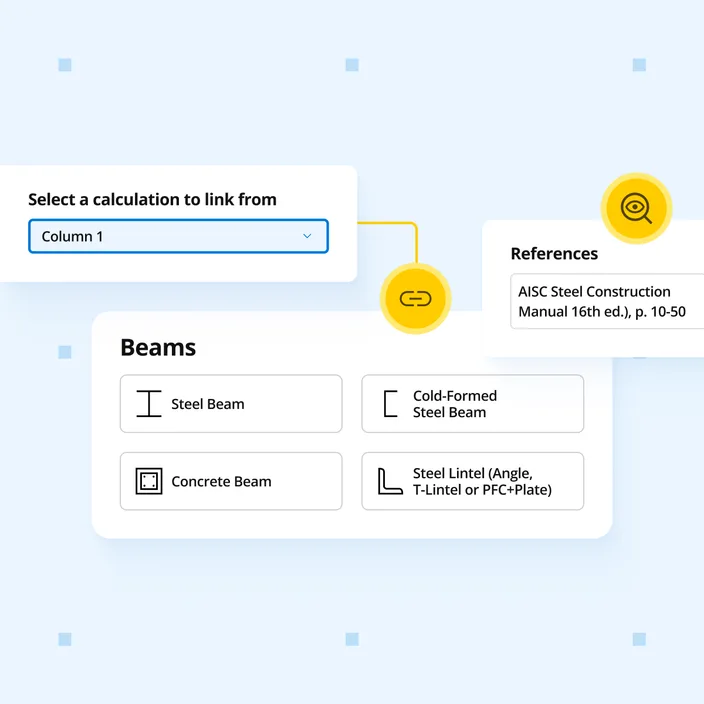
- Load path linking: passing reactions between calculators automatically
- Using templates and cloning projects for repeat designs
- Printing and exporting calculations for plan check submission
- Collaboration features: sharing projects and review workflows
- Working with Australian standards in Calcs.com
Speakers
Brooks Smith, CPEng
Head of Engineering R&D · Calcs.com
Brooks is an experienced structural engineer with a passion for innovation, development of design and analysis software tools, new product R&D, and remediation of existing structures. Prior to joining Calcs.com, Brooks was a Senior Engineer in structural engineering technology consulting, and has previously worked as a forensic/remediation engineer and as a structural materials researcher. His experience has historically focused on cold-formed steel and post-tensioned concrete.
Frequently asked questions
Related webinars
How to prepare residential structural calculations deliverables
A practical walkthrough of how to assemble a complete set of residential structural calculations for plan check submission.
Residential home design to Australian standards
A practical session covering the structural design of an Australian residential home, from gravity load determination through to lateral bracing.

Retaining wall design considerations to AS 4678-2002 and AS 2159-2009
A practical walkthrough of retaining wall design for Australian projects, covering geotechnical and structural requirements under AS 4678-2002 and foundation design under AS 2159-2009.
Try the calculations from this session yourself
Every webinar topic has a matching standards-aligned calculator in Calcs.com. Run through the same design problems yourself - 14-day free trial, no card required.
No credit card required · 30-day money-back guarantee
We use analytics cookies to understand how you use this site and improve our content. See our privacy policy and cookie policy for details.