
Time-saving tips and tricks to optimize structural design at Calcs.com (US)

Eva Wu
Structural Design Consultant

Connor Conzelman
Director of Customer Success
About this event
A 1-hour session on getting the most out of Calcs.com structural design software for US practice. Covers productivity tips, project organisation for US residential projects, load linking, export settings for plan check submission, and collaboration features.
In this webinar we covered
- Project structure and member naming for US residential projects
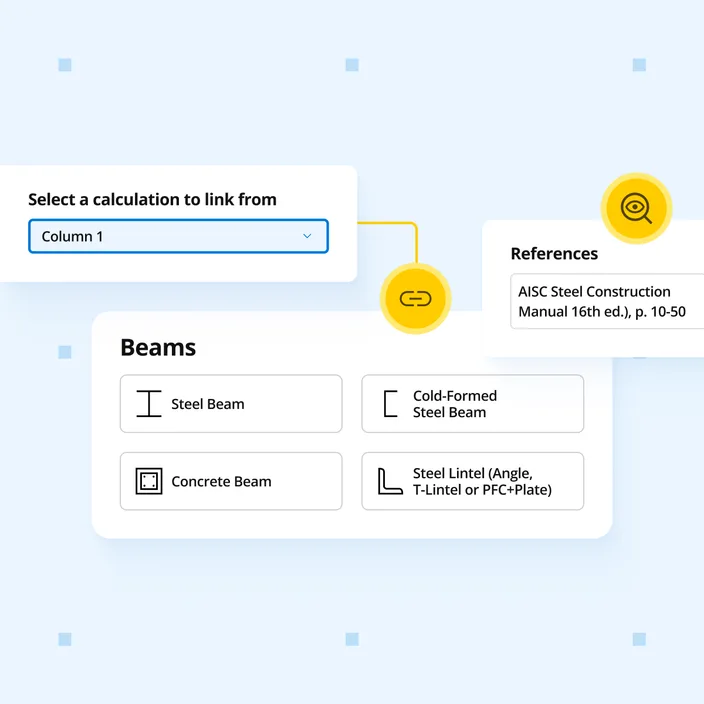
- Load path linking: passing reactions between Calcs.com calculators
- ASD vs LRFD workflow and switching between design methods
- Printing and exporting for US plan check submission
- Collaboration: sharing projects and multi-user workflows
- Getting the most from the Calcs.com calculator library for US codes
Speakers
Eva Wu
Structural Design Consultant · Calcs.com
Eva is a Structural Design Expert with five years of experience in building design. Before joining Calcs.com, she specialized in mass timber and structural steel design in recreational and institutional buildings. She has also designed a fair share of bespoke houses.
Connor Conzelman
Director of Customer Success · Calcs.com
Connor is an experienced Mechanical Engineer who found his passion in connecting his people and technical skills to help engineers in every step of their design process. Before joining Calcs.com, Connor worked as a Mechanical Design Engineer focusing on energy-efficient designs at Elara Engineering in Chicago and completed his MBA from Western Illinois University.
Frequently asked questions
Related webinars
How to prepare residential structural calculations deliverables
A practical walkthrough of how to assemble a complete set of residential structural calculations for plan check submission.
Cold-formed steel design to American standards
Cold-formed steel members are widely used in light commercial and residential construction, but their design differs significantly from hot-rolled steel.

Residential home design to American standards
How to design a residential home to meet the International Residential Code (IRC) and the relevant American Standards.
Try the calculations from this session yourself
Every webinar topic has a matching standards-aligned calculator in Calcs.com. Run through the same design problems yourself - 14-day free trial, no card required.
No credit card required · 30-day money-back guarantee
We use analytics cookies to understand how you use this site and improve our content. See our privacy policy and cookie policy for details.