

What it calculates
Design and analyse timber beams with multiple spans and load cases to AS 1720.1:2010. Beam reactions link to connected column and footing calculations automatically. Supports continuous, propped cantilever, and inclined configurations with bending, shear, bearing, and deflection checks.
Who uses this calculator
Beam reactions link to your column and footing calculations automatically - multi-span configurations update downstream calcs when you change any load or span. Analyses continuous, propped, and cantilevered timber beams to AS 1720.1:2010 with bending, shear, bearing, and deflection checks across all spans.
Specify the products your project actually uses without leaving the calculation. This calculator carries 1,208 branded sections from 11 named suppliers. Those include Hyne glulam, NeXTimber GL13, and Wesbeam, Dindas and hySPAN LVL. You design against the properties those companies publish, instead of working from a separate manufacturer guide. Traffic-light checks for moment, deflection, and shear make results quick to interpret.
How it calculates
The Timber Beam calculator checks MGP and F-grade sawn timber, glulam, LVL and I-joist beams to AS 1720.1:2010 (Amendment 3). You set the spans, supports and loads. Calcs.com analyses the beam and checks bending, shear, bearing and deflection in every span.
Structural model
Supports can sit anywhere along the beam, as fixed, pinned or roller supports. That covers simple spans, continuous beams, propped cantilevers and overhangs in one calculation. The finite element beam solver works out moments, shears, deflections and reactions for every load combination.
For a rafter on a simple slope, or a hip or valley beam, enter the roof pitch and tributary width. The calculator resolves the incline and the gravity components for you.
Load combinations
You enter permanent (G), imposed (Q) and wind actions, up and down, on any part of any span. The calculator builds the AS/NZS 1170.0 strength combinations, from 1.35G and 1.2G + 1.5Q to the wind uplift case 0.9G + Wu, plus the serviceability combinations.
The default load set includes a 1.8 kN concentrated imposed load at midspan. Edit or remove it to suit the member.
Capacity checks
- Bending: M* against φM_d = φ k_1 k_4 k_6 k_9 k_12 f_b' Z. I-joists use the manufacturer's moment capacity in place of f_b' Z. Curved or cambered glulam also gets a radial stress check.
- Shear: V*, the maximum shear from the analysis, against φV_d = φ k_1 k_4 k_6 f_s' A_s, where A_s is two-thirds of the gross area. I-joists use the manufacturer's shear capacity.
- Bearing: the reaction at each support against φN_d = φ k_1 k_4 k_6 k_7 f_p' A_p. The bearing length you enter sets A_p and k_7. Enter zero to skip a support.
The partial seasoning factor k_4 comes from the equilibrium moisture content for seasoned timber and LVL. For unseasoned timber it comes from the loaded moisture content and the least dimension. The stability factor k_12 comes from the slenderness coefficient S_1, using the restraint spacing on the compression edge.
Deflection
Each span gets three deflection checks:
- Short-term: under the serviceability combinations
- Long-term: with the creep factor j_2 applied
- Imposed load only
Default limits are L/250 for spans and L/150 for cantilevers. Floor joist, bearer and lintel presets default to L/300, the hanging beam to L/270 and the wind beam to L/200. An absolute limit in millimetres is also available for sensitive finishes.
Section library and moisture
The library covers standard Australian sawn and engineered sections: MGP and F-grades, glulam, LVL and I-joists. Of those, 1,208 branded sections from 11 suppliers carry the characteristic values each manufacturer publishes: Hyne Timber, Metsa Wood, ITI, Louisiana-Pacific, Tilling Timber, NeXTimber, Carter Holt Harvey, Nelson Pine, Wesbeam, Dindas and Meyer Timber. You can also enter a custom section.
Moisture inputs default to an equilibrium moisture content of 15% and a loaded moisture content under 25%. Change them for external or wet-area members.
Outputs and load linking
Results show moment, shear and deflection diagrams with peak values, a demand-to-capacity ratio for each check, the governing modification factors and traffic-light pass or fail.
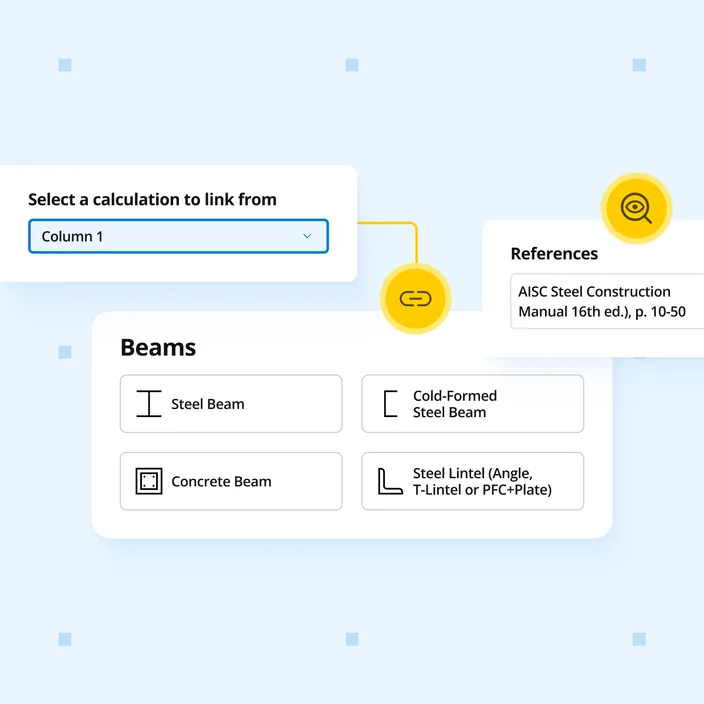
Support reactions link to AS 1720 timber columns, AS 4100 steel columns, cold-formed steel columns, concrete walls, laterally loaded piles and concrete pad footings in the same project. Change the span, section, loads or supports and every linked calculation updates. Point and distributed loads can also be linked in from reactions in other calculations.